68
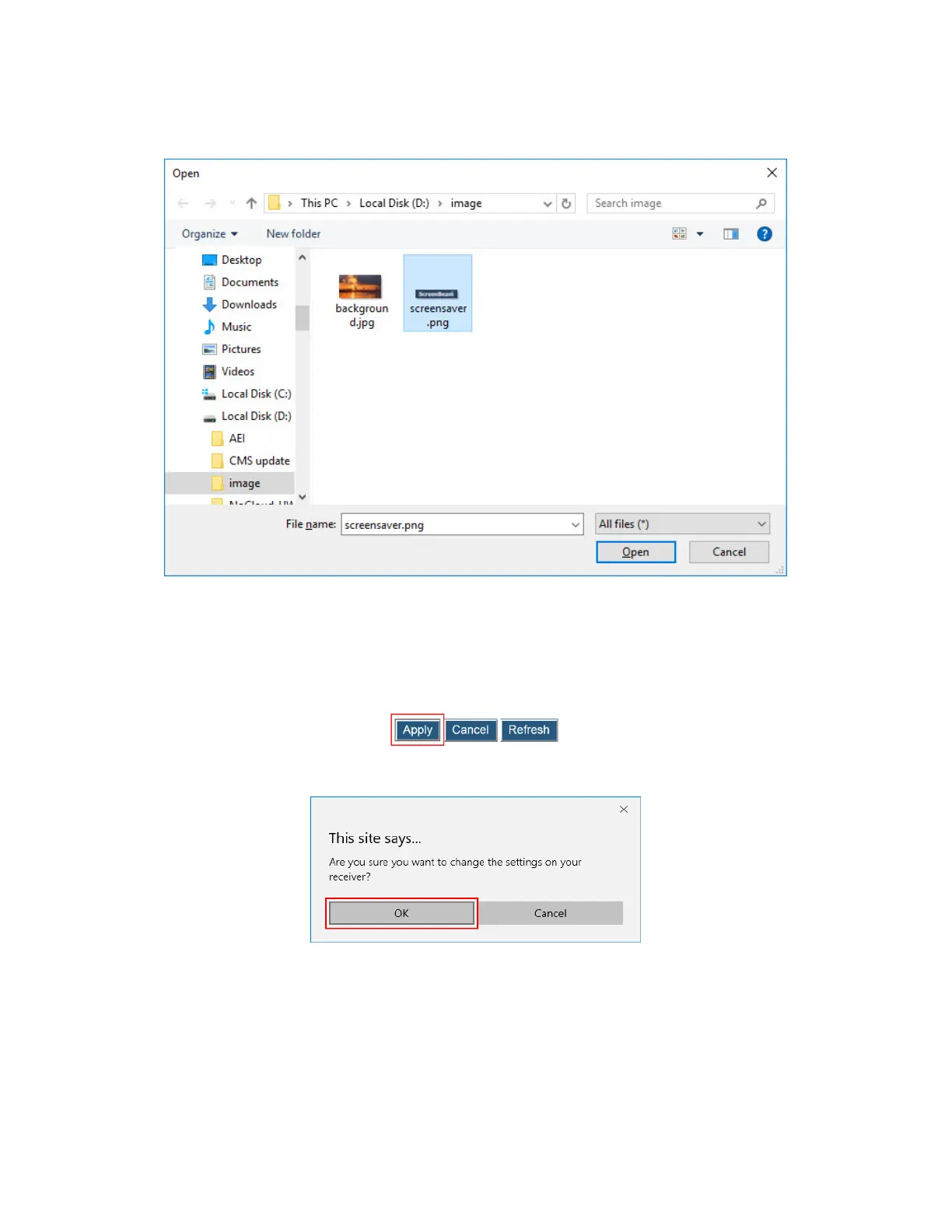
3. The Open window appears. Select an image for the screen saver and click the Open
button to confirm.
Note:
The image must be in .png format.
The file size must not exceed 200 KB.
The best image size is 300*60 pixels.
4. Click the Apply button to upload the screen saver image to the receiver.
5. A confirmation message appears. Click OK to continue.
6. After a while, the screen saver image will be updated. You can check it on the connected
display when the screen saver is running.



 To Next Page