11-5
Maintain the printer
11
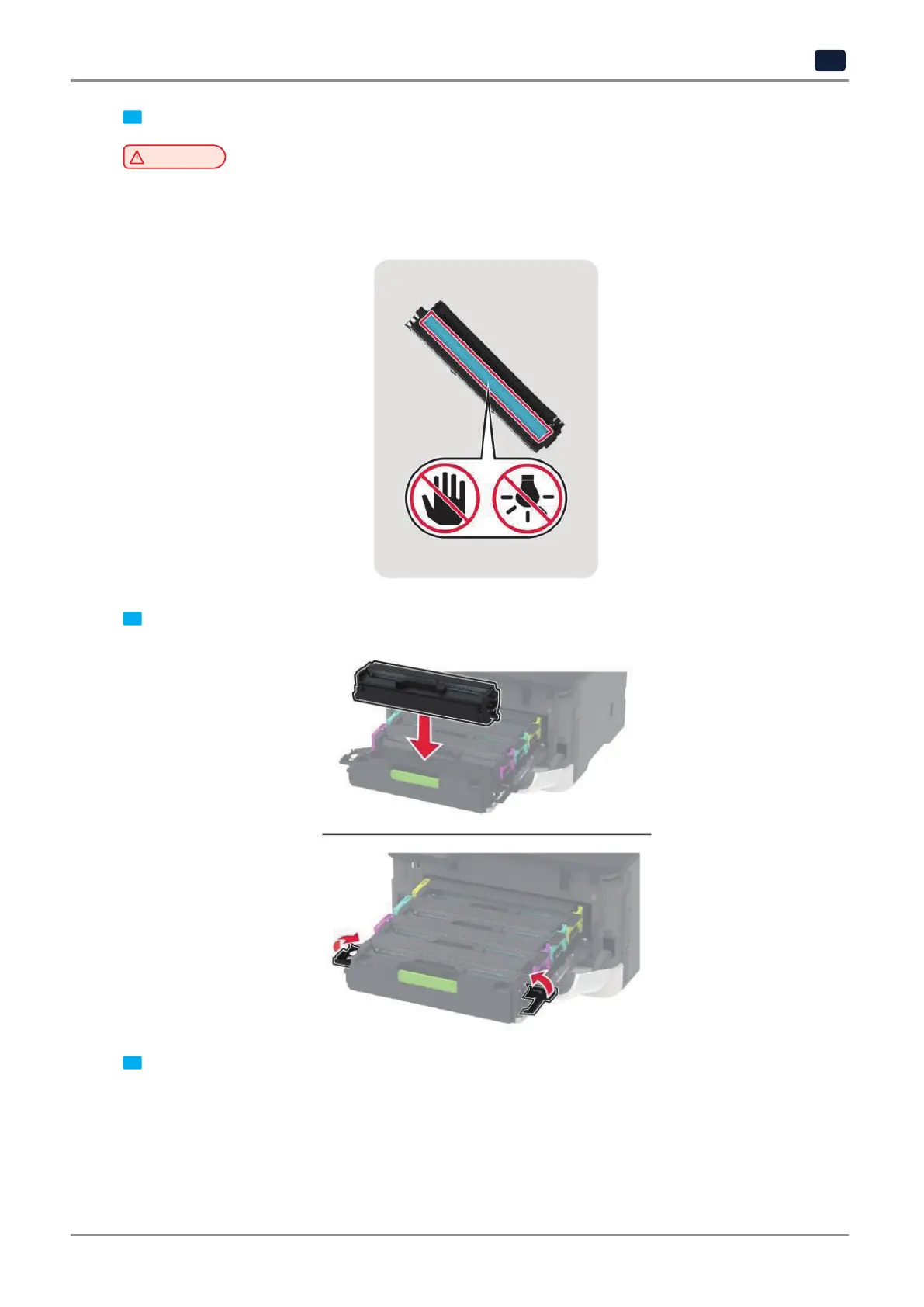
4 Unpack the new print cartridge.
Warning
Potential Damage
‑
Do not expose the underside of the print cartridge to direct light. Extended exposure to light may cause
print quality problems.
‑
Do not touch the underside of the print cartridge. Doing so may affect the quality of future print jobs.
5
Insert the new print cartridge.
6
Insert the print cartridge tray, and then close the door.



 To Next Page