Maintain the printer
11-18
11
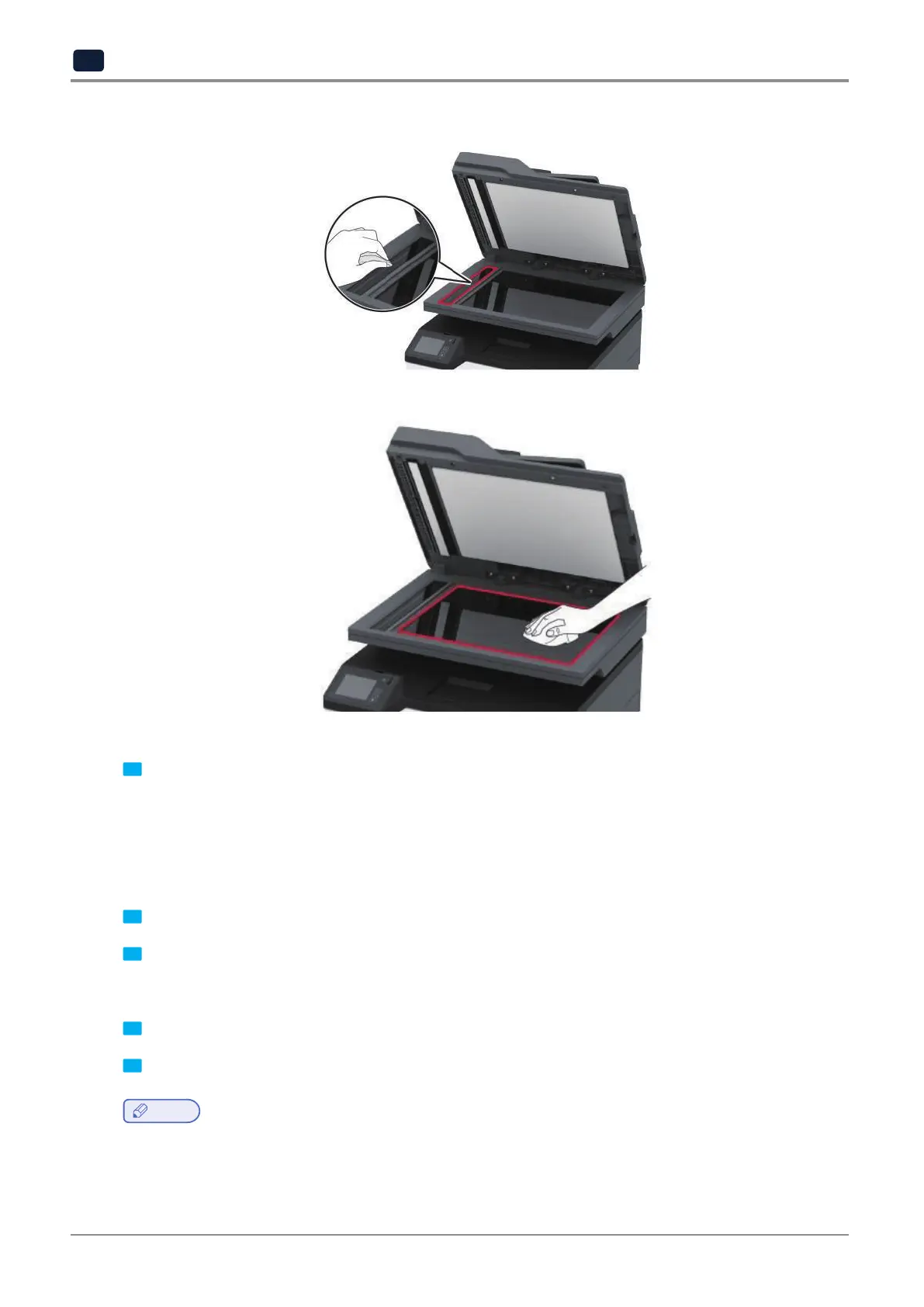
❖ ADF glass
❖ Scanner glass
3 Close the scanner cover.
Saving energy and paper
Configuring the power save mode settings
❖
Sleep mode
1 Fromthehomescreen,touchSettings→Device→PowerManagement→Timeouts→SleepMode.
2 SpecifytheamountoftimethattheprinterstaysidlebeforeitentersSleepMode.
❖
Hibernate mode
1 Fromthehomescreen,touchSettings→Device→PowerManagement→Timeouts→HibernateTimeout.
2 SelecttheamountoftimethattheprinterstaysidlebeforeitentersHibernatemode.
Note
-
ForHibernateTimeouttowork,setHibernateTimeoutonConnectiontoHibernate.
-
TheEmbeddedWebServerisdisabledwhentheprinterisinHibernatemode.



 To Next Page