5-3
Print
5
3 Select a printer, and then adjust the settings, if necessary.
4 Print the document.
Printing from a mobile device using Wi‑Fi Direct
®
Wi-Fi Direct is a printing service that lets you print to any Wi-Fi Direct-ready printer.
Note
-
Make sure that the mobile device is connected to the printer wireless network.
For more information, see “Connecting a mobile device to the printer” on P. 3-18.
1 From your mobile device, launch a compatible application or select a document from your file manager.
2 Depending on your mobile device, do one of the following:
-
Tap → Print.
-
Tap → Print.
-
Tap → Print.
3 Select a printer, and then adjust the settings, if necessary.
4 Print the document.
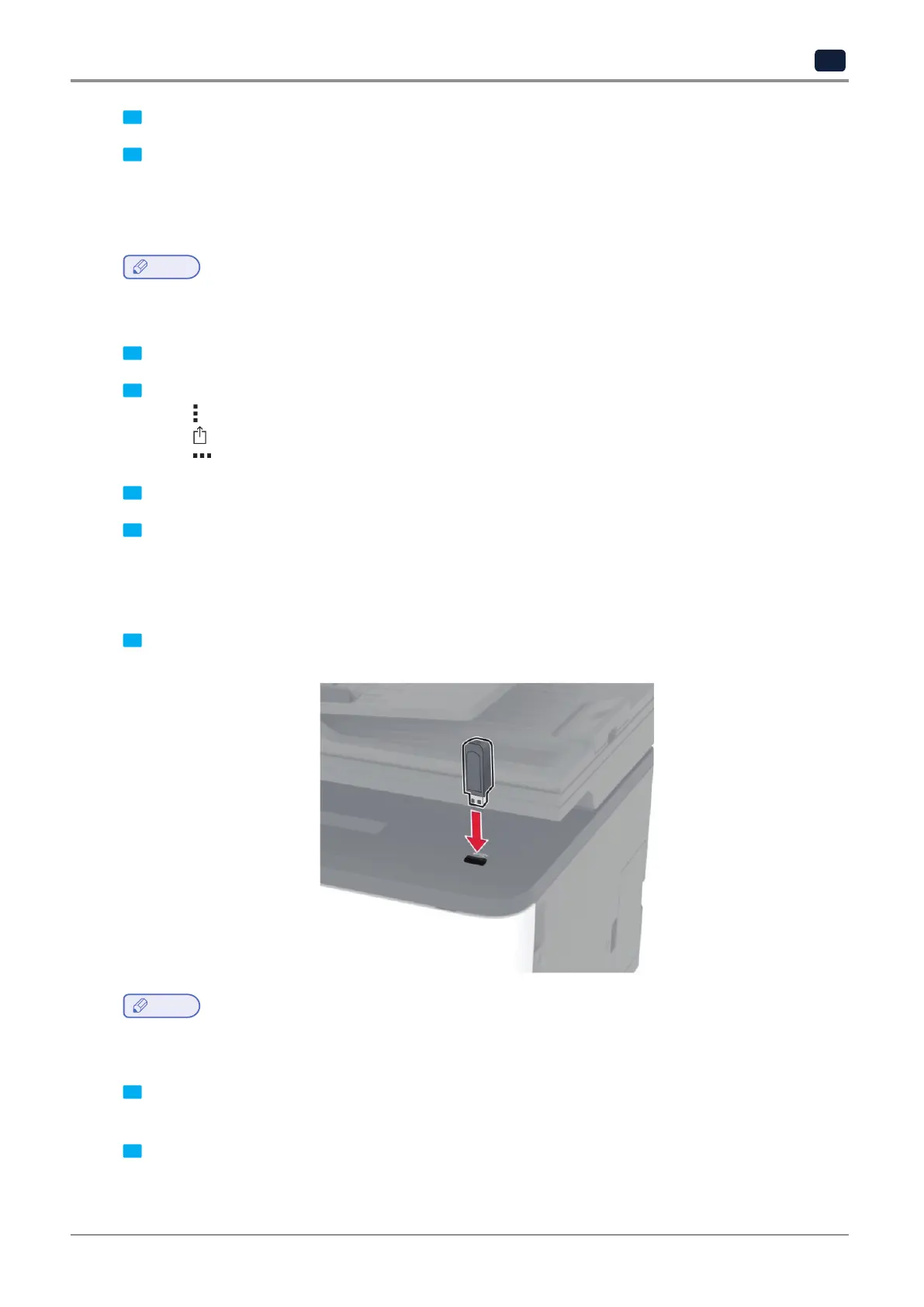
Printing from a flash drive
This feature is available only in some printer models.
1 Adjust the guide to match the size of the paper that you are loading.
Note
-
If you insert the flash drive when an error message appears, then the printer ignores the flash drive.
-
If you insert the flash drive while the printer is processing other print jobs, then Busy appears on the display.
2 Select the document that you want to print.
If necessary, configure other print settings.
3 Print the document.
To print another document, select USB Drive.



 To Next Page