Set up, install, and configure
3-14
3
-
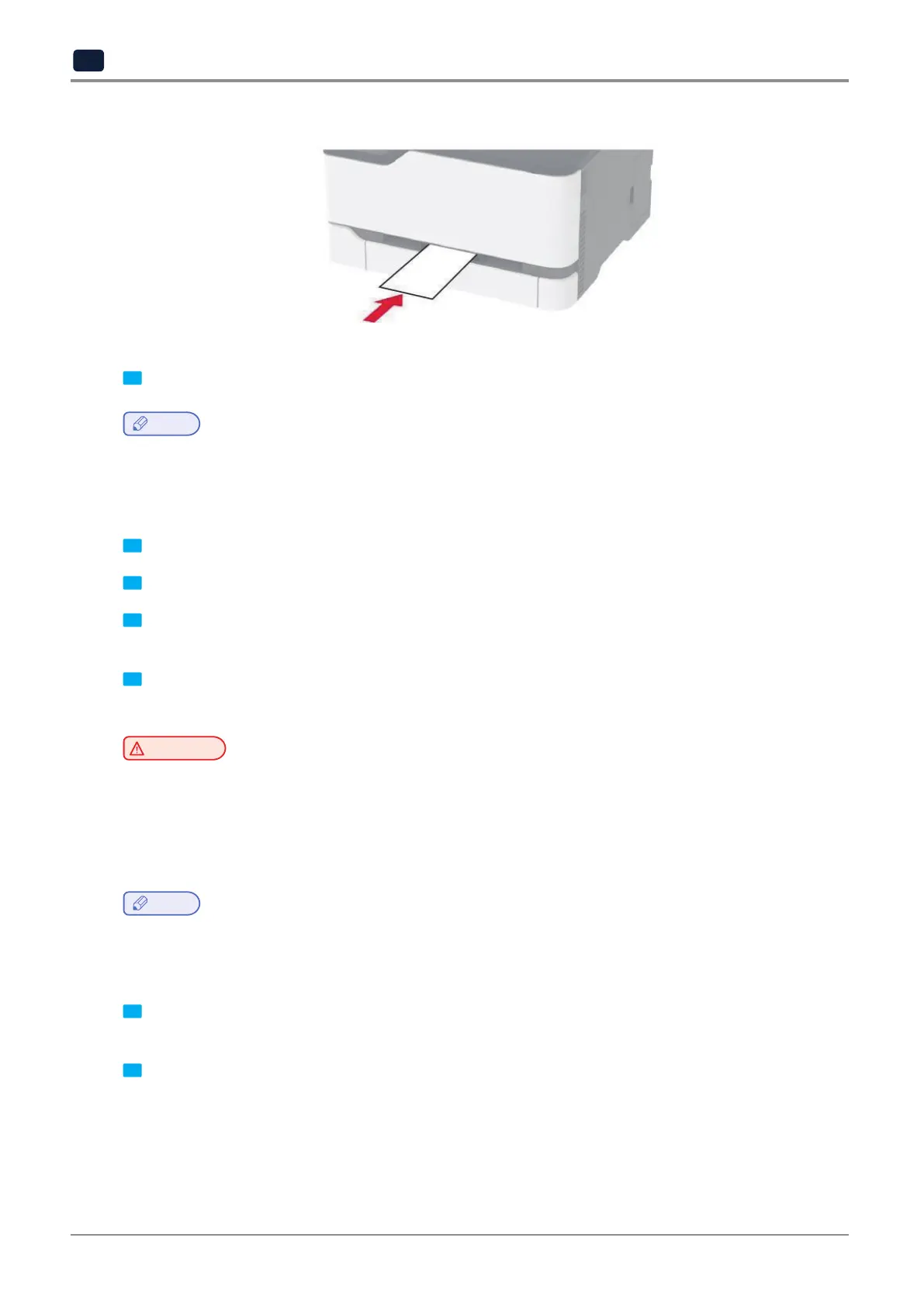
Load envelope with the flap side down and against the right side of the paper guide.
3 Feedthepaperuntilitsleadingedgegetspulledin.
Note
-
To avoid paper jams, do not force paper into the manual feeder.
-
Before loading another sheet, wait for a message to appear on the display.
Linking trays
1 Fromthehomescreen,touchSettings→Paper→TrayConfiguration→selectapapersource.
2 Set the same paper size and paper type for the trays that you are linking.
3 Fromthehomescreen,touchSettings→Device→ Maintenance → Config Menu → Tray Configuration →
Tray Linking.
4 Touch Automatic.
To unlink trays, make sure that no trays have the same paper size and paper type settings.
Warning
Potential Damage:
-
The temperature of the fuser varies according to the specified paper type. To avoid printing issues,
match the paper type setting in the printer with the paper loaded in the tray.
Installing and updating software, drivers, and firmware
Installing the printer software
Note
-
The print driver is included in the software installer package.
-
ForMacintoshcomputerswithmacOSversion10.7orlater,youdonotneedtoinstallthedrivertoprint
on an AirPrint-certified printer.
1 Obtain a copy of the software installer package.
-
FromthesoftwareCDthatcamewithyourprinter.
2 Run the installer, and then follow the instructions on the computer screen.



 To Next Page