Creating and Viewing Reports
Note: At any point during the creation of a report (or perhaps at many points), you
may save what you have done by clicking File > Save. The first time you save you must
give your report a filename or accept the default, which will be the report title that
you assign in the following procedure.
To generate an example report of network device availability information:
1. Click Start > All Programs > SolarWinds > Alerting, Reporting, and Mapping >
Report Writer.
2. Click File > New Report.
3.
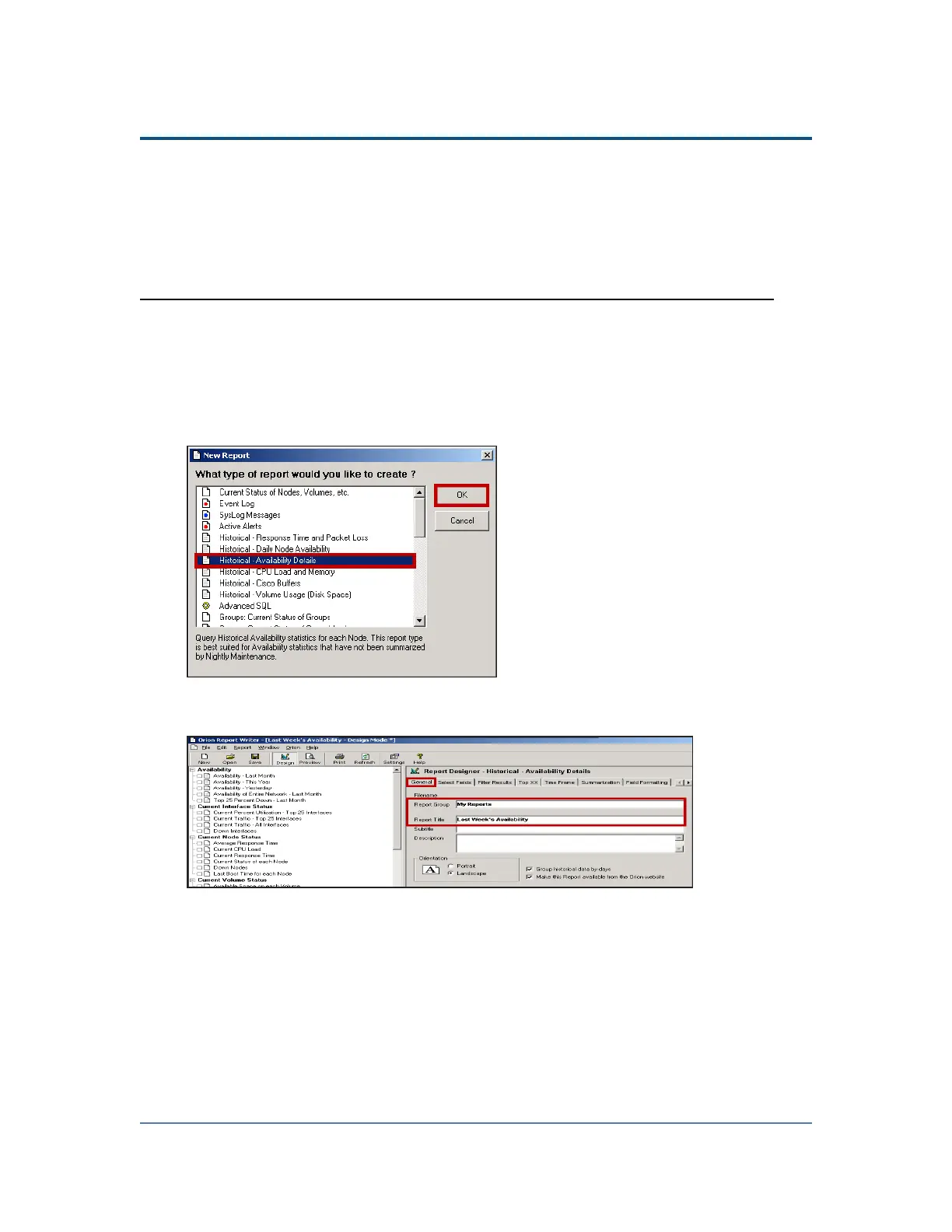
The example calls for a report on availability over the past week, so select
Historical Availability Details, and then click OK.
4.
Type My Reports in the Report Group field, and then enter Last Week's
Availability as the Report Title.
273



 To Next Page