5.
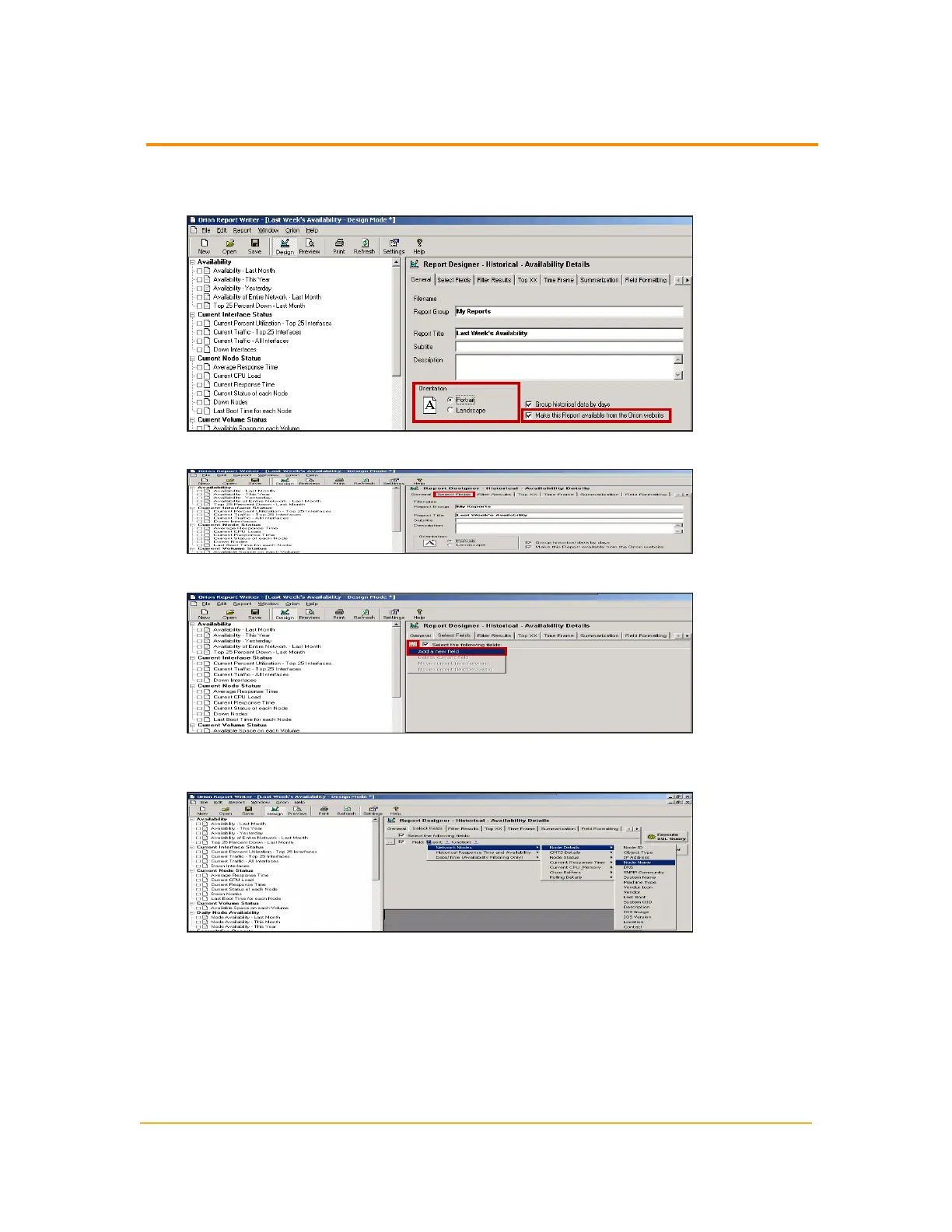
Select Portrait for the paper orientation, and then confirm that Make this
Report availablefrom the Orion website is checked.
6.
Click Select Fields.
7.
Click Browse (...), and then select Add a new field.
8.
Click the Field asterisk, and then select Network Nodes > Node Details > Node
Name.
274
Example Device Availability Report



 To Next Page