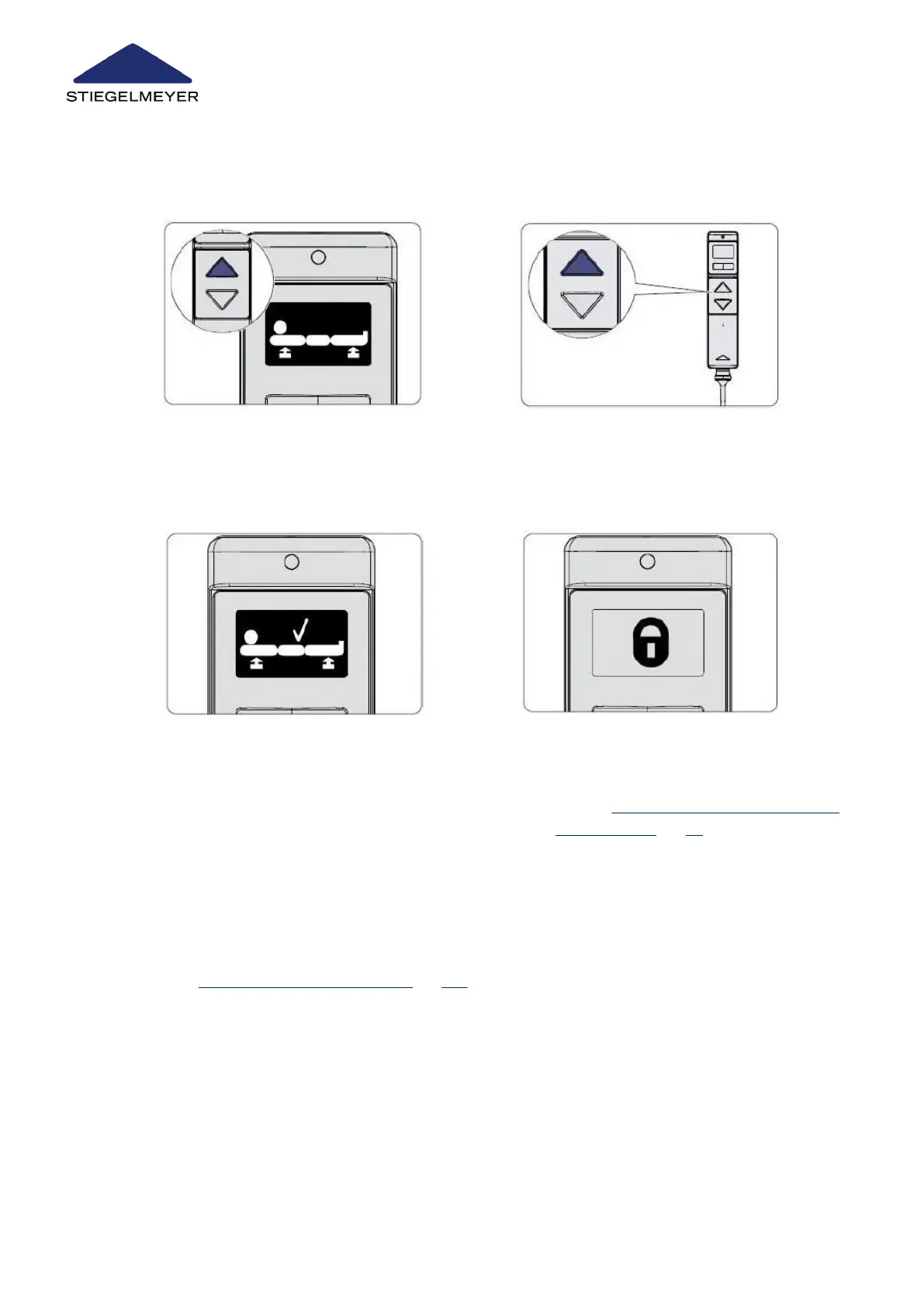
4 Press the toggle left button once to change
the display to the next image INIT (step 5).
5 Select the initialisation function by press-
ing the UP button.
6 Press the UP button on the LCD handset.
The height adjustment drive symbol will ap-
pear on the display.
7 Press the UP button until the bed is raised
to its full extent. During the adjustment
procedure, a signal tone indicates that a
reference run is being carried out.
8 After the reference run has been comple-
ted, the Lift Drive OK symbol appears.
Confirm this by pressing the UP button.
(If this symbol does not appear, this means
the control was already successfully initial-
ised once before).
9 The padlock symbol appears on the dis-
play. You can now unlock the functions
you wish to release for the patient, see
chapter Locking/unlocking electric adjust-
ment functions » 69.
10 Now, perform these steps on every available control unit:
Programming the LCD handset » 126
Replacement of electrical components
125 Instruction Manual



 To Next Page