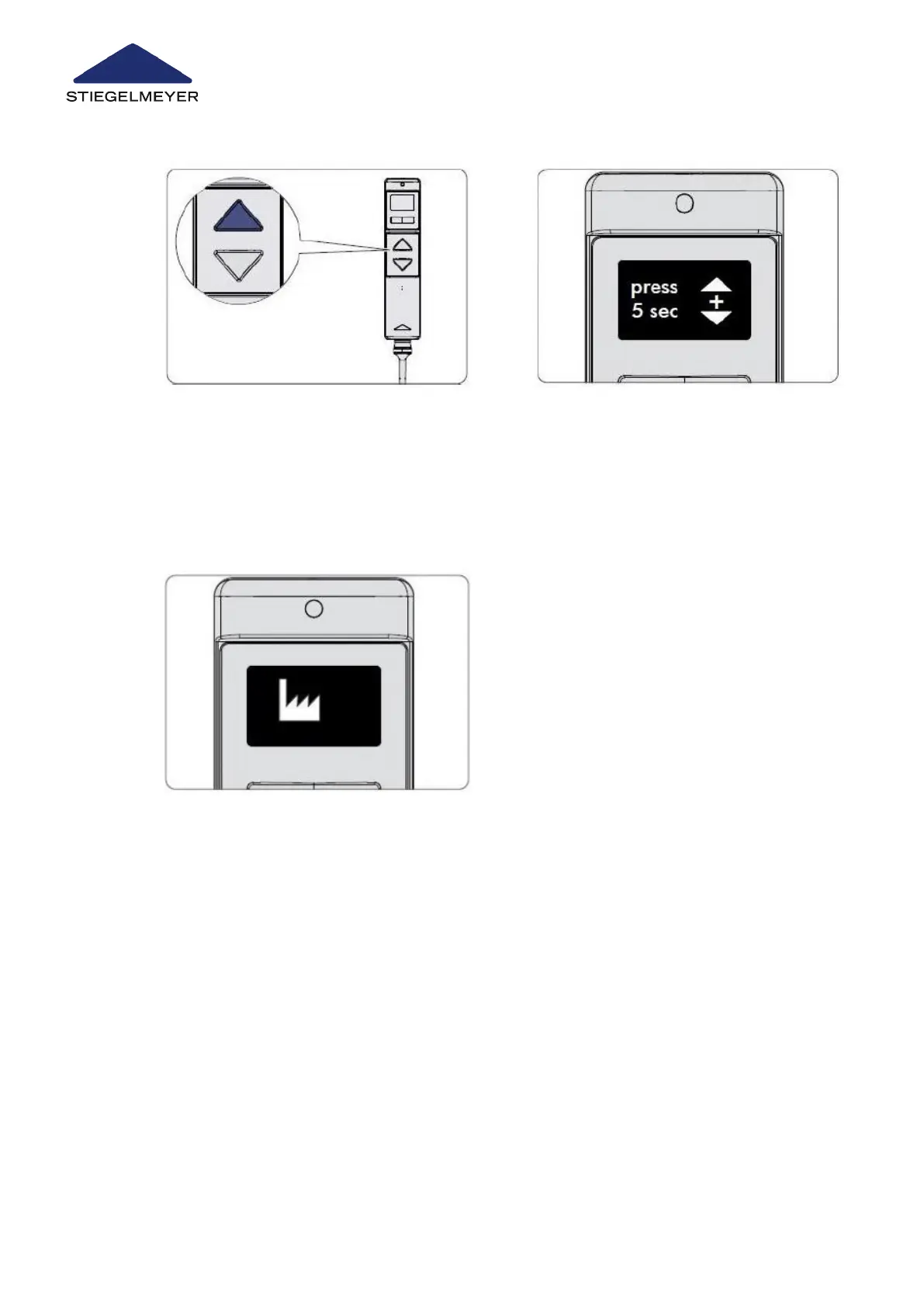
5 Press the UP button to confirm that
you wish to select the factory set-
ting function and to continue the
procedure. The display changes.
6 Press the UP and DOWN buttons si-
multaneously for approximately 5
seconds until the pulsating signal
tone that is heard stops. Let go of
the buttons. The process is now
completed.
7 The display changes again to the factory setting symbol which now indicates successful
completion of the reset to factory settings.
Bed reprocessing/bed adaptation
63 Instruction Manual



 To Next Page