94
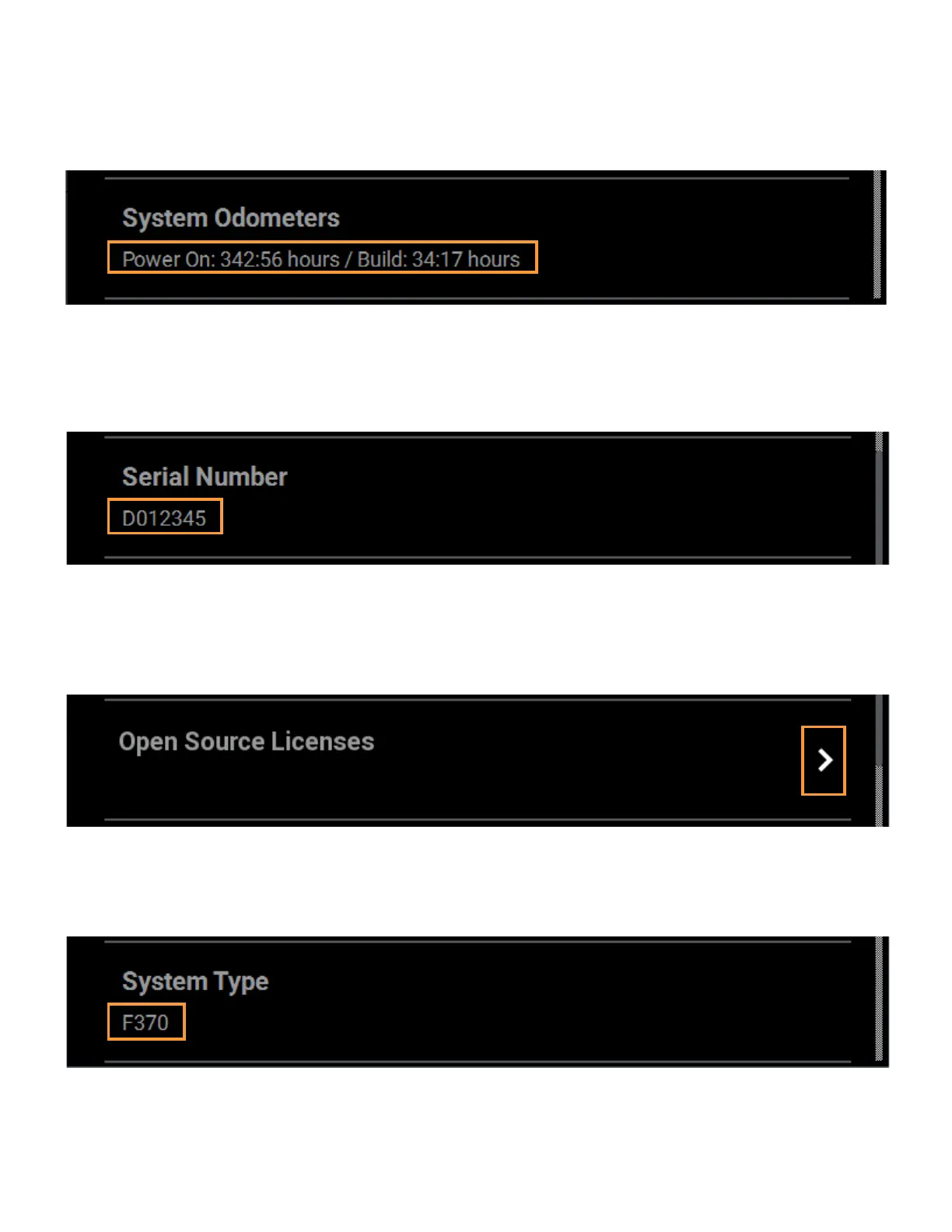
SYSTEM ODOMETERS
The System Odometers row displays the number of hours that the printer has been powered ON as well as the
number of hours in which the printer has been building.
Figure 4-69: System Odometers
SERIAL NUMBER
The Serial Number row displays the printer’s unique serial number. This number can also be found on the label
on the exterior surface of the printer (see Figure 2-6 on page 12 for serial number tag label placement).
Figure 4-70: Serial Number
OPEN SOURCE LICENSES
Pressing anywhere within the Open Source Licenses row will open a page displaying legal information
pertaining to the open source software running on the printer. The files displayed are read-only.
Figure 4-71: Open Source Licenses
SYSTEM TYPE
The System Type row displays the printer’s model type information (F170, F270, or F370).
Figure 4-72: System Type














 To Next Page