105
5
5 OPERATING THE PRINTER
This chapter explains basic steps in operating the F123 Series
BASIC USER OPERATIONS
POWERING ON THE PRINTER
To power the printer ON:
1. Connect the male end of the supplied power cord directly into a grounded electrical outlet.
2. Connect the female end of the power cord directly into the socket located on the back of the
printer (see Figure 2-7 for location).
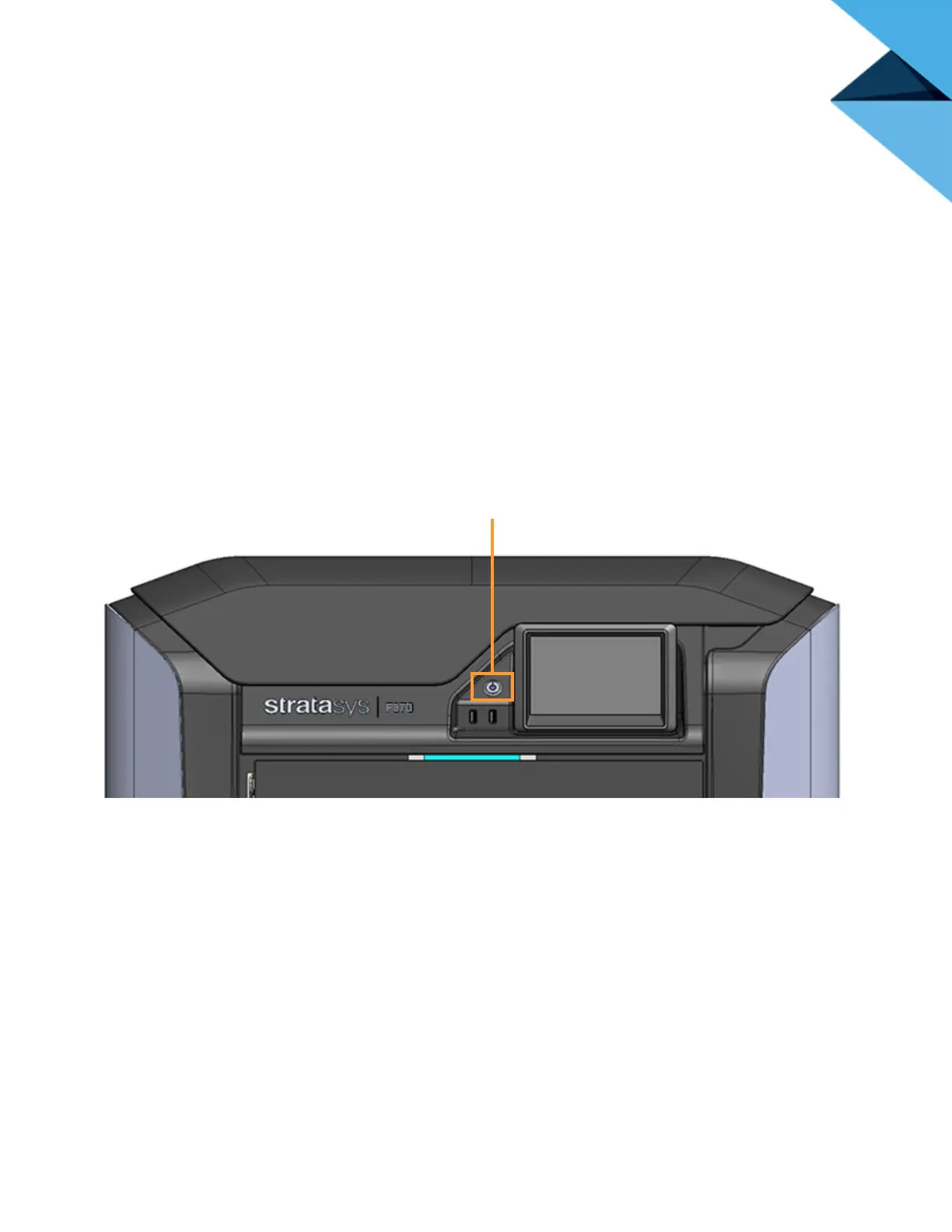
3. Press the Power button located on the front of the printer.
Figure 5-1: Power Button Location














 To Next Page