106
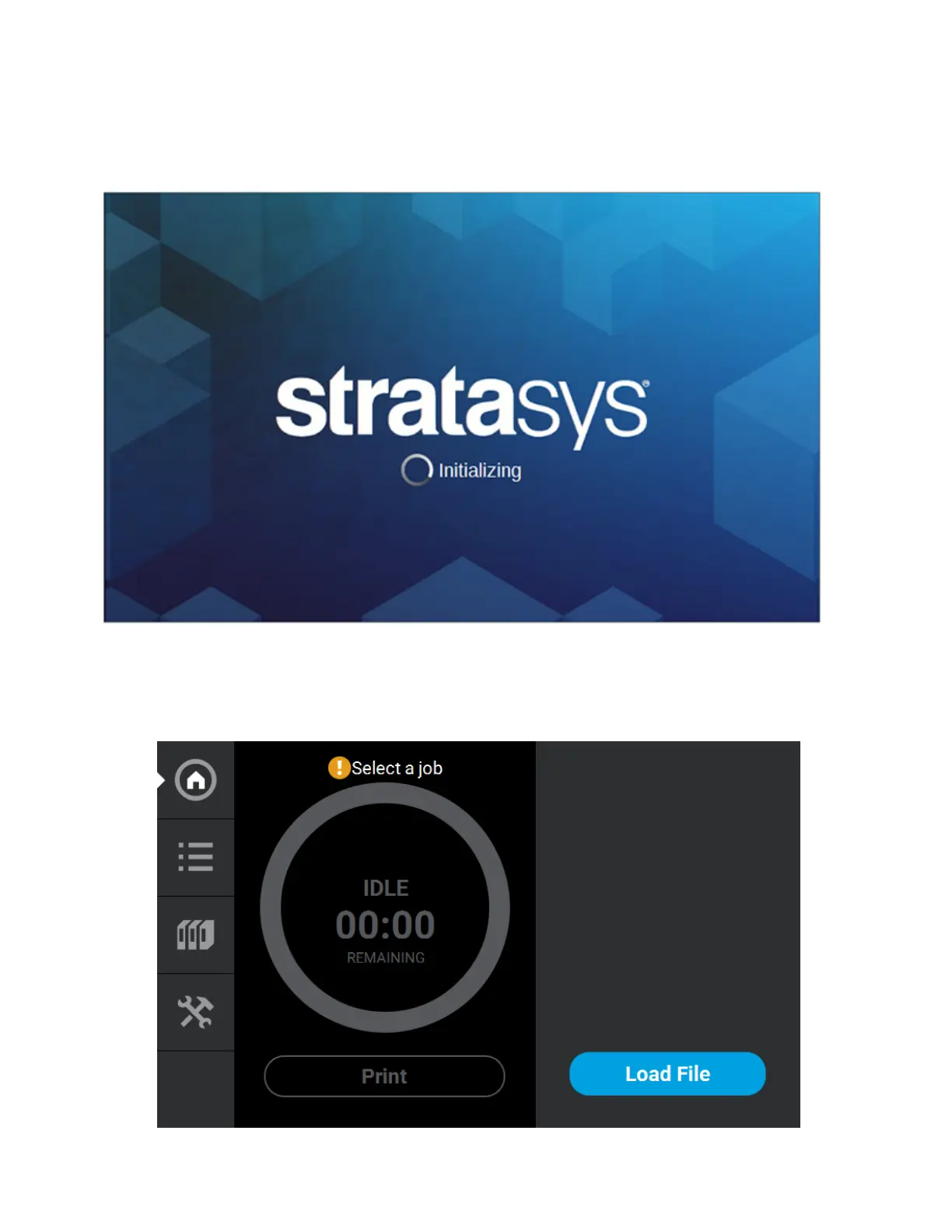
4. The printer will begin to boot. The touchscreen will turn on and begin initializing.
5. The first time the printer is powered ON a dialog will be displayed asking you to select your
desired language. Select the radio button corresponding to your desired language by touching its
row on the screen, then confirm your selection.
Figure 5-2: Initializing Start Up Screen
6. After the initialization and start up process is complete, the touchscreen will refresh to display the
Build page and the printer will automatically perform an XY Gantry Calibration (see “XY Gantry
Calibration” on page 156 for details).
Figure 5-3: Build Page














 To Next Page