126
ABORTING A BUILD
When the printer is building, you have the option of directly aborting the build. To do so:
1. The Abort button within the Build page will be selectable (see “Abort Button” on page 49 for
details), press the Abort button.
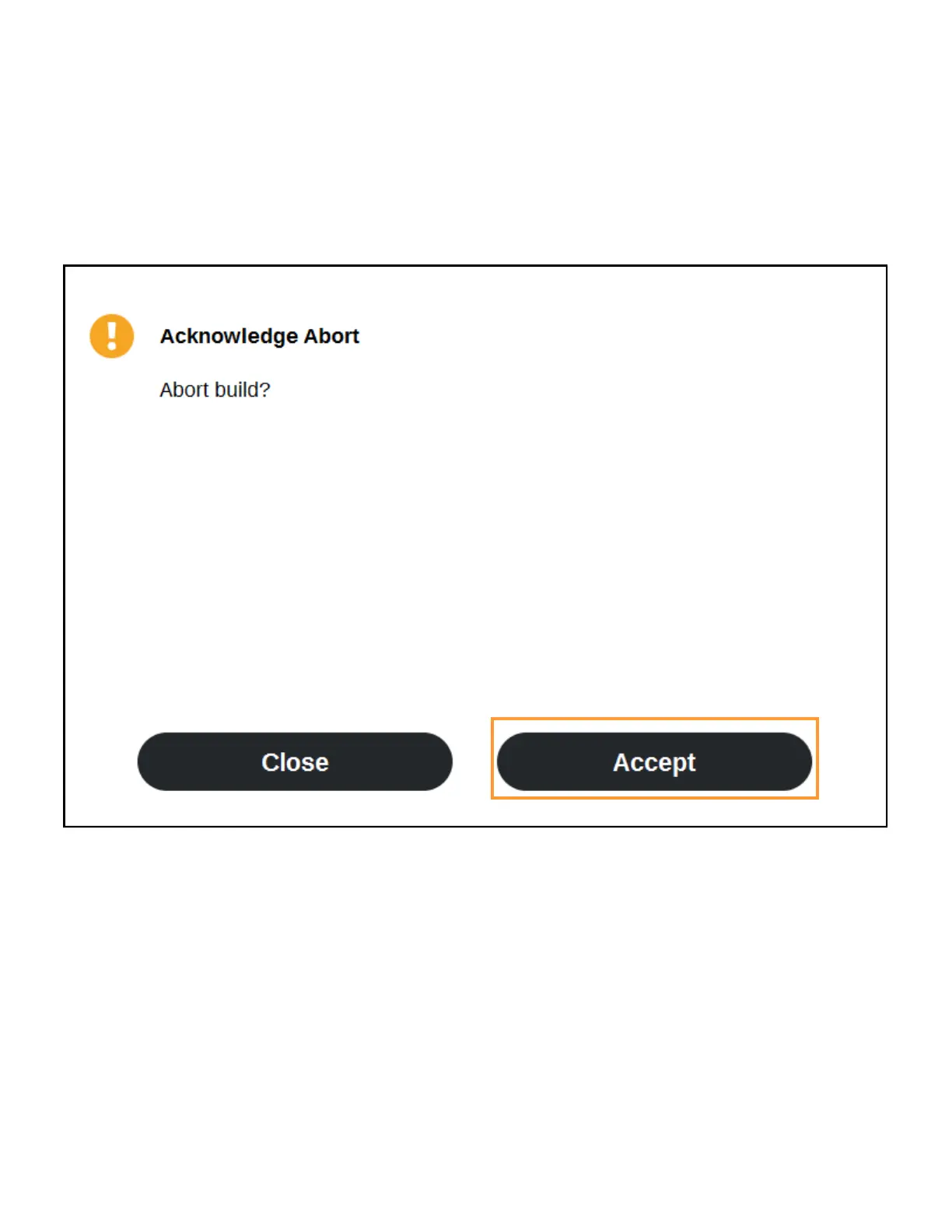
2. A dialog will be displayed allowing you to confirm or cancel the abort; press the Accept button
within the dialog to confirm the abort.
Figure 5-16: Abort Confirmation Dialog














 To Next Page