171
RIGHT AND LEFT SIDE PANELS
Required Tools
• 5 mm hex wrench
Removing the Side Panels
1. Power OFF the printer, see “Powering Off” on page 169.
2. Remove the rear panel. See “Removing the Rear Panel” on page 170.
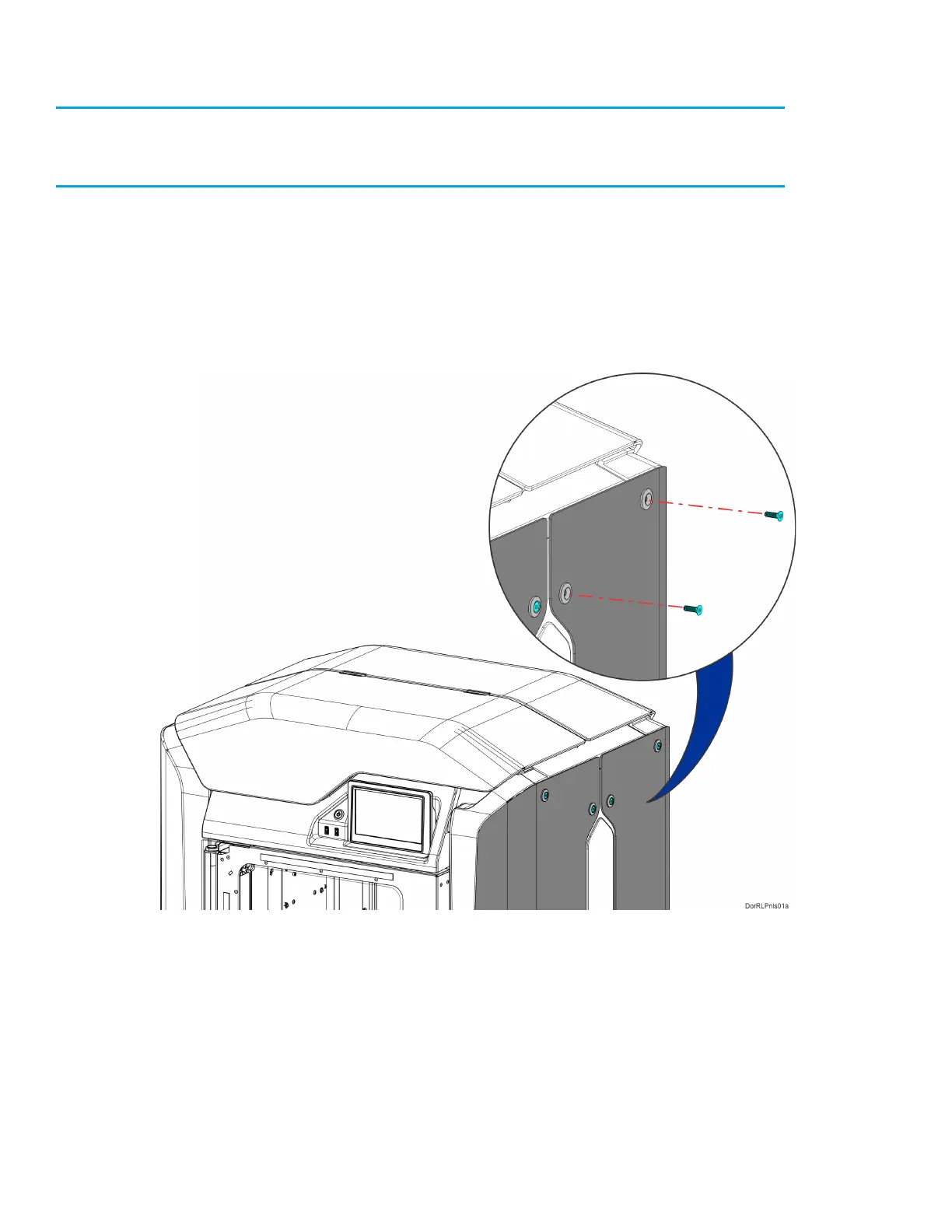
3. Using a 5 mm hex wrench, remove the side panel mounting screws (6 on each panel).
See Figure 7-12.
Figure 7-12: Side Panel Mounting Screw Locations














 To Next Page