154
TOUCHSCREEN CALIBRATION
You have the option of recalibrating the printer’s touchscreen display. Extreme care must be taken when
performing this calibration as an improperly calibrated touchscreen can lead to button accuracy issues.
To recalibrate the touchscreen:
1. Open the Calibration page by selecting the Calibration button within the Tools page.
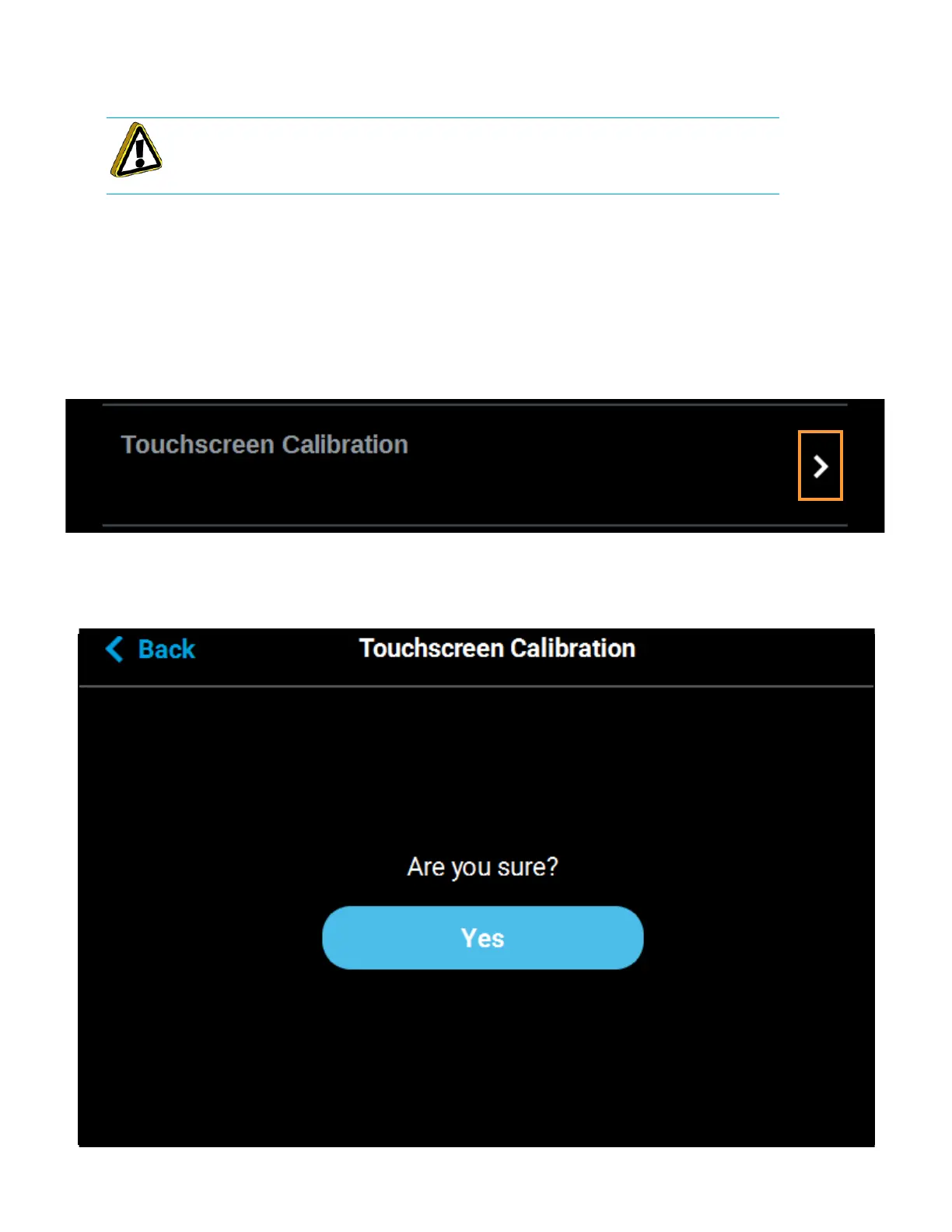
2. Press anywhere within the Touchscreen Calibration row.
Figure 6-19: Touchscreen Calibration Row
3. A dialog will be displayed asking you if you want to recalibrate the touchscreen, press the Yes
button to confirm.
Figure 6-20: Recalibrate Touchscreen Confirmation Page
Caution: A stylus pen should be used when performing this calibration to ensure
precise calibration. Do not use your fingertip to perform this calibration. If a stylus
pen is not available, a pencil eraser may be used.














 To Next Page