184
TOUCHSCREEN DISPLAY
Required Tools
• 3 mm hex wrench
Removing the Touchscreen Display
1. Power OFF the printer. See “Powering Off” on page 169.
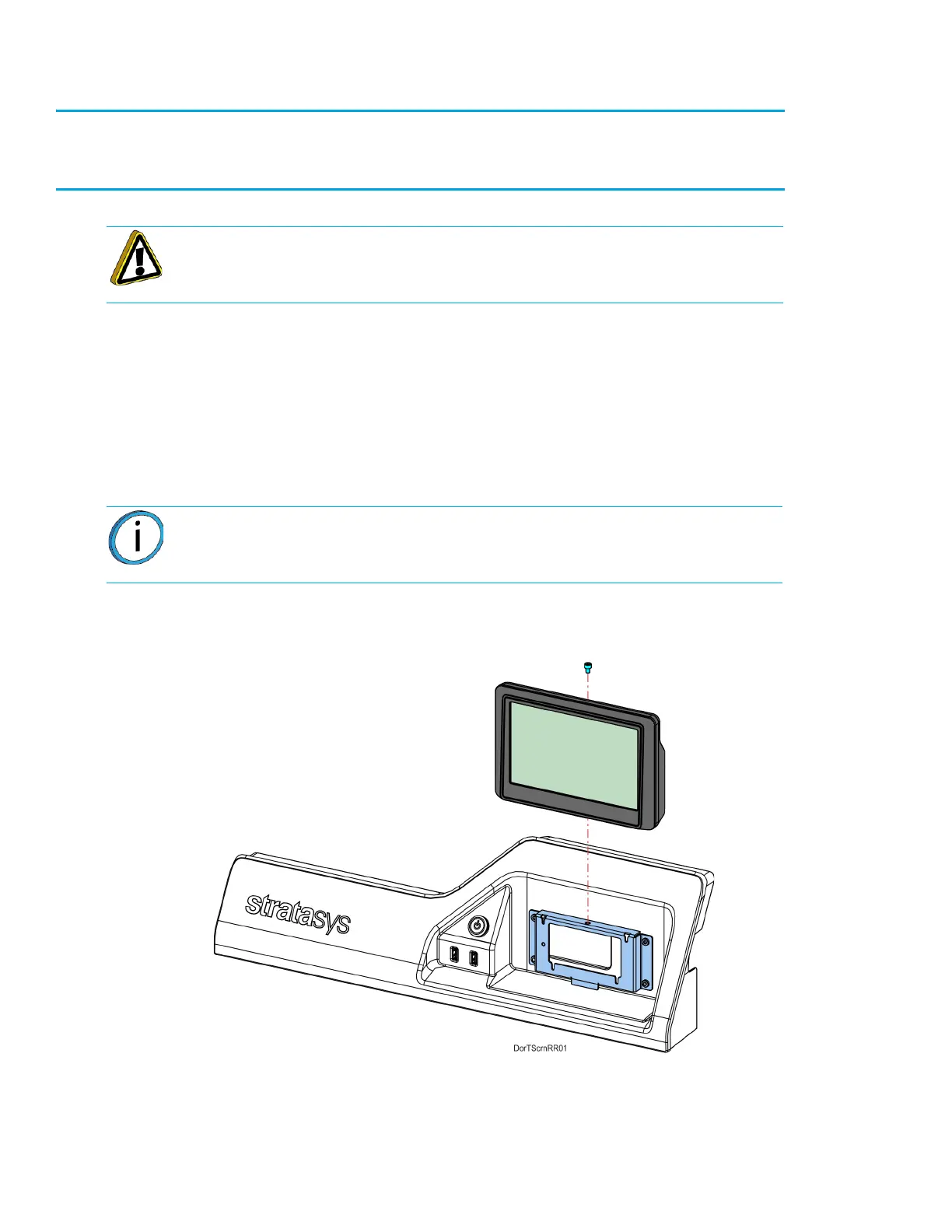
2. Using a 3 mm hex wrench, remove the mounting screw (1) that secures the touchscreen to the
display panel bracket. See Figure 7-26.
3. Gently lift the touchscreen slightly to disengage the standoff fasteners (4) from the display panel
bracket. See Figure 7-26.
4. While supporting the touchscreen, tilt it away from the bracket to disconnect the touch extender
cable and the display cable from the back of the display.
5. Gently move the touchscreen away to remove it from the printer. See Figure 7-26.
Figure 7-26: Touchscreen Mounting Screw Location
Caution: The connectors and cables of the touchscreen display are fragile.
Excessive force may cause damage to connector pins or wiring.
Note: The flat display cable connector is fragile. Simultaneously pull both
corners of the connector straight out, without rocking back and forth.














 To Next Page