48
PRINT JOB CONTROLS
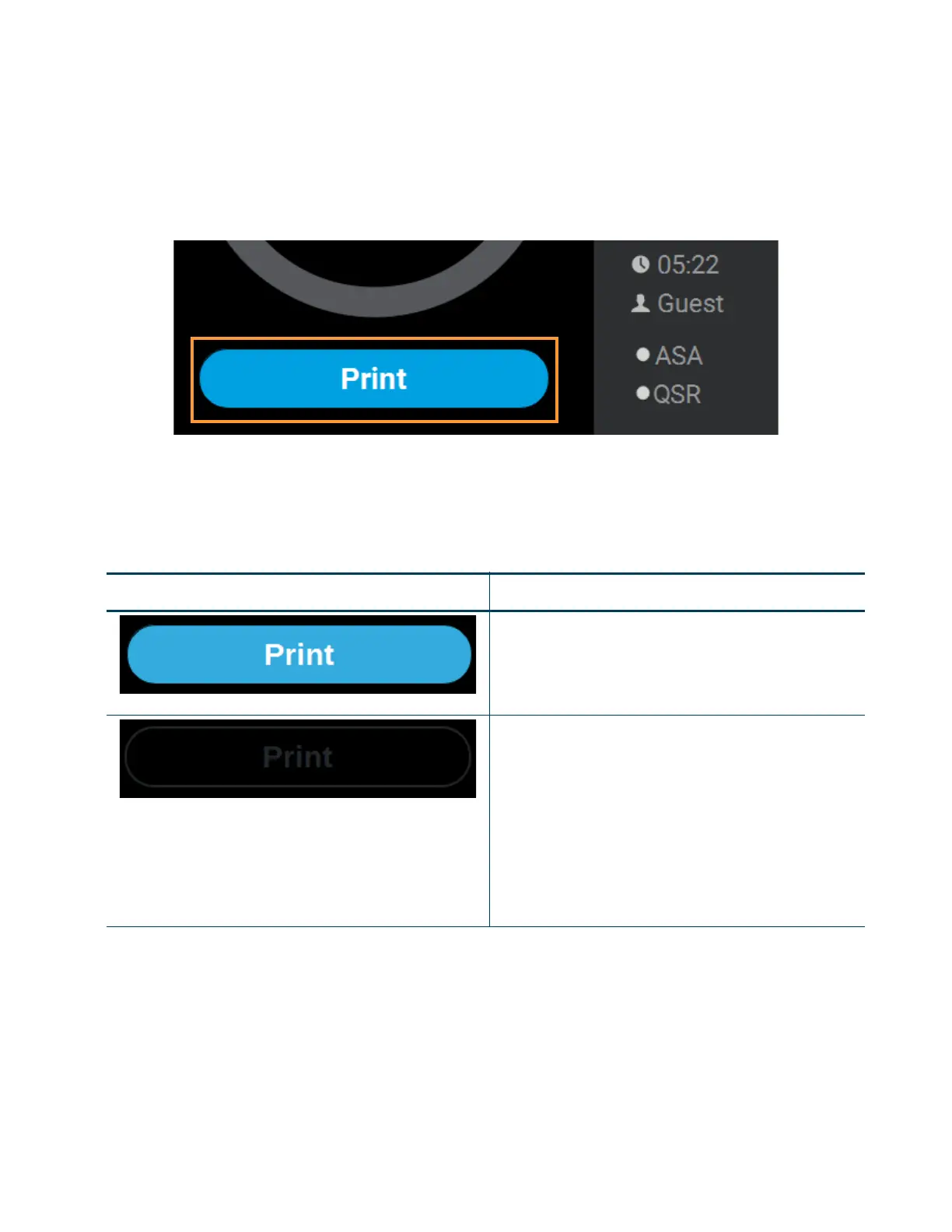
A button is displayed within the Build page, just beneath the Build Status Display. This button is used to start,
pause, or abort a build, depending on the status of the printer. The Print button option will become selectable
after you’ve performed the steps necessary to load a file (see “Loading a File” on page 41) and the printer is in a
state where it is ready to build a part. This button will toggle to display the Pause and Abort button options when
a build is in process.
Figure 4-13: Print Job Controls
PRINT BUTTON
The Print button allows you to start a build (see “Selecting a Job to Build” on page 122 for more information).
The Print button can appear in the following states:
Table 4-2: Print Job Controls - Print Button States
Button State Description
Printer is in a buildable state AND a selected job is available
to build.
Selecting the Print button will begin the build.
Print button is disabled and not selectable.
Printer is not in a buildable state OR a job is not selected/
available to build (i.e. queue is empty).
To troubleshoot this issue, touch the text displayed on the
screen within the Notifications Display. This will open a
dialog allowing you to view the reason(s) for the current
build state, including any issues impeding your ability to
start a build (i.e. no substrate, etc.). See “Warnings at Build
Start” on page 205 and “Errors Preventing a Build from
Starting” on page 207 for more information.














 To Next Page