169
CUSTOMER REPLACEABLE UNITS
The following service procedures outline the replacement instructions for the customer replaceable units of the
F123 Series printers.
POWERING OFF
Powering OFF the Printer
1. Depress the Power button (see Figure 5-1 on page 105 for button location).
2. Press Accept on the touchscreen display.
3. Wait approximately 25 seconds for the printer to power down.
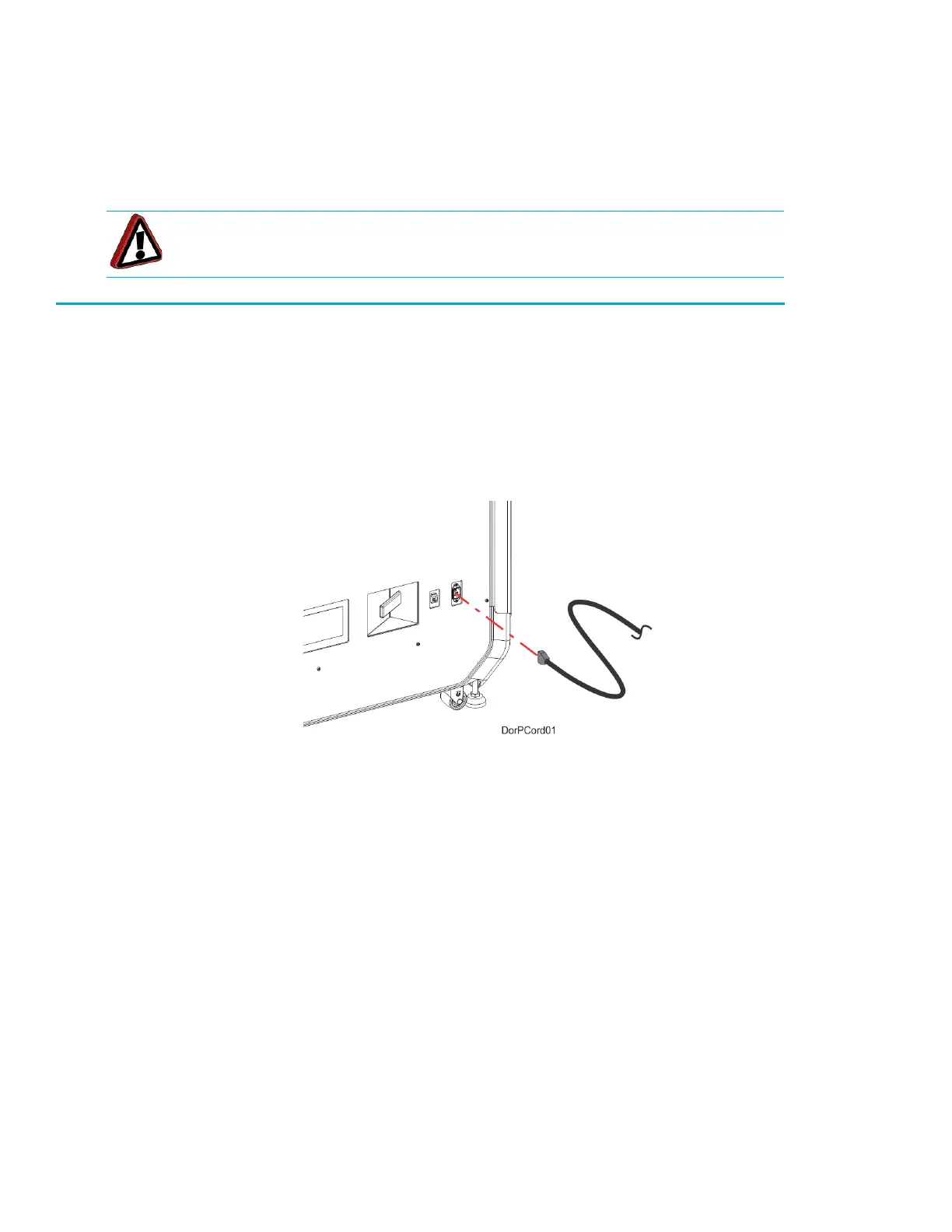
4. Remove the AC power cord from the rear of the system.
Figure 7-10: AC power cord location
Warning: Make sure AC power is removed from the printer.














 To Next Page