135
DISPLAY LANGUAGE
By default the text within the UI is displayed in English. However, you can adjust this setting as needed to have
the UI exhibit a different language. In addition to English the display language can be set to Spanish, French,
German, Italian, Russian, Chinese, and Japanese.
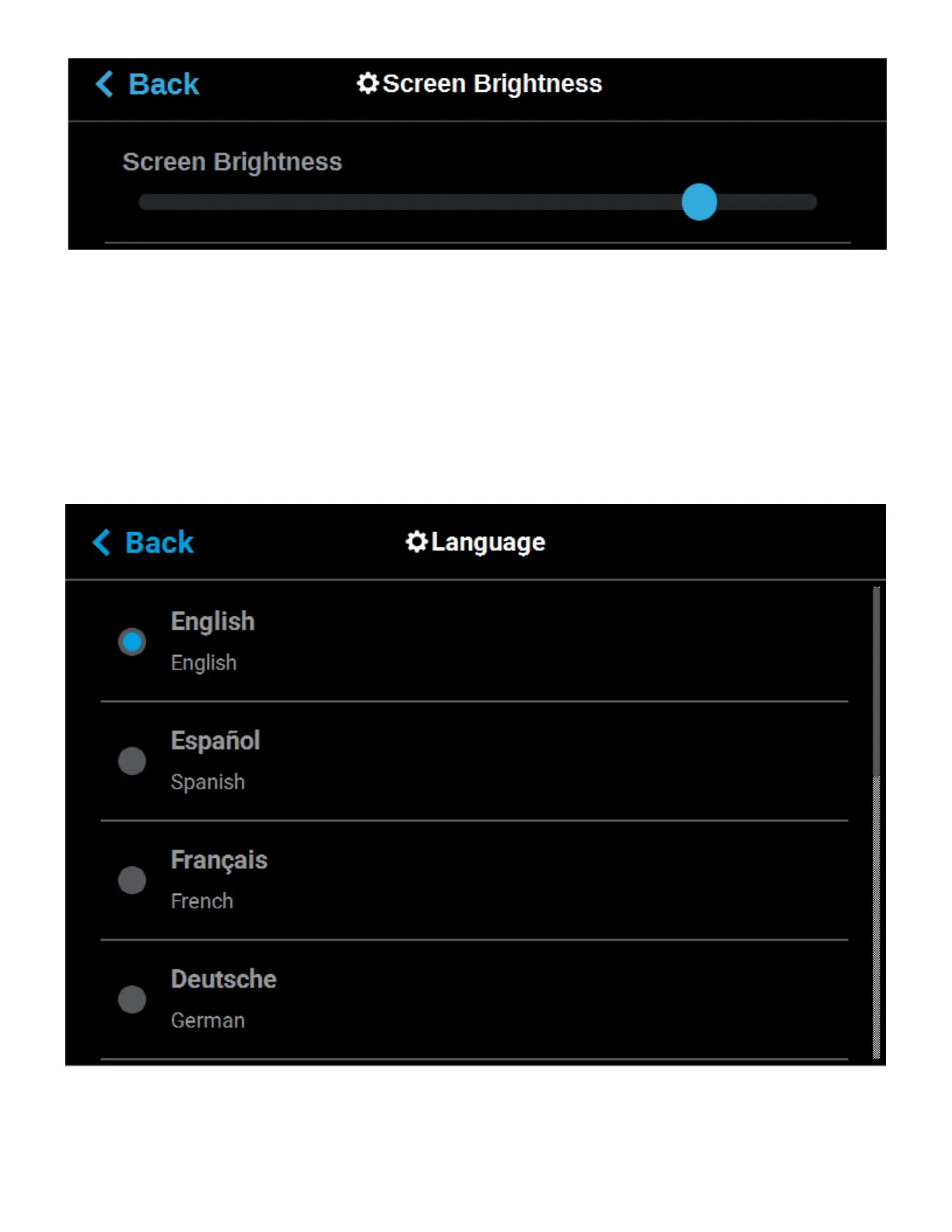
The Language setting determines the language that the UI is configured for. To configure this setting, press
anywhere within the Language row; the Language page will be displayed. Use the scrollbar (along the right side
of the page) to view the list of available languages. Select the radio button corresponding to your desired
language.
Figure 5-25: Configure Language














 To Next Page