197
OVEN DOOR LATCH
Required Tools
• 2.5 mm hex wrench
• 4 mm socket wrench
Removing the Oven Door Latch
1. Power off the printer. See “Powering Off” on page 169.
2. Open the oven door.
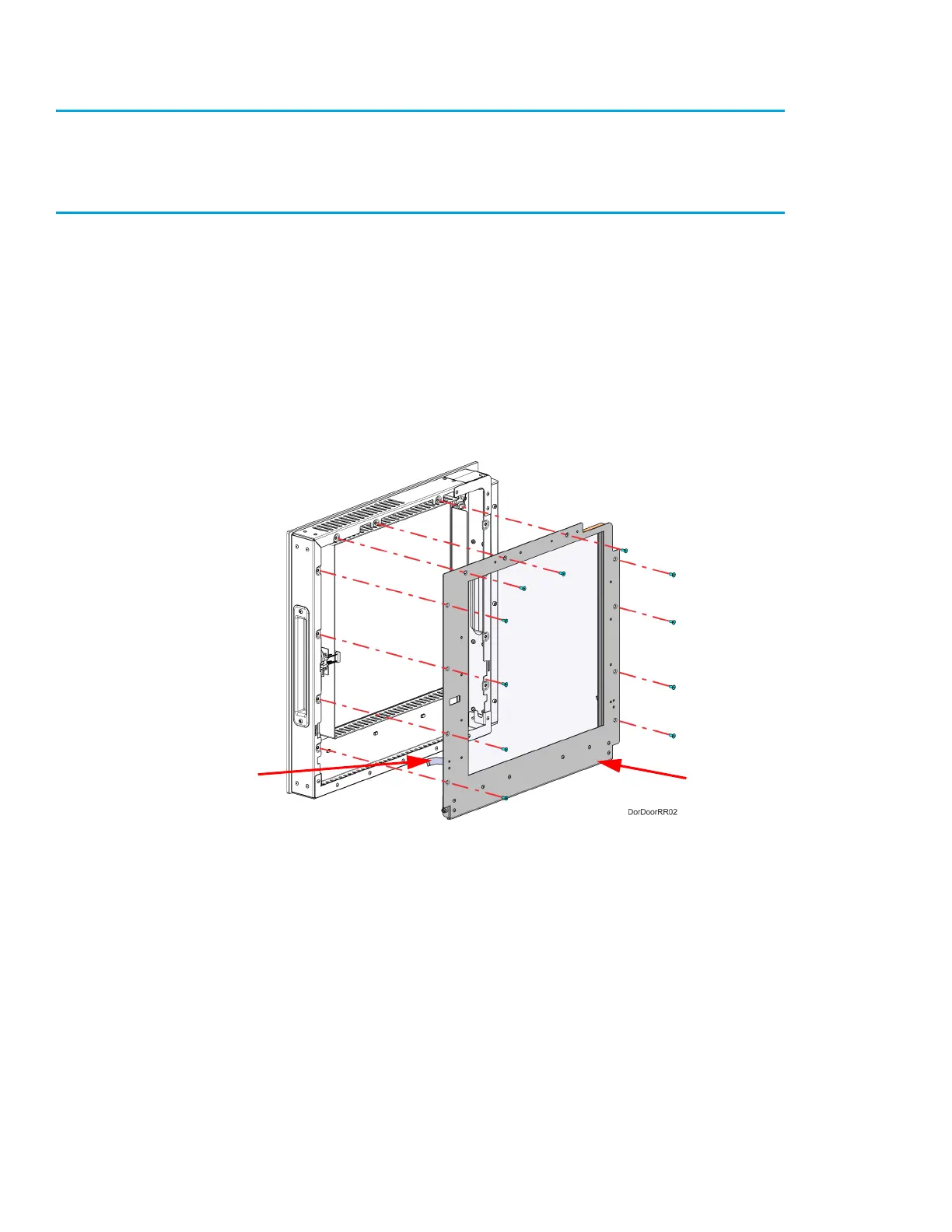
3. Using a 2.5 mm hex wrench, remove the inside door panel mounting screws (11). See Figure 7-
38.
4. Pivot and remove the inside door panel from the door assembly. Gently press on the pivot arms
to disengage them from the door assembly. See Figure 7-38.
Figure 7-38: Inside door panel mounting screw locations
Pivot arm (2)
Inside
door panel














 To Next Page