196
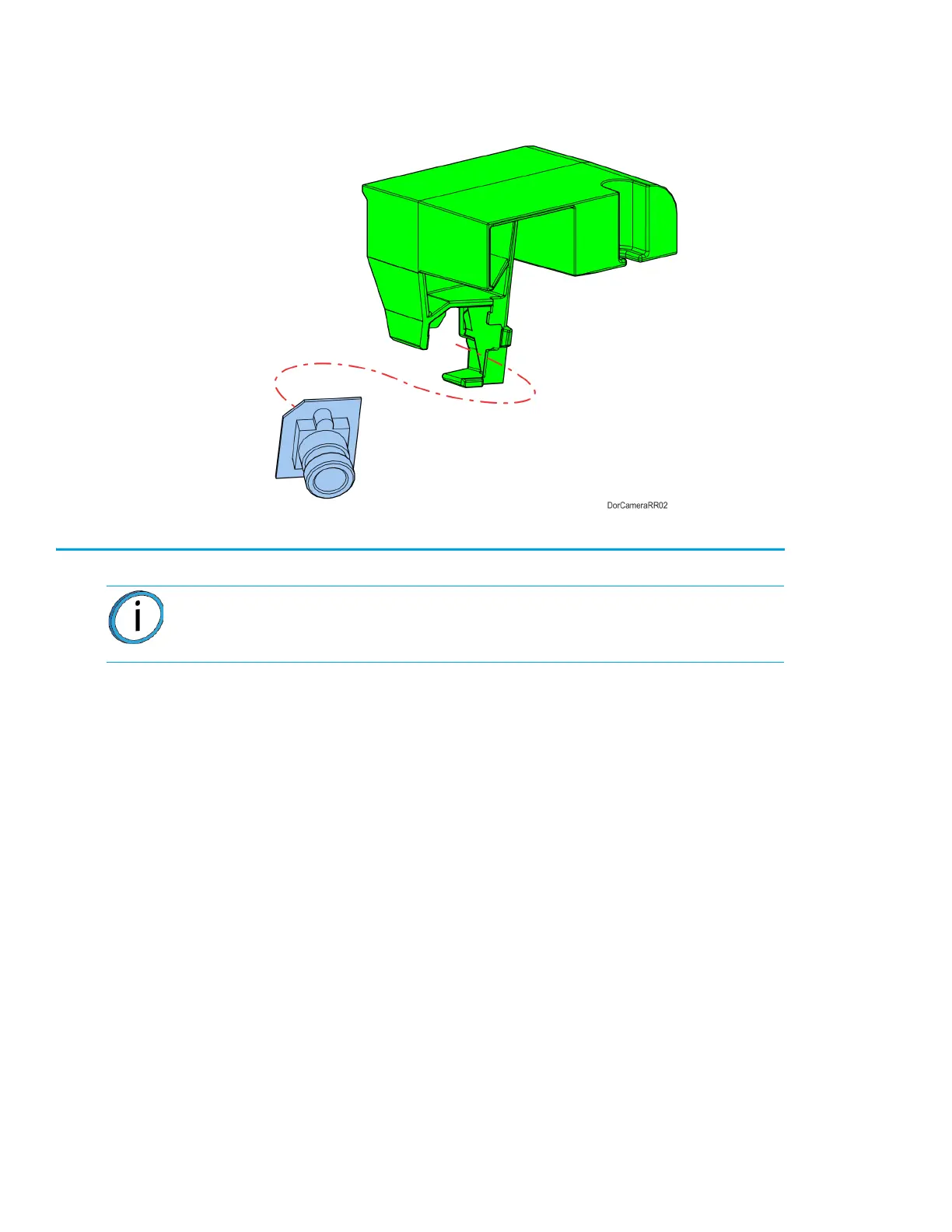
6. Carefully remove the camera from the mounting bracket. Retain the mounting bracket.
See Figure 7-37.
Figure 7-37: Camera Detail
Installing the Oven Door Camera
1. Install the camera to the mounting bracket. See Figure 7-37.
2. Connect the camera cable to the connector on the back of the camera.
3. Using a 3mm hex wrench, install the mounting screw through the hole in the top of the oven door
to secure the camera assembly. See Figure 7-36.
Note: Do not touch the camera lens. If necessary, wipe the camera lens with a
clean microfiber cloth.














 To Next Page