132
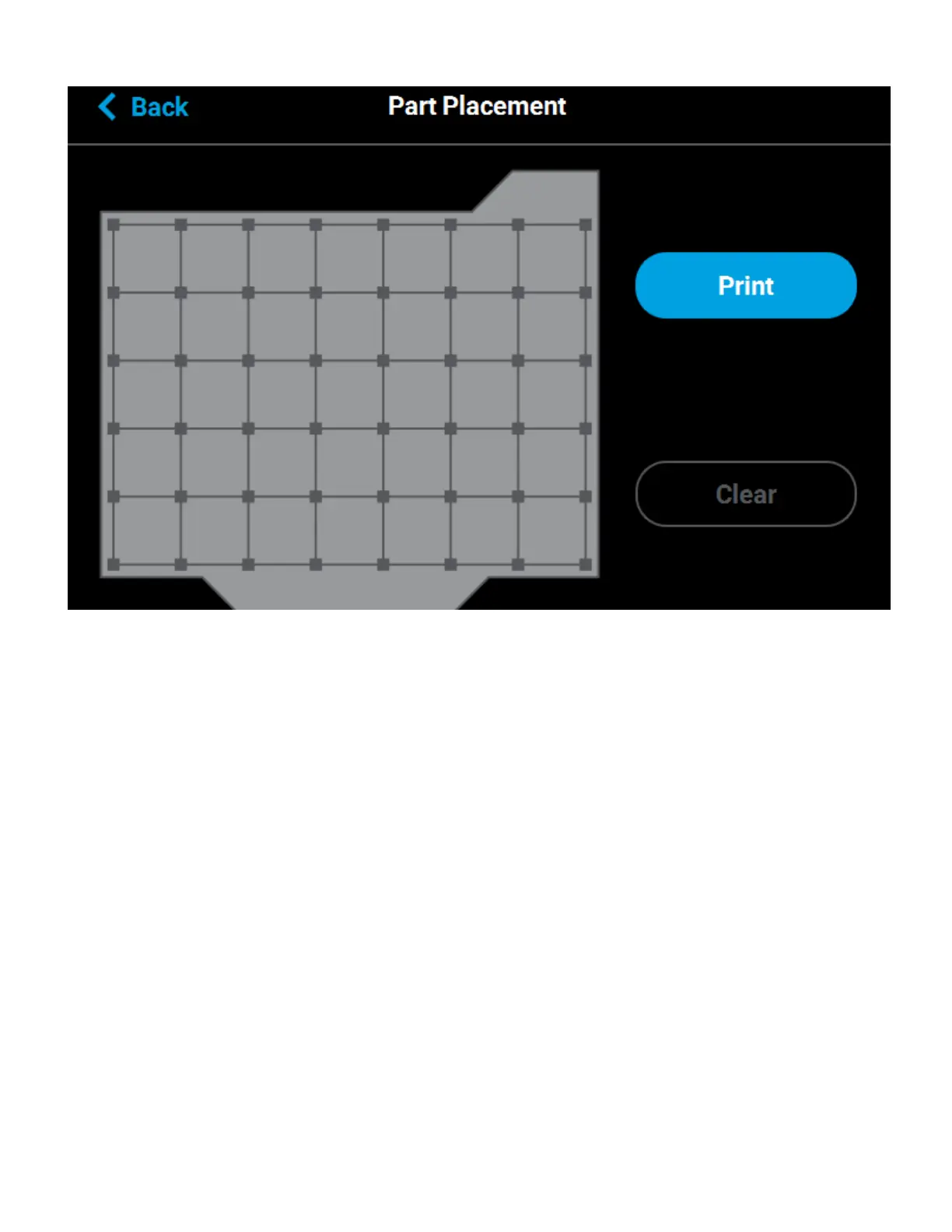
Figure 5-21: Part Placement Dialog
DISPLAY UNITS
By default the UI is configured to display English units (inches). However, you can adjust this setting as needed
to have the UI display metric units.
The Units setting determines the type of units that the printer is configured for, English or Metric. To configure
this setting, press anywhere within the Units row; the Units page will be displayed. Use the radio buttons within
this page to select between English and Metric units.
Figure 5-22: Configure Units














 To Next Page