125
PAUSING A BUILD
During a build the Pause button within the Build page becomes selectable (see “Pause Button” on page 49 for
details). The printer can pause automatically, or be manually paused using this button:
• An automatic pause occurs when a material spool runs out of material, a failure is detected, etc.
• A manual pause occurs whenever the Pause button is pressed.
When the printer is directed to pause:
1. The current toolpath is completed, the Z stage is lowered slightly, and then the head assembly is
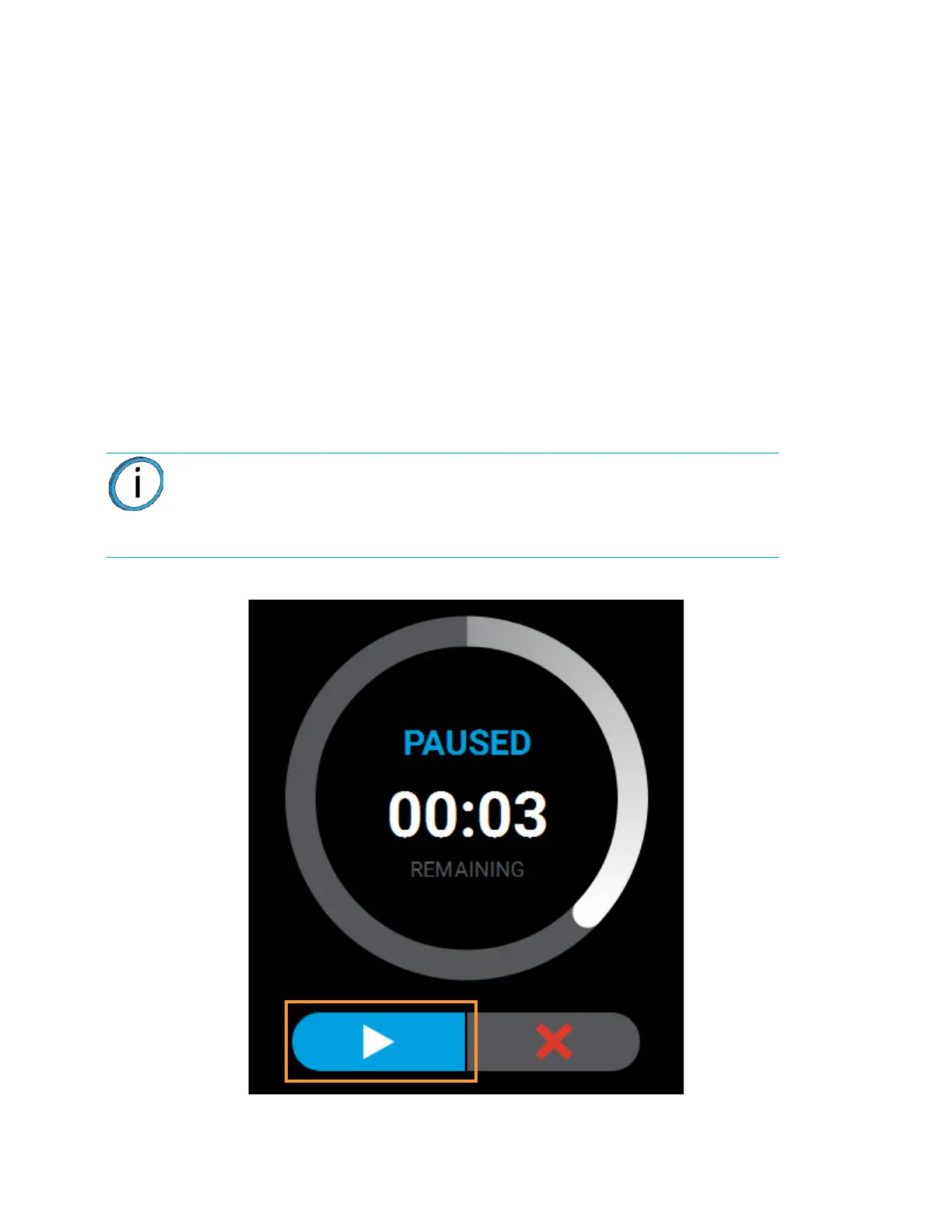
parked. "PAUSED" is displayed within the Build Status Display (see Figure 5-15).
• If an automatic pause occurs, text will be displayed within the Notifications Display portion of the
Build Page. Touching the text on the screen will open a dialog indicating the reason for the pause
condition (i.e. empty material spool). Correct this condition and then press the Close button to exit the
dialog. (See “Build Pause Warnings” on page 212 for a list of pause related warnings/errors and
resolution instructions.)
2. The Pause button will toggle and instead display the Play button. To resume building, press the
Play button. A resume command will be sent to the printer instructing it to resume the build (see
Figure 5-15).
Figure 5-15: Build Paused
3. Once the build resumes, "BUILDING" will be displayed within the Build Status Display and the
Pause button will be displayed in its unselected state (see Table 4-3 on page 49).
Note: The printer will not resume building instantaneously, please be patient.
If the oven door is open the part will not resume building immediately. Touch the
text displayed within the Notifications Display portion of the Build page to check
for any errors in order to troubleshoot this situation.














 To Next Page