128
AFTER A BUILD IS COMPLETE
After the completion of a build, the printer performs the following actions:
• The Z stage is lowered and the head assembly is parked.
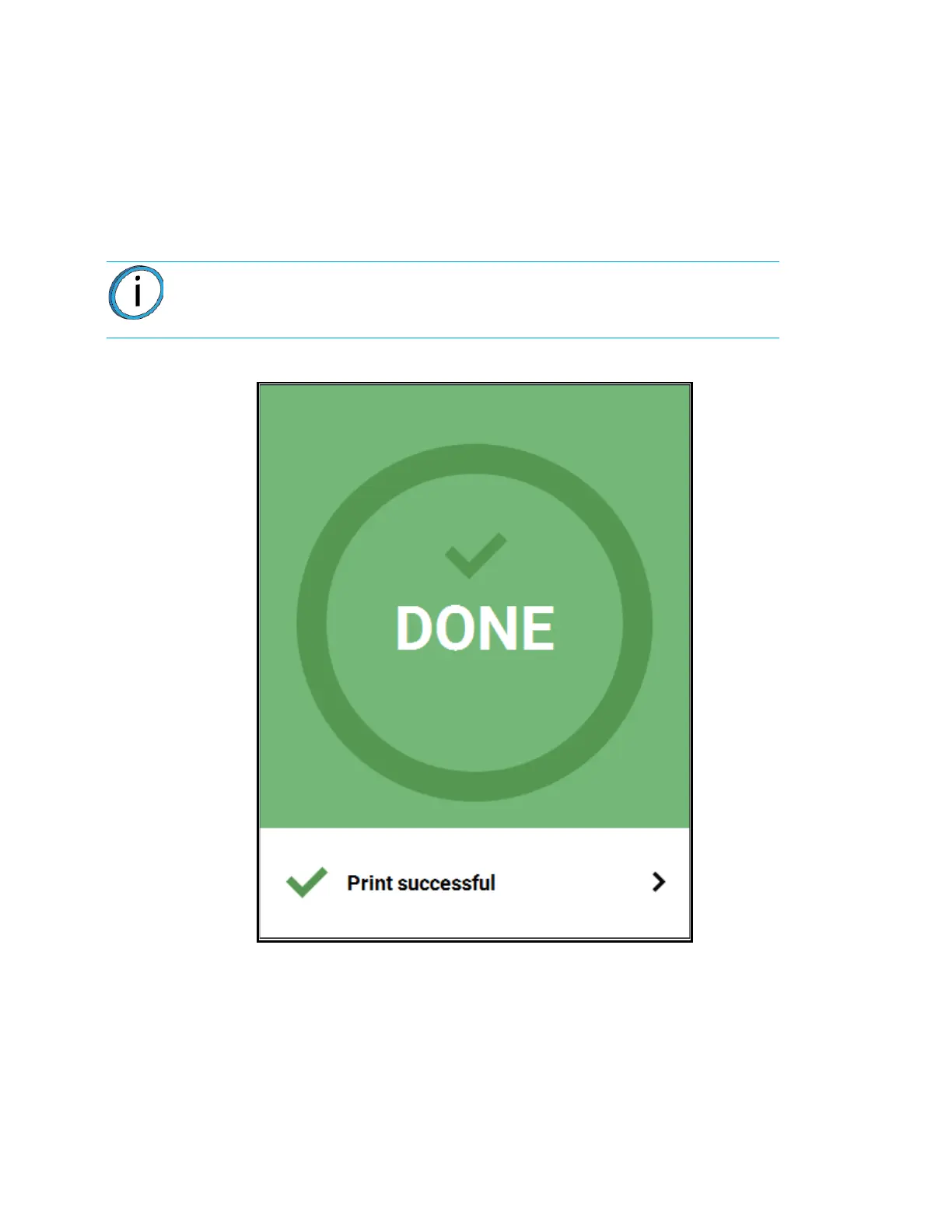
• "DONE" is displayed within the Build Status Display (Figure 5-18).
• The Print Job Control buttons will be hidden and instead "Print successful" will be displayed within
this portion of the Build page. Touching this text on the screen will open a dialog with instructions on
how to prepare for your next build.
• The Build button will display a green checkmark icon indicating that the build completed successfully.
Figure 5-18: Print Successful Dialog
Note: If the build was terminated abnormally, a warning indicator will be
displayed on the screen. See “Build Abort Errors” on page 214 for a list of abort
related warnings/errors and resolution instructions.














 To Next Page