127
3. An abort command will be sent to the printer and the confirmation dialog will close.
4. The Z stage will move to its end of travel. Once the Z stage reaches its end of travel the Build
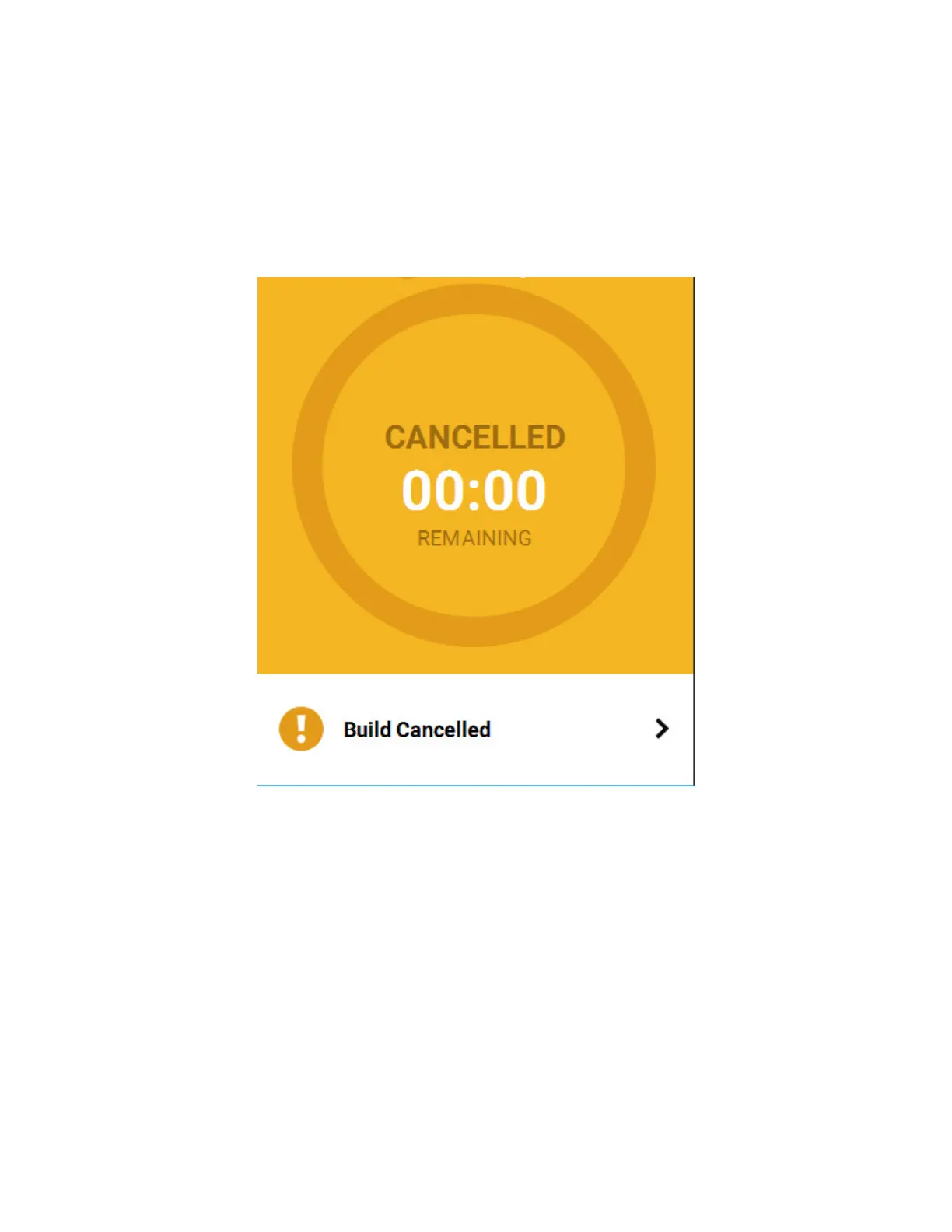
page will refresh and display a confirmation of the aborted build; "CANCELLED" will be displayed
within the Build Status Display (see Figure 5-17).
5. The Print Job Control buttons will be hidden and instead "Build Cancelled" will be displayed
within this portion of the Build page. Touching this text on the screen will open a dialog with
instructions on how to remove the aborted build and prepare for your next build (see Figure 5-
17).
Figure 5-17: Build Page Build Cancelled














 To Next Page