45
VIEWING PRINT JOB INFORMATION
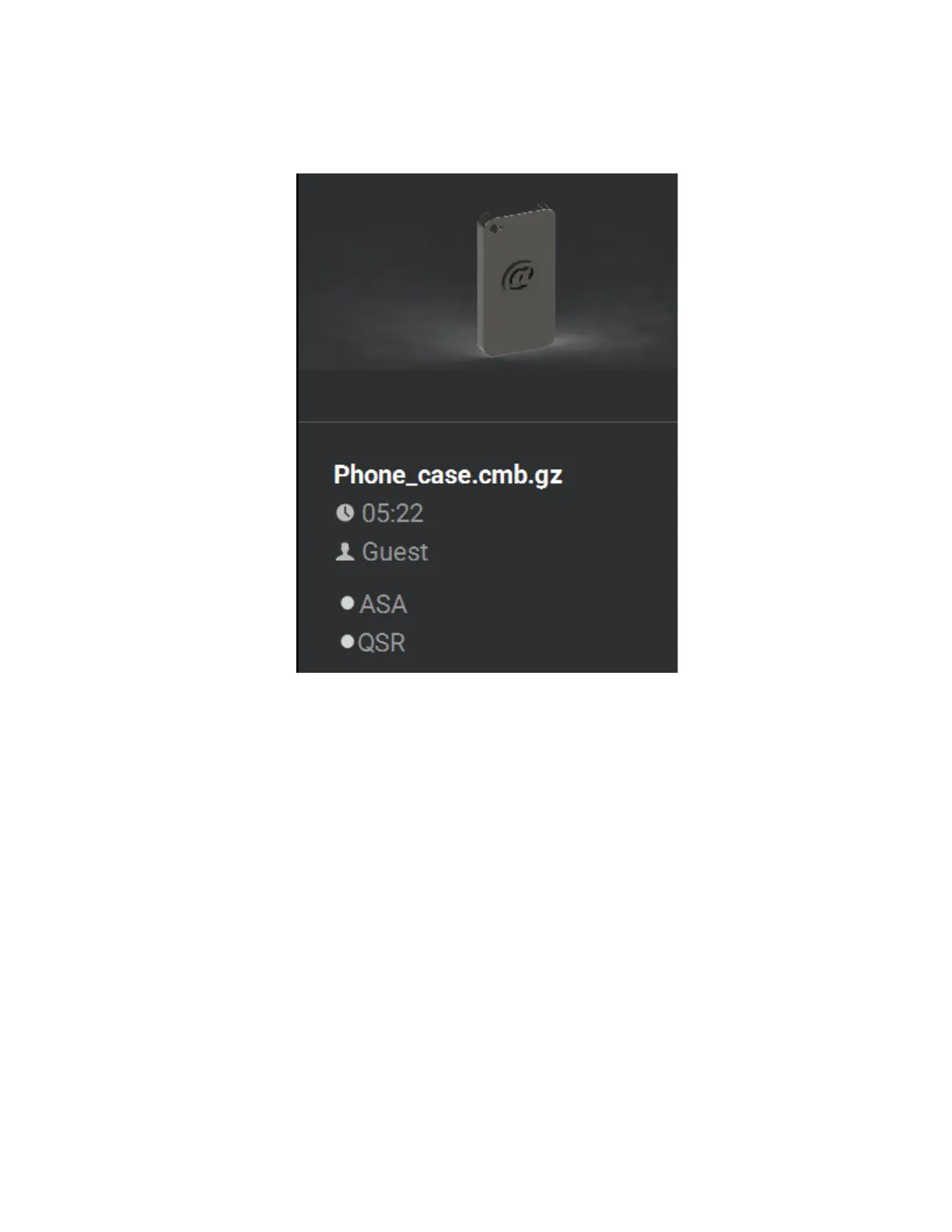
Information pertaining to a selected job is displayed within the right half of the Build page, within the Print Job
Information Panel. This information is static and represents the details of the job file.
Figure 4-9: Print Job Information Panel
Information displayed within this panel is divided into the two sections:
The top-most section displays a visual representation of what the selected job will look like after it is successfully
built.
The bottom-most section displays a variety of information pertaining to the selected job, including:
• Name of the job.
• Estimated build time for the job.
• Name of the user that submitted the job.
• Model and support materials associated with the job.
Touching anywhere within this portion of the screen will open a page displaying additional details pertaining to
the selected job (see “Viewing Job Details” on page 57).














 To Next Page