172
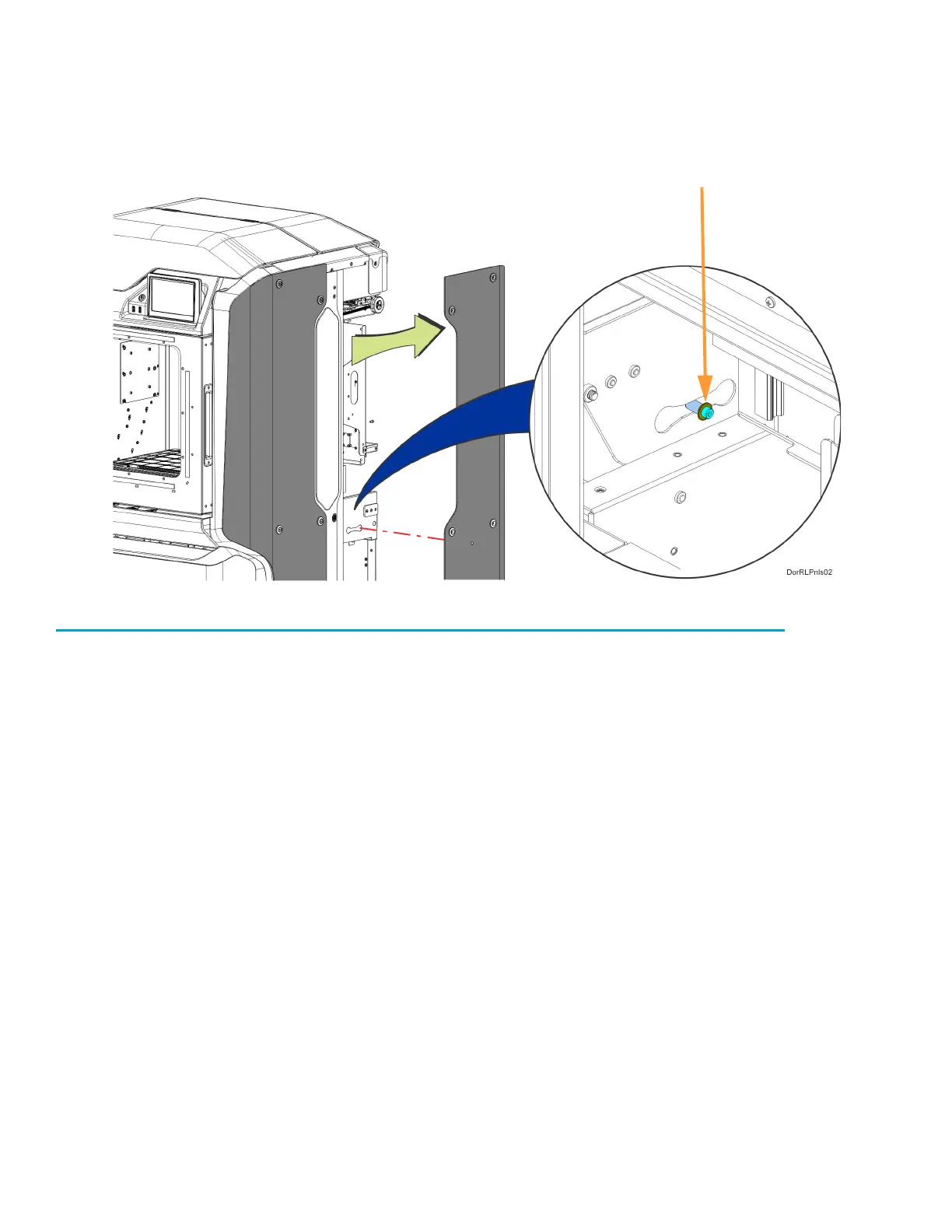
4. Rear side panels only: The rear side panels are held in place by a standoff that is retained
inside the printer frame. Slide the panel away from the printer to disengage the retaining standoff.
See Figure 7-13.
Figure 7-13: Rear Side Panel Retaining Standoff Detail
5. Remove the side panel from the printer.
Installing the Side Panels
1. Insert the side panel retaining standoff into the hole in the printer frame and slide the panel into
place until it aligns with the mounting screw holes. See Figure 7-13.
2. Use a 5 mm hex wrench to reinstall the mounting screws (6). See Figure 7-12.














 To Next Page