111
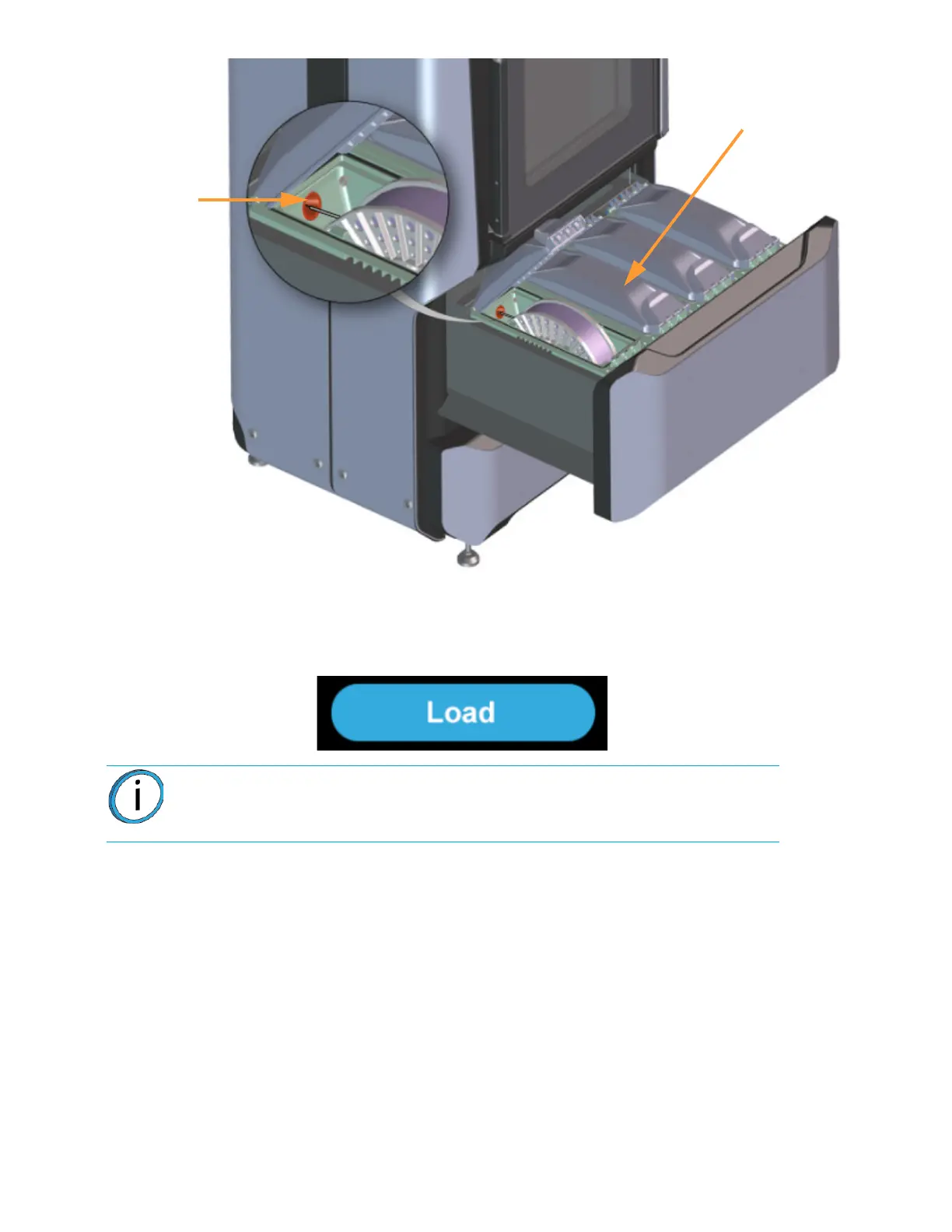
8. Once filament is detected by the filament present switch press the Load button within the Material
Details page.
Figure 5-8: Load Button
9. Press the Back button within the Material Details page to exit and return to the Materials page.
10. Material begins to load to the liquefier tip within the head. The pathway displayed between the
Material Status Icon and the corresponding Head Status Icon becomes highlighted to indicate
load progress (see Figure 4-31 on page 74).
• The material drive controller starts to push filament to the liquefier tip.
• When filament reaches the head, it enters the liquefier tip and begins to warm to the material
operating temperature (automatic - based on material spool memory chip data). This step also sets
the oven temperature to the correct value for the material being loaded
• Once the tip is within three degrees of the set point temperature the head moves to the purge area
and the tip purges a small amount of material.
11. Once material is loaded, the filament pathway between the Material Status Icon and the
corresponding Head Status Icon will be solid blue, the Head Status Icon will turn from gray to
blue, and the Material Status Icon will display a solid blue border.
Note: Only one material can be loaded at a time.
Filament
Opening
Material
Spool














 To Next Page