143
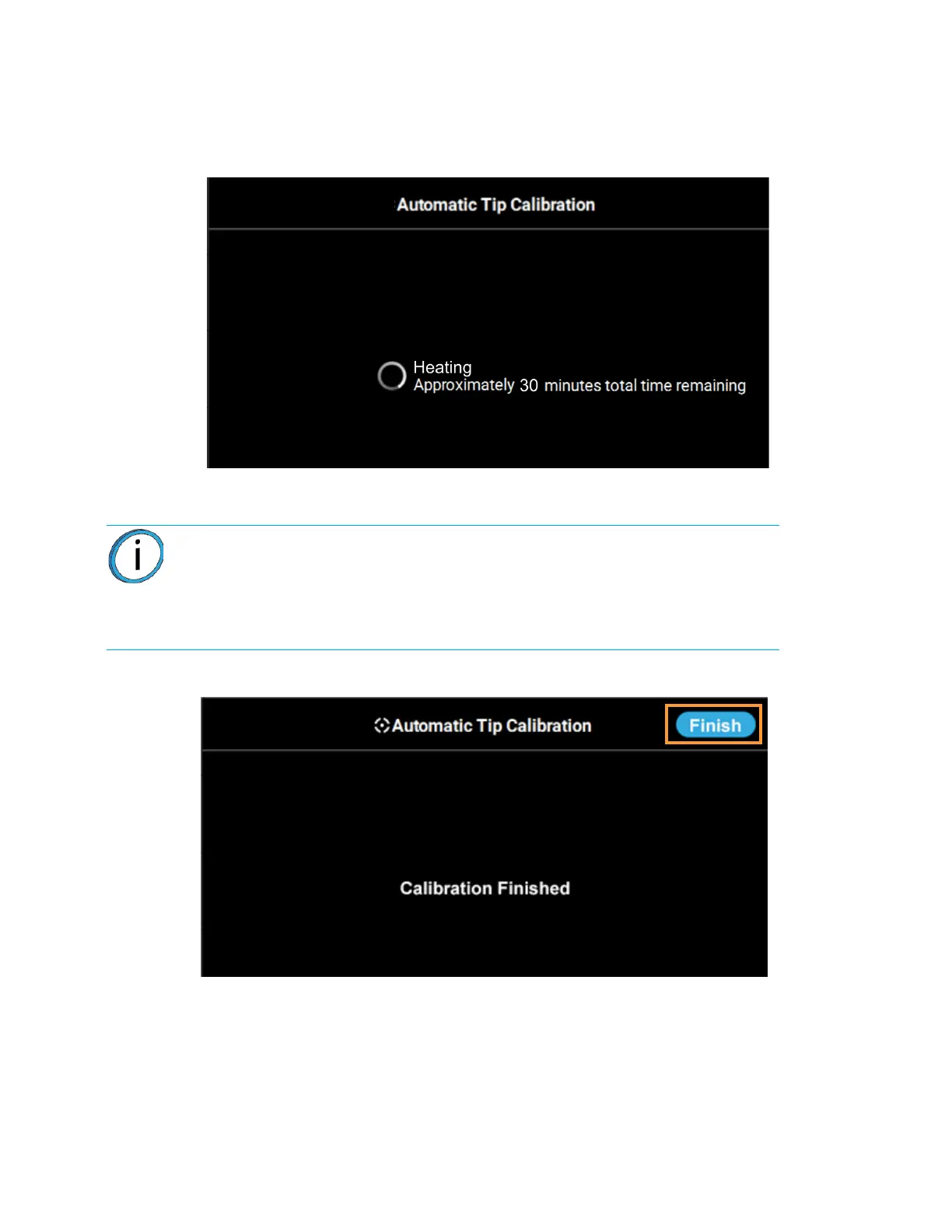
4. The printer will perform an Automatic Tip Calibration. This process includes heating up or cooling
down the oven to reach the required calibration temperature. Completion times will vary
depending on the material used and the initial chamber temperature. The status and time
remaining will continually update on the screen.
Figure 6-5: Calibrating Tip Offsets
5. Completion of the calibration process will be indicated on the screen; press the Finish button
within the header of the page when complete.
Figure 6-6: Automatic Tip Calibration Complete
Note: If calibration fails, "Failed to calibrate tip offsets" will be displayed on the
screen. You cannot build a part on the printer until the tips have been calibrated.
Ensure that nothing is blocking the tip or covering the calibration targets and
reattempt the Automatic Tip Calibration. If calibration fails again, perform a
Manual Tip Calibration (see “Manual Tip Calibration” on page 144 for
instructions).














 To Next Page