73
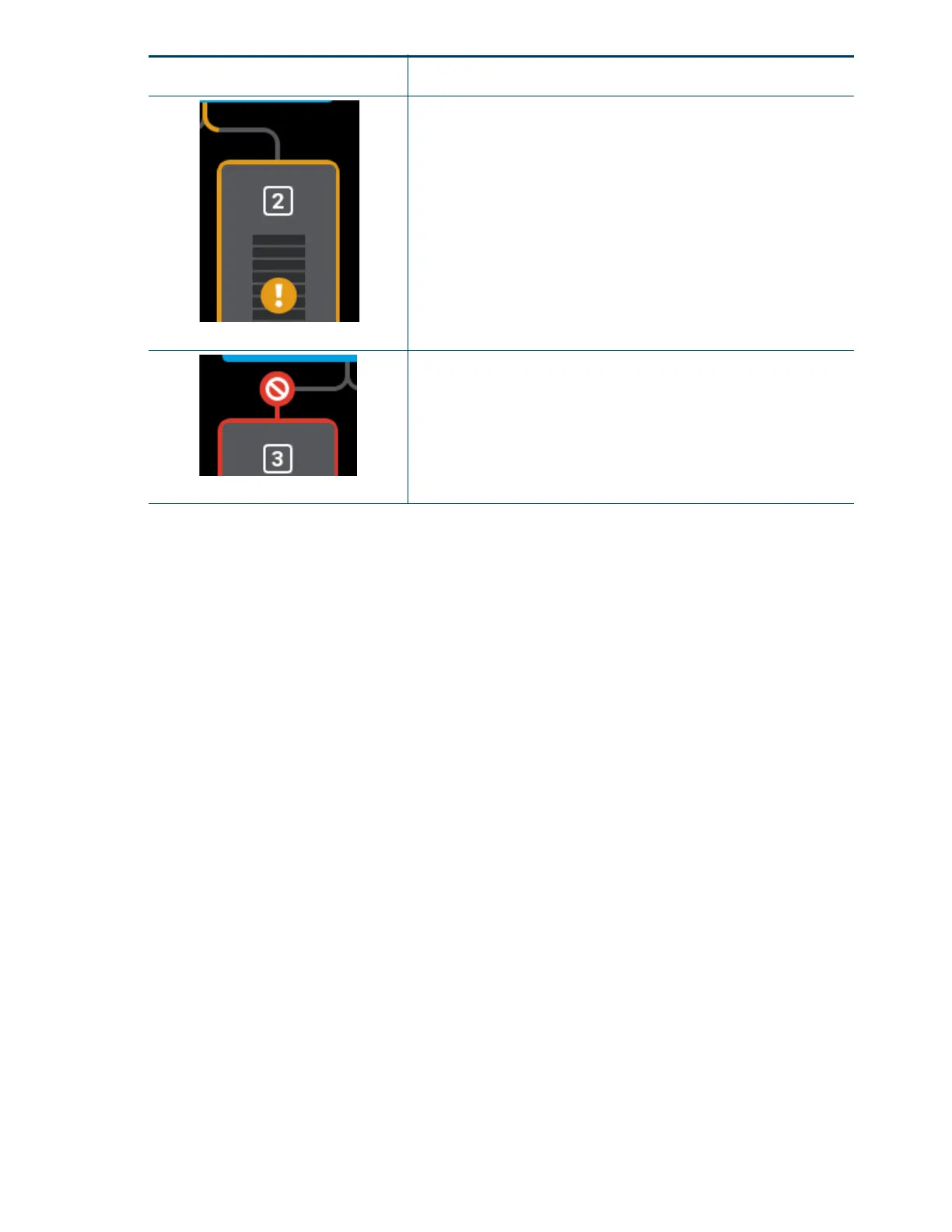
Unloading
Indicates that filament from the corresponding material spool is in the
process of being unloaded from the head. A yellow notification badge
will also be displayed within the center of the corresponding Material
Status Icon.
The pathway between the Material Status Icon and the Head Status
Icon will fill, in yellow, in the direction that the material spool’s filament is
traveling (away from the head).
Once fully unloaded, the filament pathway will remain in this state until
the corresponding material spool is removed from the material bay.
Once the spool is removed, the filament pathway will refresh and
display in its empty state.
Error
Red coloring and an associated notification badge indicates a load
related error.
Opening the corresponding Material Details page will provide additional
information on the error state.
Icon State Description














 To Next Page