81
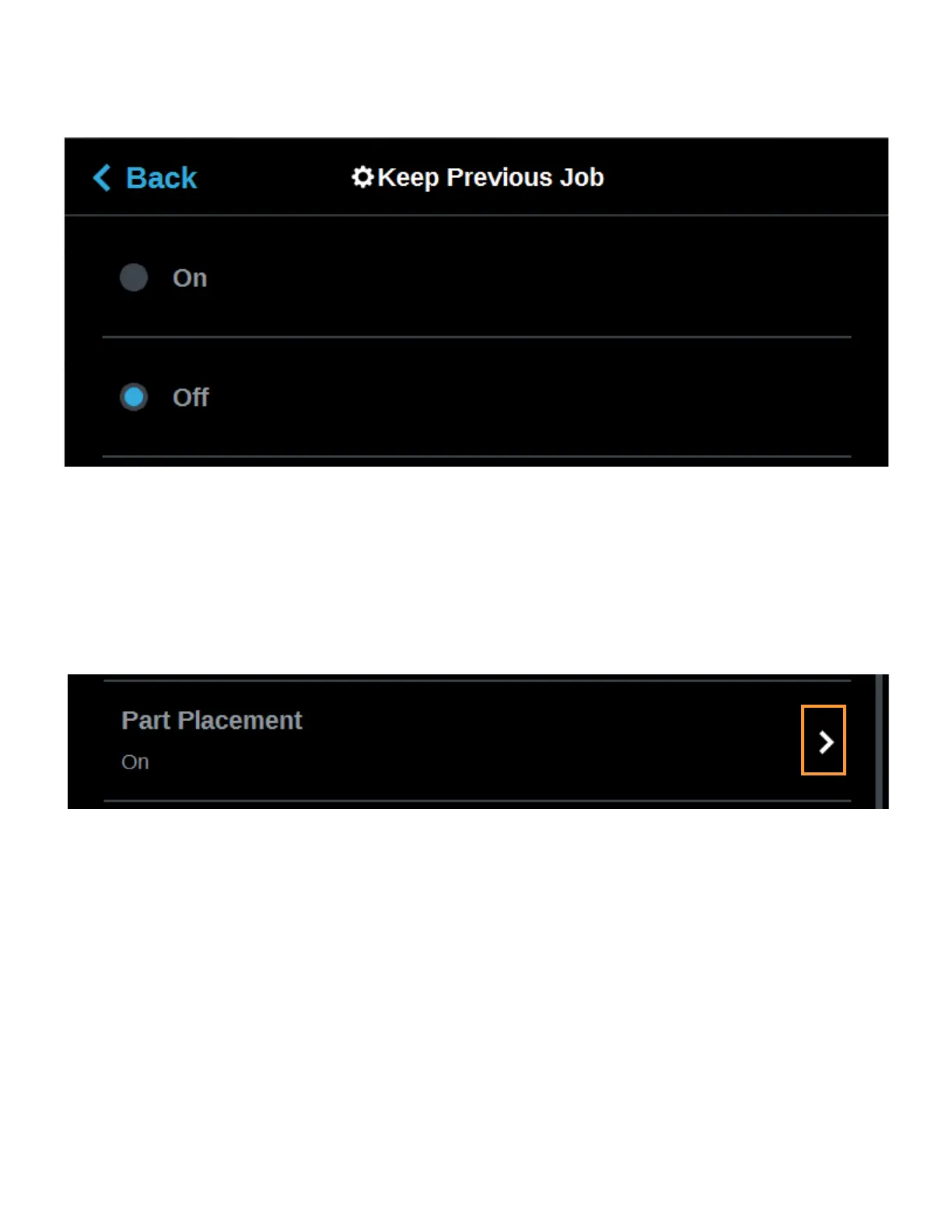
To configure this setting, press anywhere within the row; the Keep Previous Job page will be displayed. Use the
radio buttons within the page to turn the setting On and Off as needed; On is selected by default.
Figure 4-40: Configure Keep Previous Job
PART PLACEMENT
The Part Placement setting gives you the ability to select a job’s placement on a substrate. By default, single
part jobs are built in the center of a substrate while packs are built according to their selected placement within
GrabCAD Print. Therefore, when this setting is set to Off, single part jobs will automatically be built in the center
of the substrate and packs will be built according their selected placement within GrabCAD Print. To configure
this setting, press anywhere within the row; the Part Placement page will be displayed. Use the radio buttons
within the page to turn the setting On and Off as needed.
Figure 4-41: Part Placement
When this setting is set to On, you will be able to select a job’s location on the substrate prior to starting the build
(see “Selecting a Job to Build” on page 122). At the start of a build a dialog will be displayed asking you to select
the part’s build location (see Figure 4-42). The dialog will contain a graphic representing your printer’s platen as
well as a blue bounding box graphic (the imaginary box surrounding the part).
You can select the part’s build location by dragging and dropping the bounding box on the touchscreen; the
bounding box cannot be placed outside the limits of the platen. Pressing the Print button will confirm your
selected placement and start a build. "Ghost box" graphics are also displayed; a "ghost box" represents the
location where a part was built previously. Clicking the Clear History button will clear the display, removing all
"ghost box" items.














 To Next Page