85
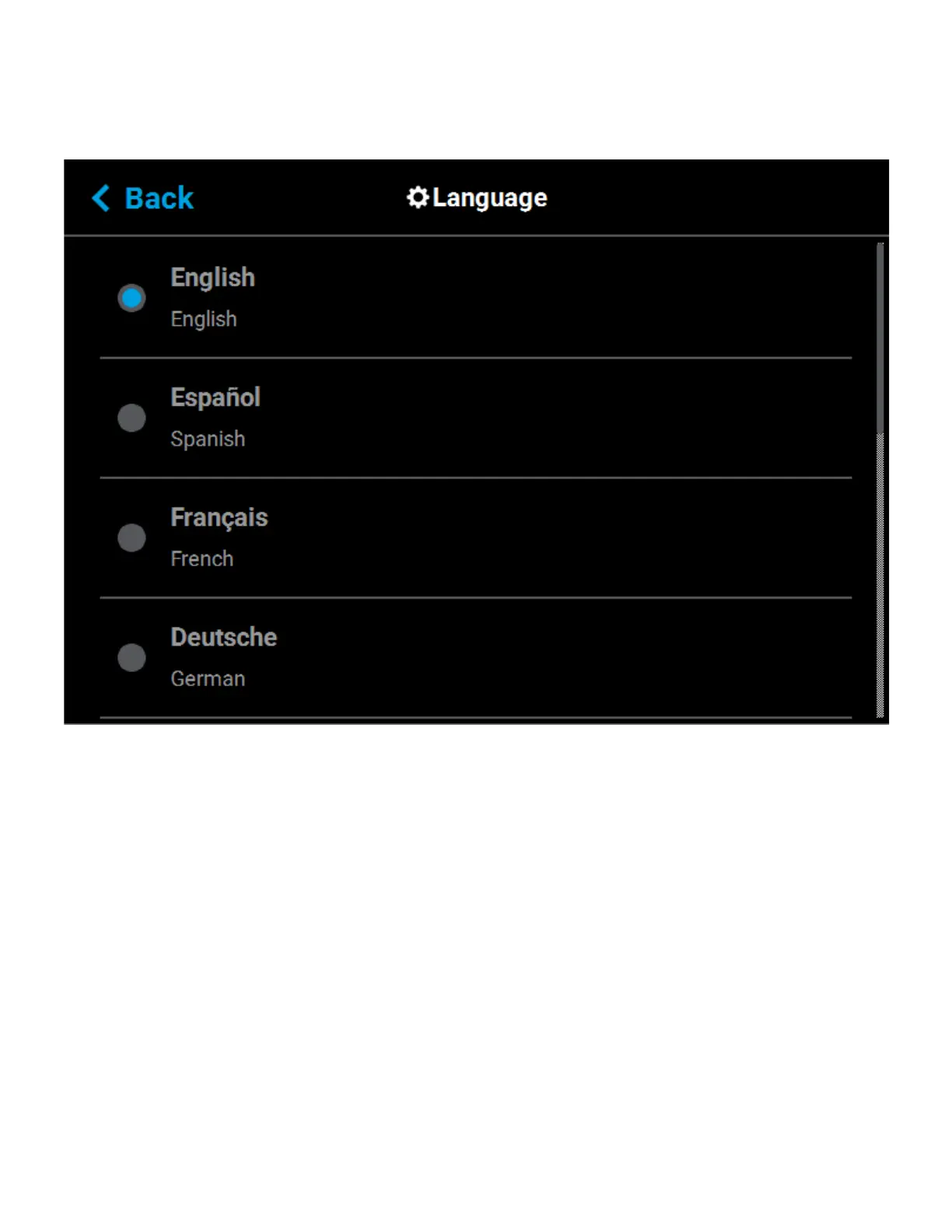
Additionally, the first time the printer is powered ON, a dialog will be displayed asking you to select your desired
language. Once you’ve set your desired language following initial power up, this selection will be retained and
can only be changed by navigating to the Language page and adjusting your language selection.
Figure 4-50: Configure Language














 To Next Page