90
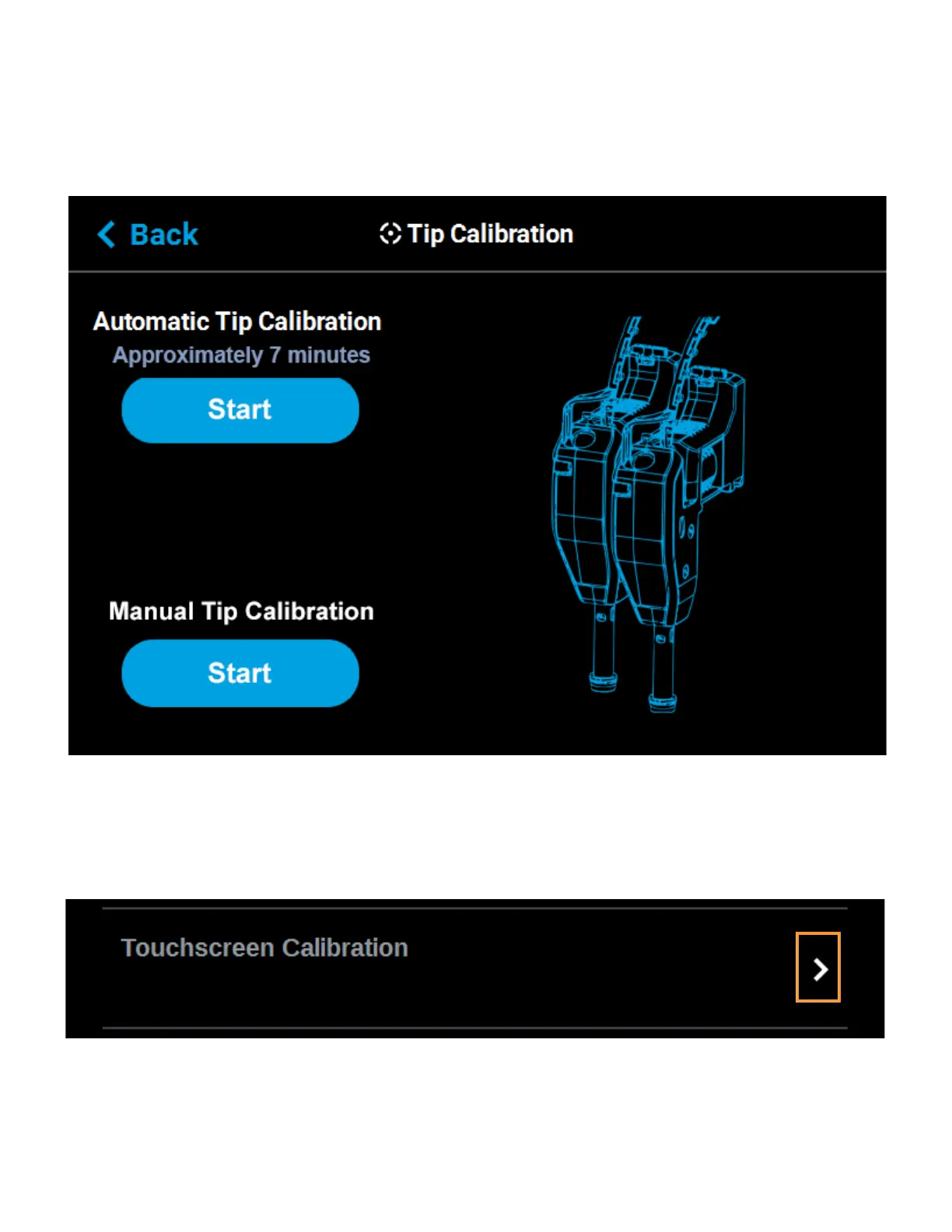
The Tip Calibration page contains an option for performing an Automatic Tip Calibration as well as a Manual Tip
Calibration. Pressing the Start button associated with either of these options will allow you to perform that
particular calibration procedure. Each calibration procedure is delivered in the form of a wizard which will guide
you through the process of performing the calibration procedure. See “Automatic Tip Calibration” on page 142
and “Manual Tip Calibration” on page 144 for detailed instructions.
Figure 4-61: Tip Calibration Options
TOUCHSCREEN CALIBRATION
Pressing anywhere within the Touchscreen Calibration row will open a dialog allowing you to recalibrate the
touchscreen display. See “Touchscreen Calibration” on page 154 for detailed instructions.
Figure 4-62: Touchscreen Calibration














 To Next Page