Using Objet Studio
5–64
DOC-34014 Rev. C
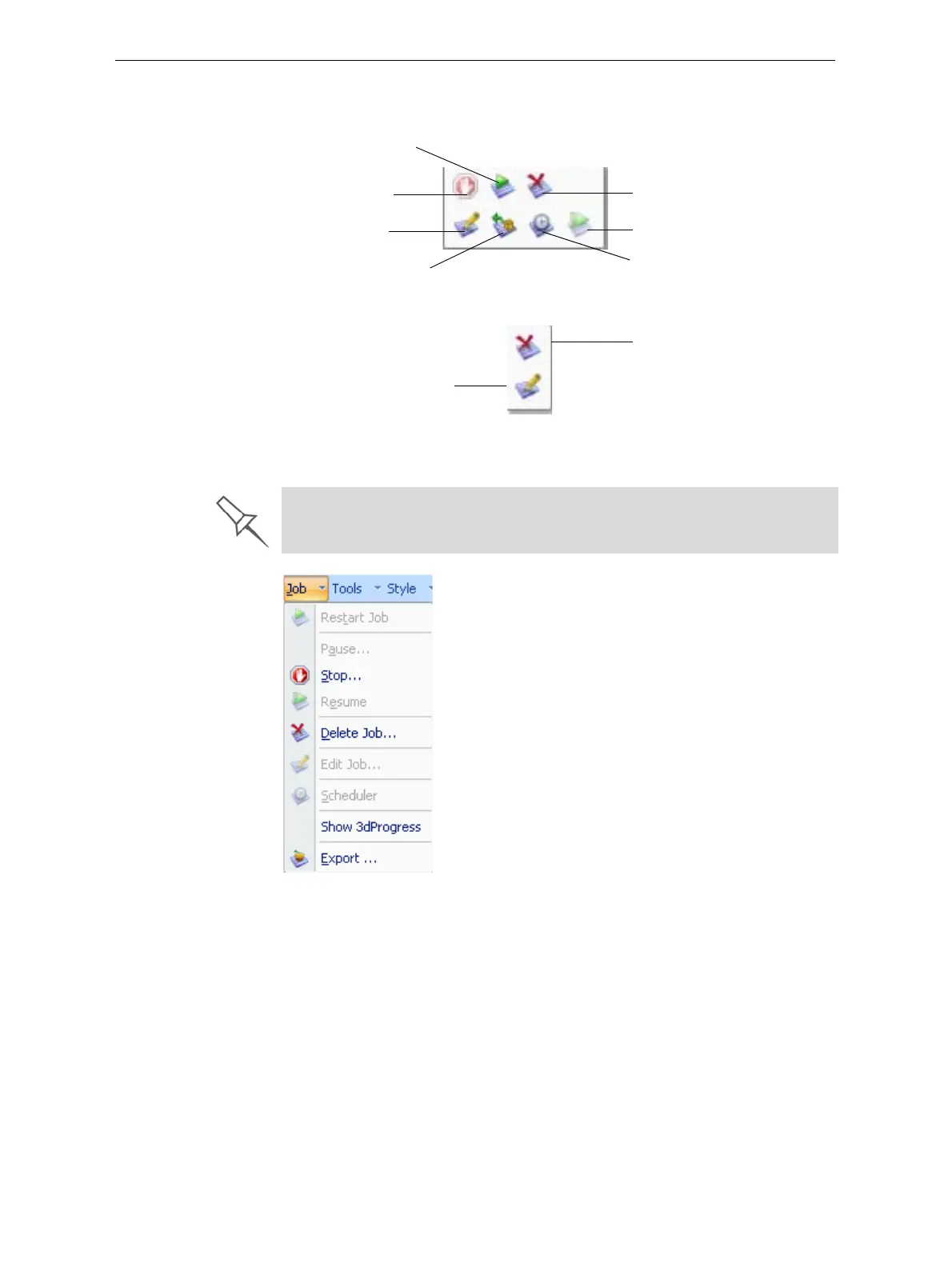
Inadditiontousingribboncommandicons,youcanusecommandson
context(pop‐up)toolbarsandfromtheJobmenuonthestandardtoolbar.
Figure 5-92: Icons on pop-up toolbar (server)
Figure 5-93: Icons on pop-up toolbar (client workstation)
Note: Most icons and menu commands are only enabled when a job is selected.
Figure 5-94: Job menu options (server)
Stop
Edit
Export
packed job
Schedule
Resume
Restart
Delete
Edit
Delete
When you position the cursor over an item, a tooltip displays the name of
the command.













 To Next Page