DOC-34014 Rev. C 6–31
Objet24 User Guide
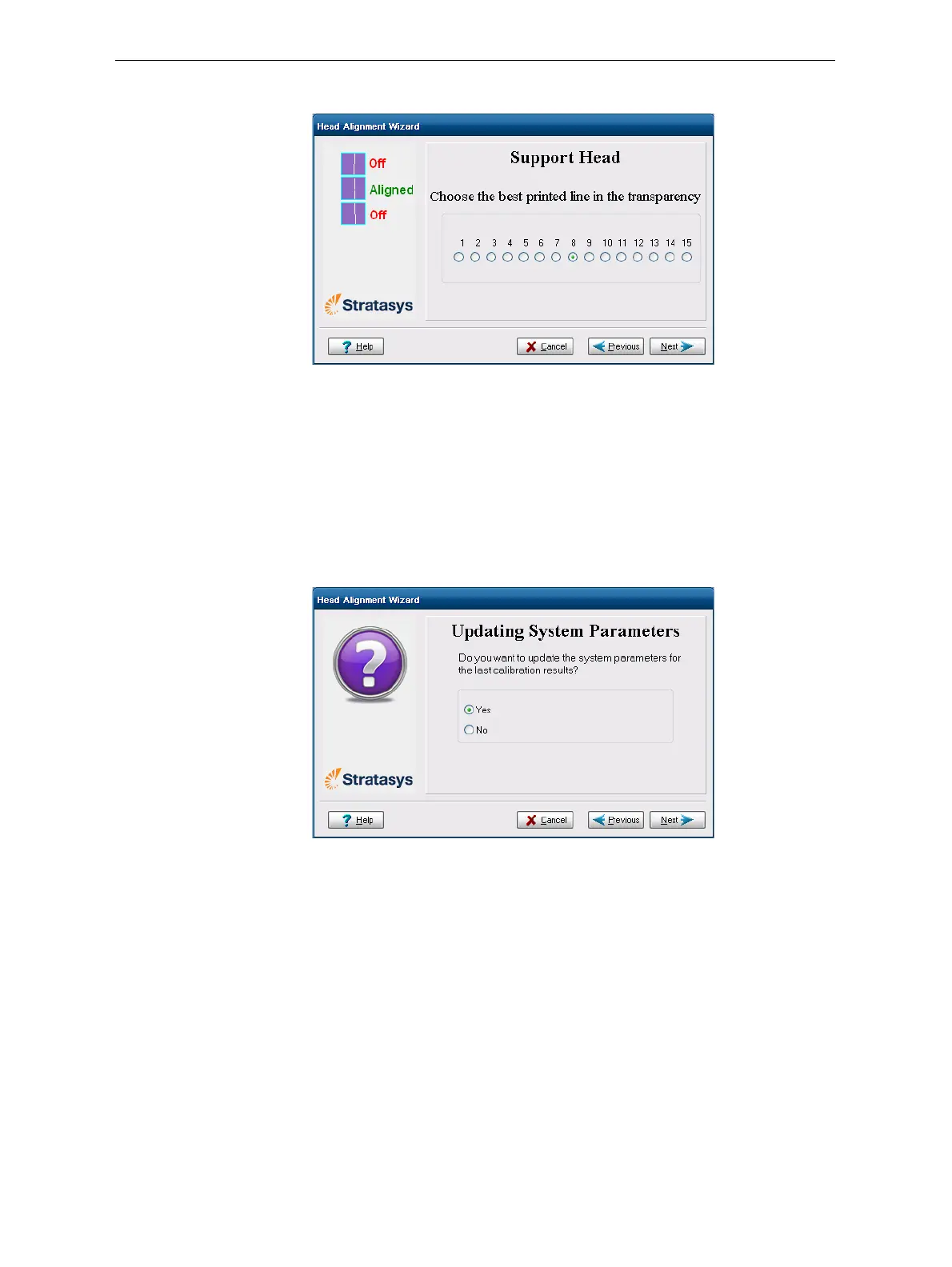
Thefirstinaseriesofalignmentscreensappears.
Figure 6-45: Head alignment screen
11. Inthehead‐alignmentscreen,selectthenumberthatindicateswhich
linesalignintheupperandlowerrows.
Note: Because the alignment of the middle lines is optimum, the number
“8” is selected, by default, in the wizard screen. This does not change the
head alignment. If you select other numbers, the wizard adjusts the head
alignment, accordingly.
12. ClickNext.
Thefollowingscreenisdisplayed.
Figure 6-46: Parameter update confirmation
13. Continueasfollows:
• Tomakethealignmentchangesintheprinter,makesurethatYesis
selected,andclick
Next.
• Torecheckthealignmenttestresultsbeforemakingthealignment
changesintheprinter,click
Previous.
• Ifyoudonotwanttomakealignmentchangesintheprinteratthis
time,selectNoandclick
Next.













 To Next Page