DOC-34014 Rev. C 6–39
Objet24 User Guide
20. Whenyouhaveenteredthedataforallprintedsamples,click Next.
Thewizardusesthedatacollectedtoanalyzethe conditionoftheprint
heads,andoptimizesthemsotheyprintmodelswithauniformlayerof
material.
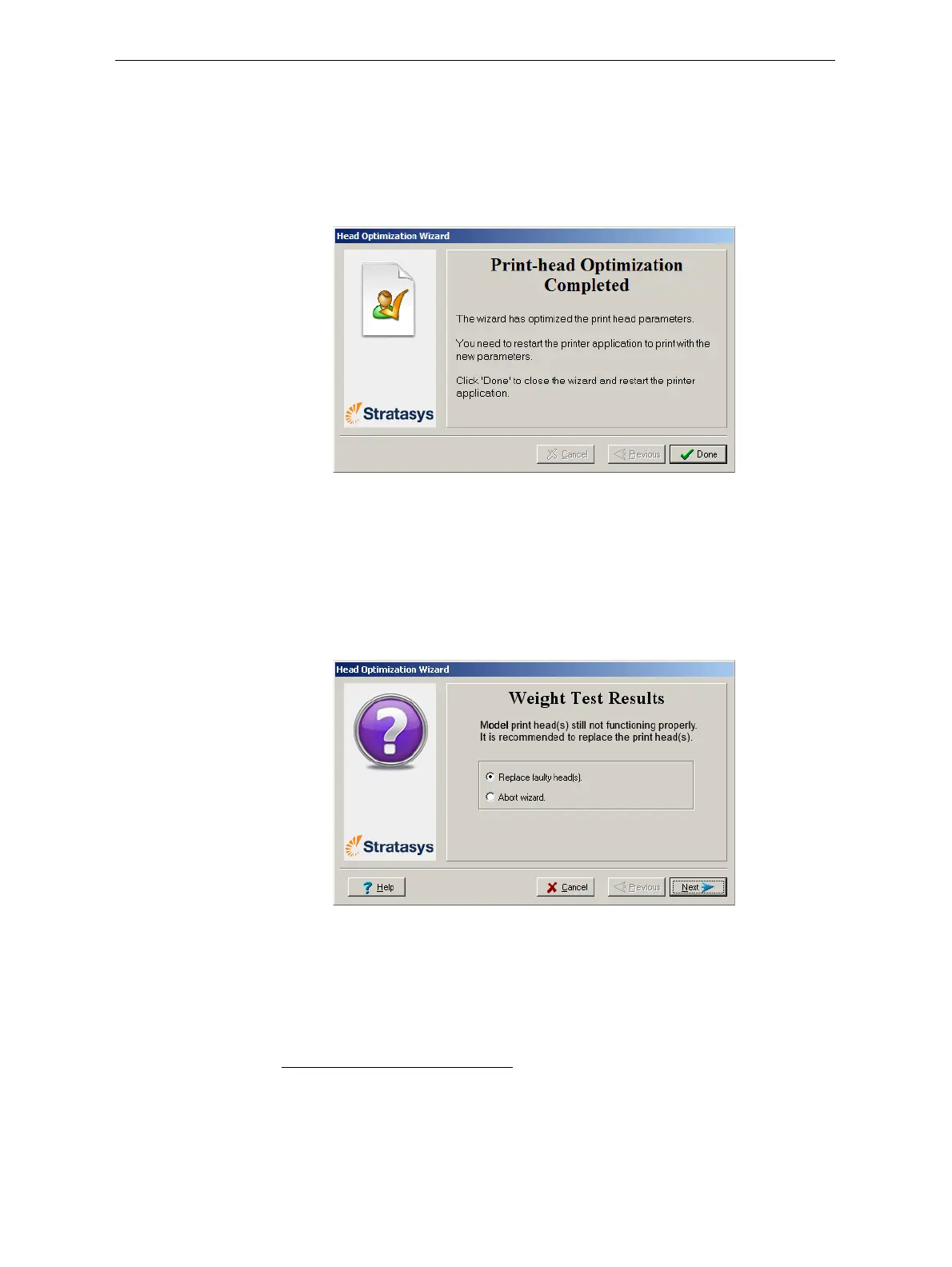
• Iftheheadsareinsatisfactorycondition,thefollowingwizard
screenappears.
*
Figure 6-60: Final wizard screen, after optimizing print heads
Note:To apply the optimized settings to the print heads, the printer
application must be restarted. When you click Done, the application
closes and re-opens.
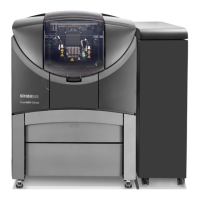
• Ifthewizarddeterminesthataprintheadisfaulty—orthatitis
negativelyaffectingmodelqualitywiththecurrenthead
configuration—thewizardinstructsyoutoreplaceit.Inthiscase,
thefollowingscreenappears.
Figure 6-61: Defective print heads found
* However,afteroptimizingprintheadsfollowingtheirreplacement,ascreen
appearsenablingyoutocontinuebyrunningtheHeadAlignmentwizard
(seepage 29).Thisisnecessarybeforeprintingmodels.
Ifyouchoosenottoaligntheheadsatthistime,theprinterapplicationcloses
andre‐openswhenyouclickDone
.




 To Next Page