Operating & Maintaining the Objet24 3D Printer
6–38
DOC-34014 Rev. C
d. Enterthetotalnumberofmissingrowsinthewizardscreen(inthe
“missingnozzles”field).
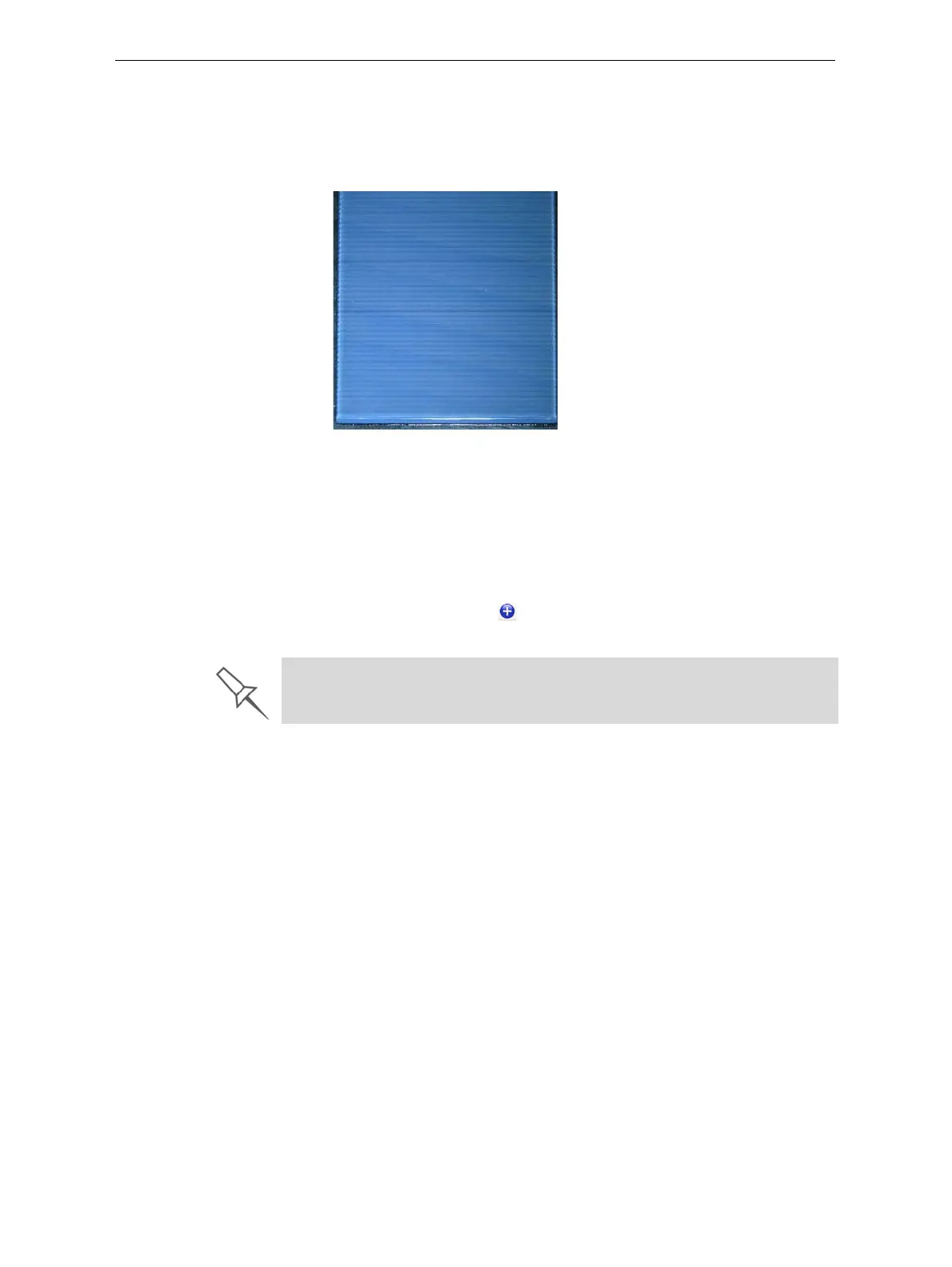
Note:During this procedure, the roller does not smooth the surface of
the printed samples. Do not mistake the visible lines in the sample for
missing material.
Figure 6-59: Printed sample for Head Optimization
17. Carefullyremovethesample,weighit,andentertheweightinthe
wizardscreen.
Besuretoremoveandweightheentiresample,evenifitbreaksinto
severalpieces.
18. Afterenteringthenumberofmissingnozzlesandtheweightofthe
sample,click
ApplyorpressEnter.
Thedata‐entry‐indicatormovestothenextposition.
19. Enterthedataforallprintedsamples.
To change an entry, click Edit Data, enter the correct data, and click Save.




 To Next Page