Operating & Maintaining the Objet24 3D Printer
6–42
DOC-34014 Rev. C
Preparing the
Print Block
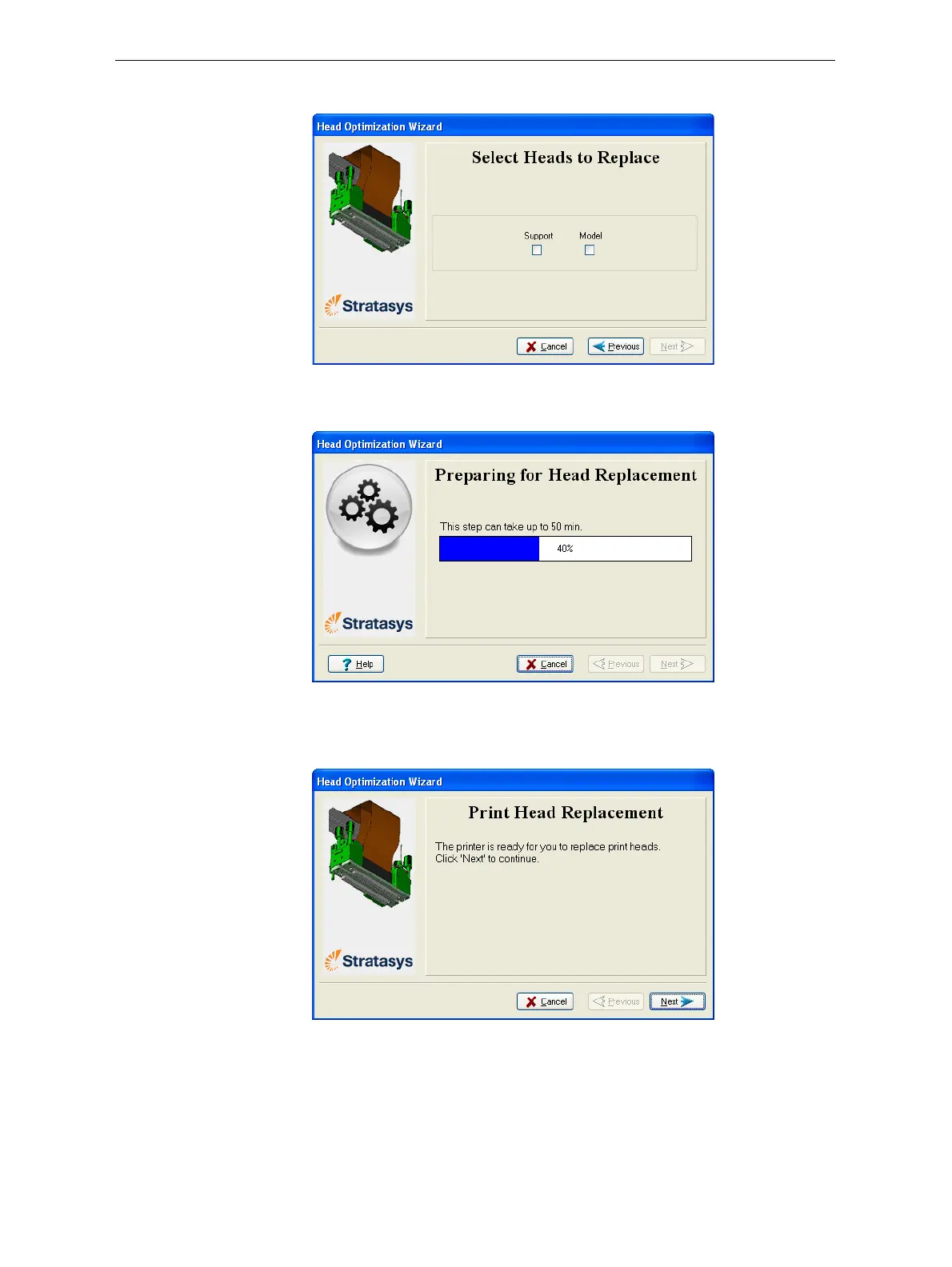
5. Selecttheprinthead(s)needingreplacement,andclickNext.
Figure 6-63: Head selection screen
Theprinterheatsandemptiestheprintblock,andpreparestheprinter.
Figure 6-64: Printer preparation progress screen
6. Thefollowingscreenappearswhentheprinterisreadyforyouto
replaceprintheads.
Figure 6-65: Printer ready for head replacement




 To Next Page