DOC-34014 Rev. C 6–55
Objet24 User Guide
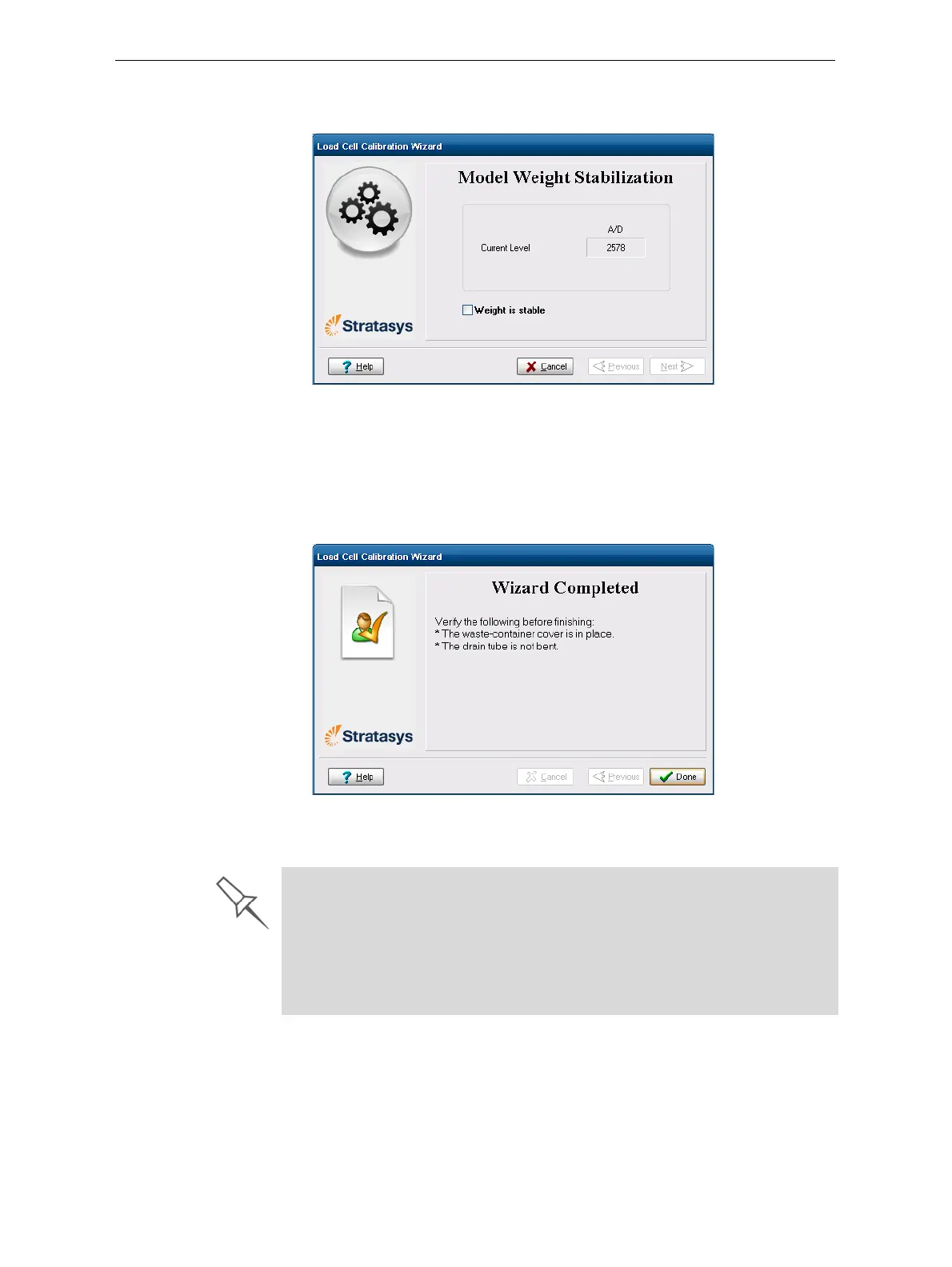
5. Inthenextwizardscreen,observethenumbersandwaituntilthelevel
isrelativelystable—twounitsaboveorbelowtheaveragelevelshown.
Figure 6-80: Level stabilization
6. Selectthecheckbox,andclickNext.
Ifyouneedtocalibratemorethanoneloadcell,thenextcalibration
screenappears.Repeatsteps5and6untilalloftheloadcellsare
calibrated.
7. Click
Doneinthefinalwizardscreen.
Figure 6-81: Final wizard screen
8. Replacethecartridges/container.
¾ Whenreplacingthewastecontainer,holdthewastebagwithonehand
whileconnectingthewastetube.Otherwise,thebagwillbetwisted,and
theflowofwastewillberestricted.
¾ Makesuretoreplacethemetalcov eroverthewastecontainer.
Operatingtheprinterwithoutthecoverresultsinaninaccurate
measurementofthewasteweight,whichwillcausewastetooverflow
intotheprinter.













 To Next Page