EasyManua.ls Logo

Stratasys Objet24 - Page 43

Stratasys Objet24
175 pages
Print Icon
To Next Page IconTo Next Page
To Previous Page IconTo Previous Page
Loading...
DOC-34014 Rev. C 5–7
Objet24 User Guide
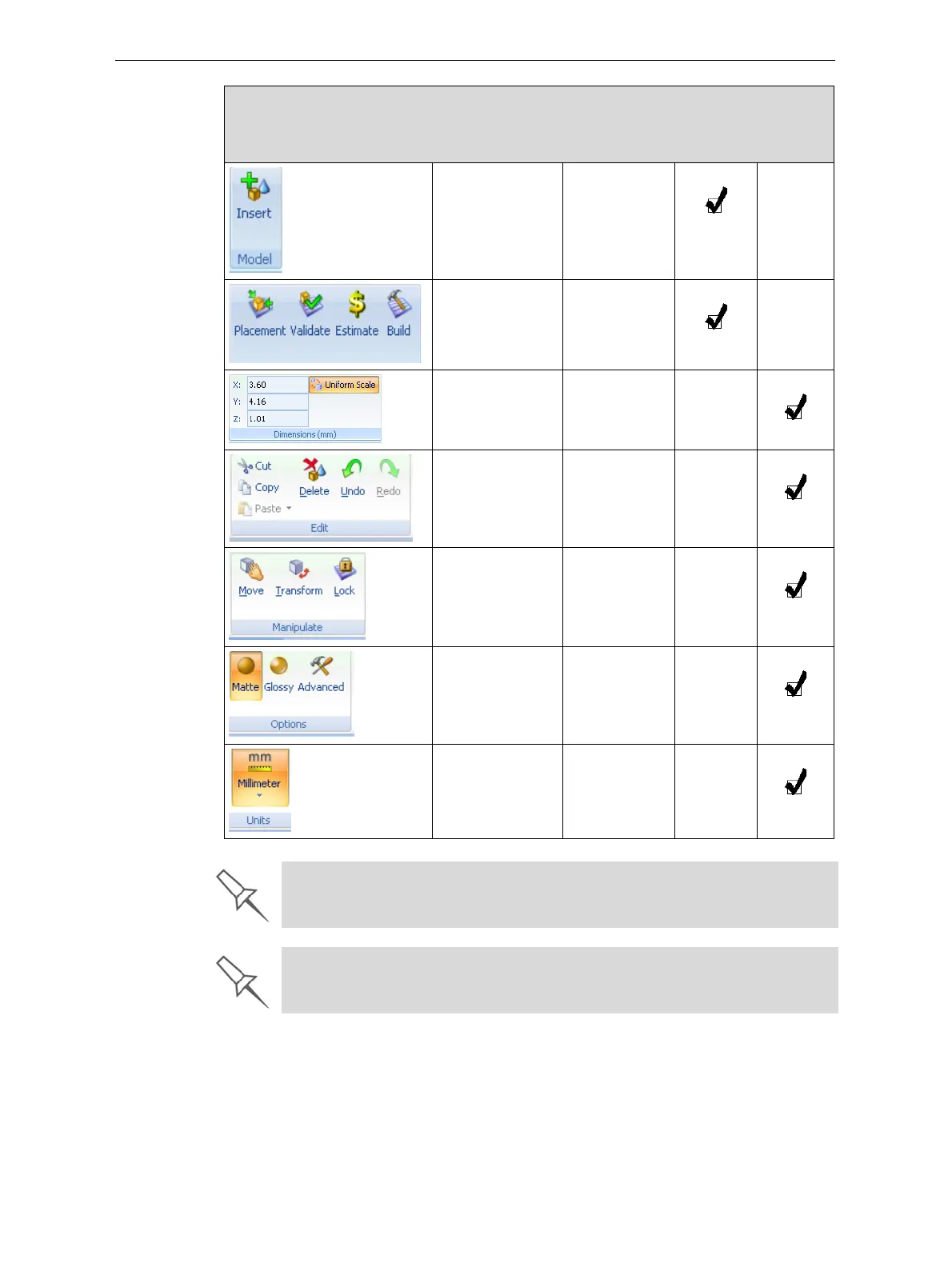
Placingmodel
filesonthebuild
tray
.
Always.
Prebuild/build
commands.
Modelsareon
thebuildtray.
Settingmodel
dimensions.
Amodelis
selected.
Cutting,
copying,pasting
anddeleting
models.
Amodelis
selected.
Moving,rotating
andresizing
models.
Amodelis
selected.
Assigningmodel
finishand
settingsupport
strength/
“hollow.”
Amodelis
selected.
Settingamodel’s
unitofmeasure
(millimetersor
inches).
Amodelis
selected.
Group Purpose When
enabled
Tray
Settings
Ribbon
Model
Settings
Ribbon
To quickly identify an icon, move the cursor over it to display a tooltip. The
“Undo” and “Redo” tooltips change to reflect your last Objet Studio action.
After activating some of the ribbon commands (by clicking them), they remain
active until you click another button or until you press the Escape key.

Table of Contents

Other manuals for Stratasys Objet24

Related product manuals