1.1
NOTE: Save the shipping box and any other packaging items in case the
cutter needs to be shipped. Do not ship the cutter without first completely
repacking it in its original packaging. A document explaining how to
WARNING: For safety reason no fewer than two people should be involved
in unpacking the cutter.
Before unpacking the cutter, make sure that there is enough space to assemble the
stand and to set the cutter aside to insert the stand screws.
Removing the packaging from the cutter
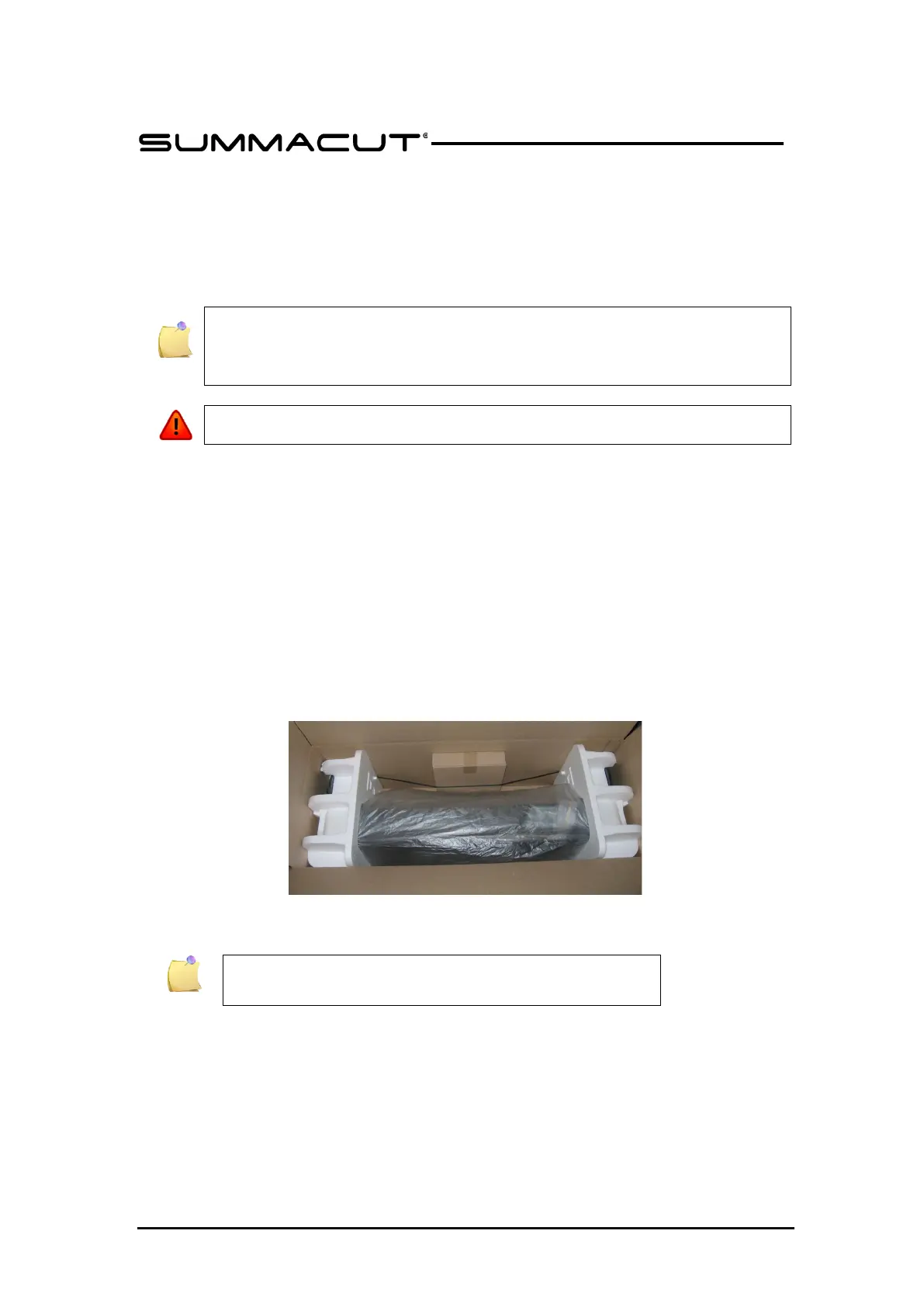
Remove the straps and the staples and open the lid of the box.
The cutter is packed in foil. The models D120, D140 and D160 are delivered with the
stand and basket under in the box. The accessories are located at the side in a
separate box. Check first whether everything is present.
Do not throw away the packaging. Shipping it without the original box voids any
warranty.
FIG 1-1
1-1 SUMMACUT CUTTER FULLY BOXED
The basket is optional for the D140 FX.







 To Next Page