SummaCut cutter User’s Manual
Detailed Operation 4-7
4.3.3
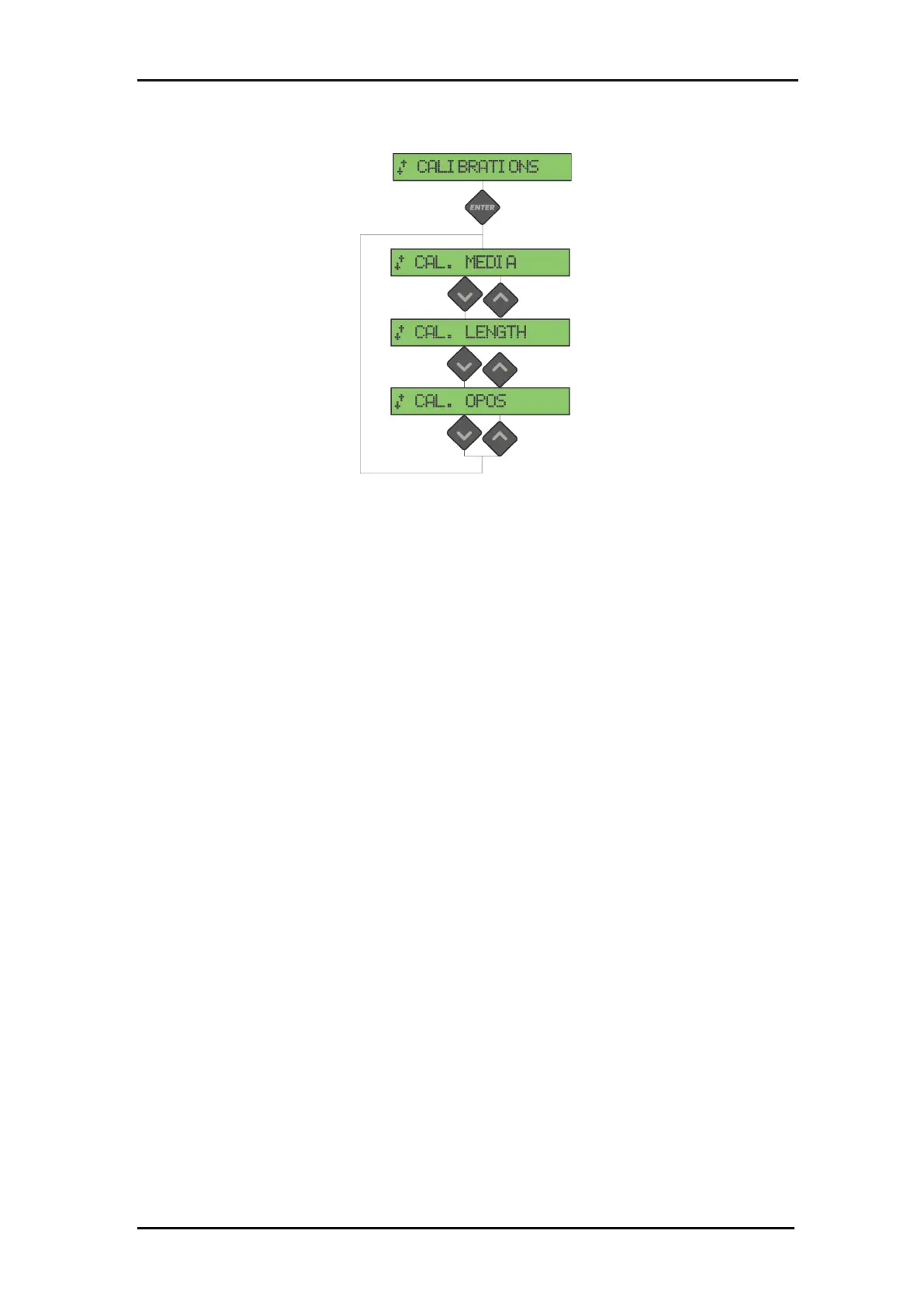
FIG 4-5
4-5 SETTINGS MENU
Media calibration ensures that the sensor is able to recognize the marks. This is
explained in section 3.2.2.
This test calibrates the physical distance between the OPOS sensor and the knife tip. It
is explained in section 3.2.1.
Length calibration allows the length of the cut lines to be adjusted within the
specifications.
For instance, if a cut line should measure 100 mm exactly, the cutter can be adjusted
for any discrepancy.
Calibration is explained in section 2.5.







 To Next Page