SummaCut cutter User’s Manual
Detailed Operation 4-5
4.3.2
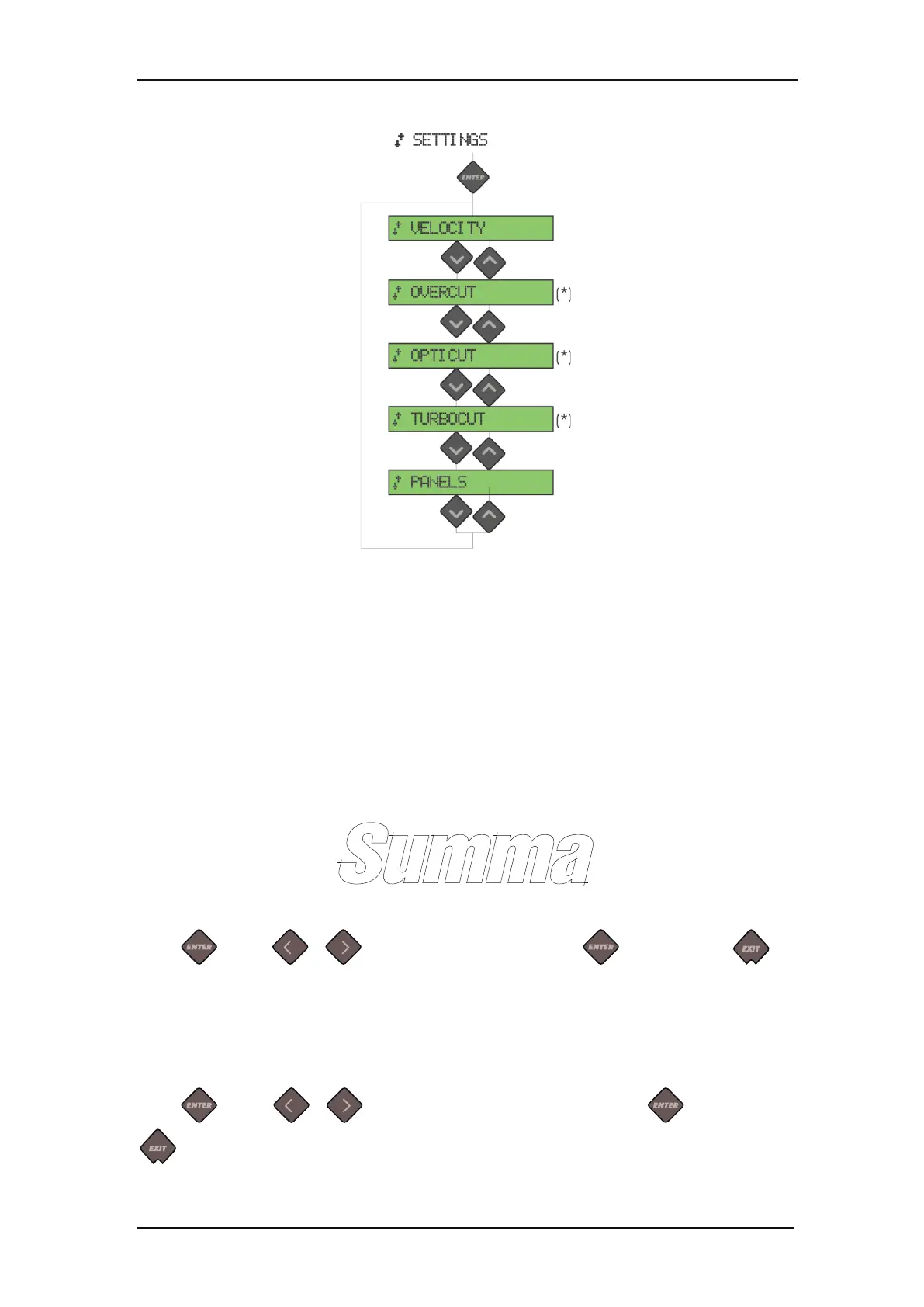
FIG 4-3
4-3 SETTINGS MENU
Velocity is the bundled parameter to change the speed of the tool/media. This
parameter is explained in section 2.3.
The Overcut submenu enables you to generate an overcut in order to facilitate
weeding the cut. Each time the knife goes up or down, the cutter cuts a bit further.
The overcut setting can be disabled (=0) or set to any value between 0(=off) and 10.
One unit is about 0.1 mm or 0.004 ".
FIG 4-4
4-4 OVERCUT
Press . Use or to change the value. Press to confirm or to
cancel. The default overcut is set to 1.
OptiCut increases the cutting quality in case the knife is worn out or not calibrated
correctly.
Press . Use or to set OptiCut to ON or OFF. Press to confirm or
to cancel. OptiCut is default set to OFF.
Menu differs according to
the selected tool
(*) only visible if the KNIFE
is the default tool







 To Next Page