SummaCut cutter User’s Manual
4.3
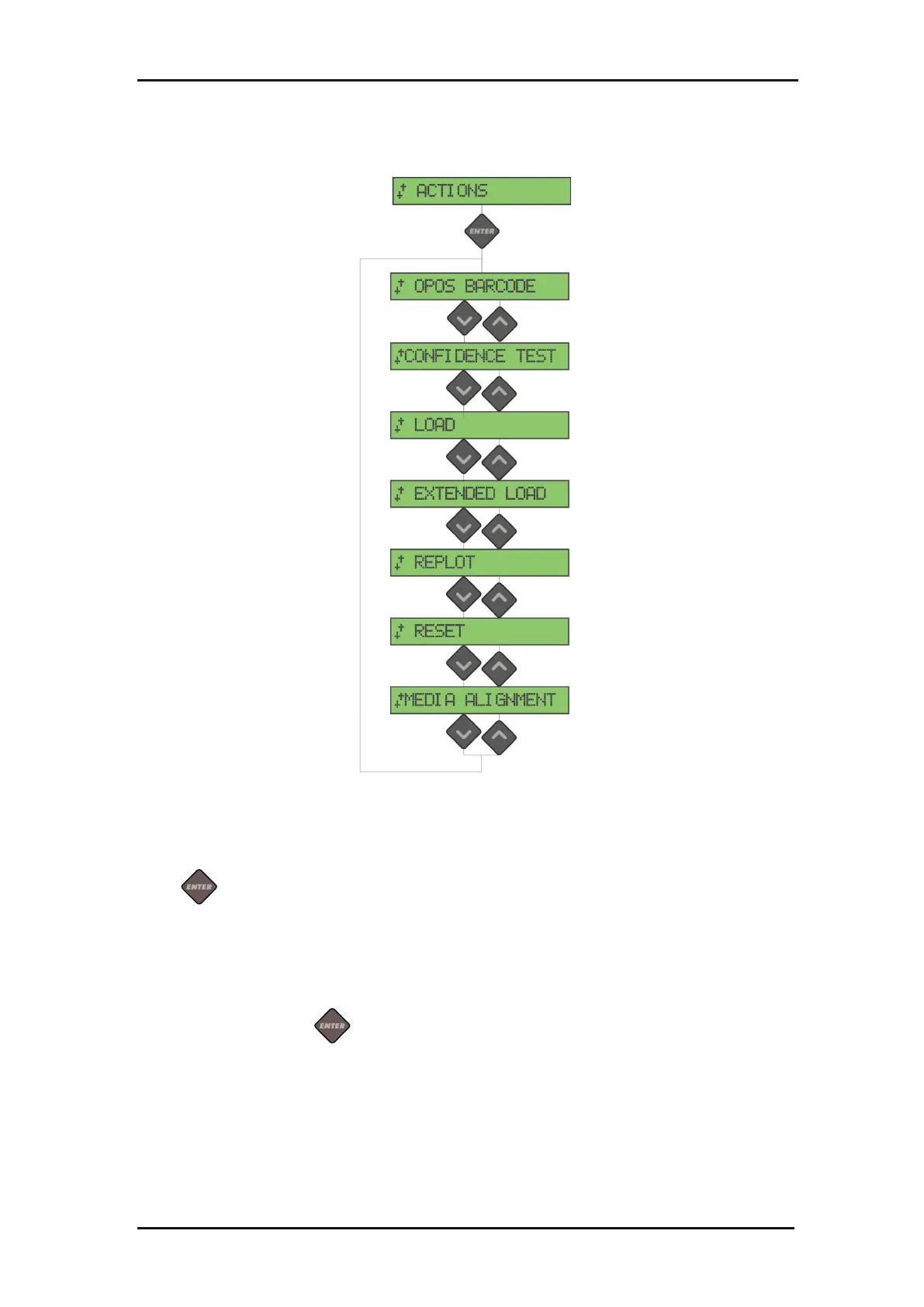
FIG 4-2
4-2 SETTING MENU
Press to start the barcode procedure (see section 3.4.4).
The confidence test performs a quick electrical and mechanical test of the cutter to
make sure the cutter is fully operational. A media sheet of at least A3/B-size should be
used for this plot. Press to start the test.
This menu can be used when loading sheet material. During loading, the maximum
material length can be set.







 To Next Page