SummaCut cutter User’s Manual
The SummaCut cutters can also read a barcode. Certain RIP’s can print a barcode
together with the OPOS marks. This barcode can then be used to identify the job and
retrieve the needed cut data automatically from the computer.
The complete procedure is normally started from the computer. The cutting software
will usually have a button or a command called ‘scan a barcode’. First make sure the
media is loaded.
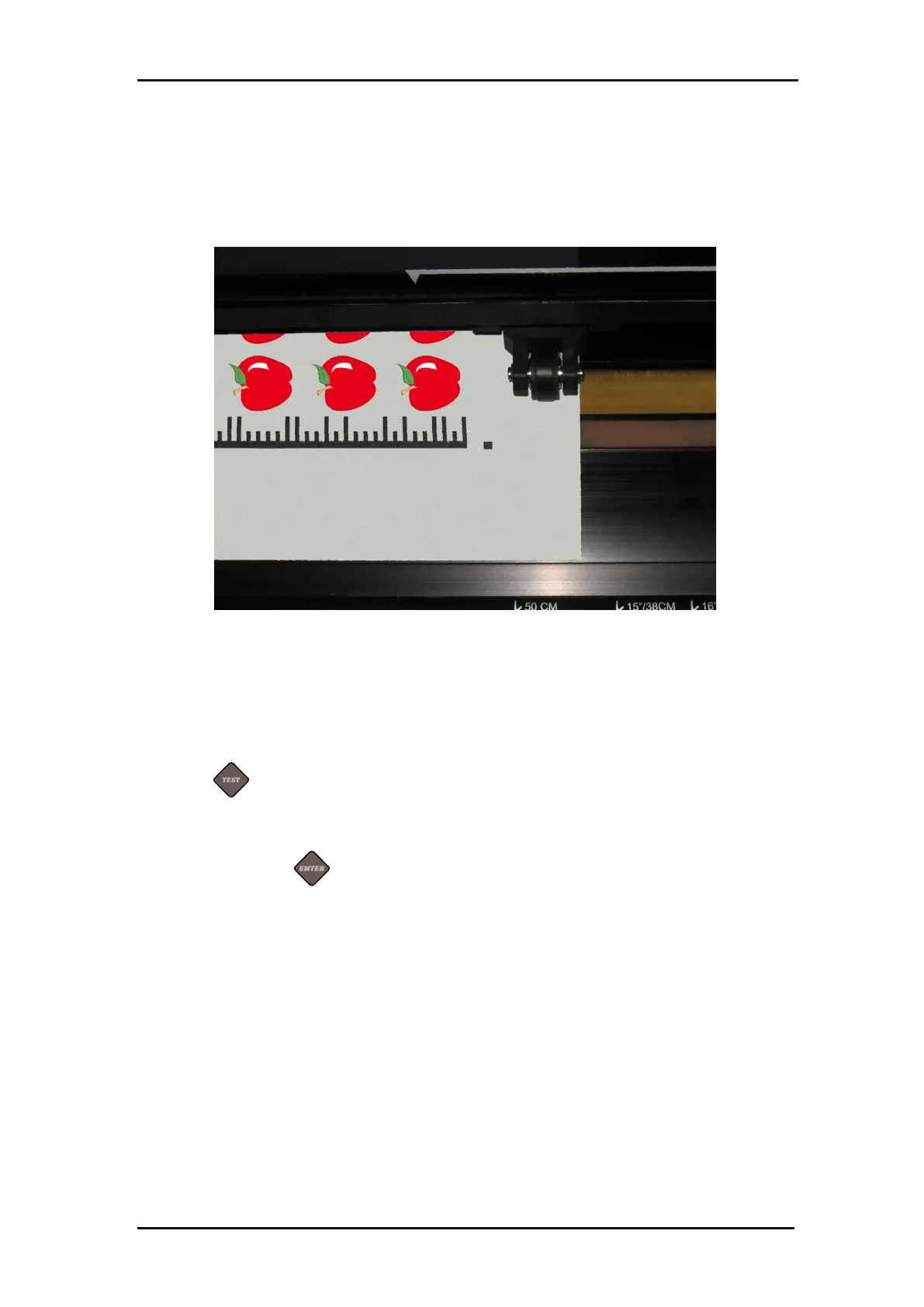
FIG 3-2
3-2 OPOS BARCODE JOB LOADED
Start the procedure from the computer or start from the touch screen.
To start from the touch screen:
Power on the cutter.
Press .
‘The cutter will prompt the user to put the tool under the barcode.
Do so and press .
The cutter will read the barcode and send this data to the computer.
The cutting software will then automatically send the correct cutting data to the cutter.
The cutter will start sensing the OPOS marks and cut out the job.
The OPOS sensor will now search whether another job was printed after the one that is
just finished and will continue to contour-cut.
This will be repeated until all contour-cut jobs on the loaded roll are cut out.







 To Next Page