7-10 Sun Blade 150 Service Manual • June 2002
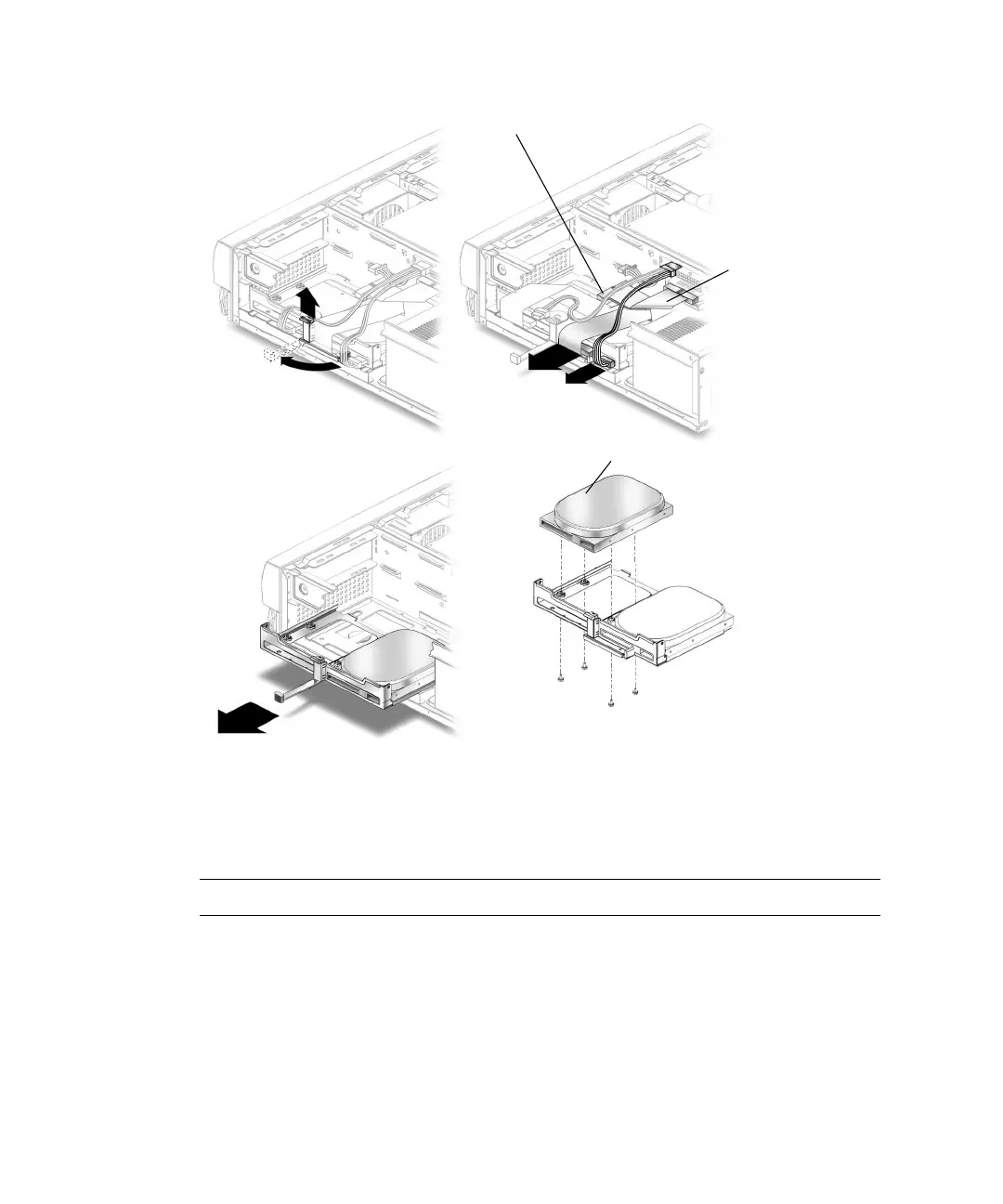
FIGURE 7-5 Installing a Secondary Hard Drive
10. Verify that the secondary IDE cable connector is connected to riser board
connector IDE2 (J503). See
FIGURE 7-6.
Note – Ensure that the cables are properly oriented by aligning the connector keys.
11. Verify that the CD-ROM or DVD-ROM cable is connected to the primary (IDE1)
cable connector labeled CD/DVD (
FIGURE 7-5).
12. Connect the hard drive IDE cable connector labeled Primary HDD to the primary
hard drive.
13. Connect the power cable to the secondary hard drive (
FIGURE 7-6).
Secondary hard drive
1
2
3
4
CD/DVD-ROM drive
IDE 1
IDE cable connector



 To Next Page