Appendix A Product Specifications and Reference Information A-5
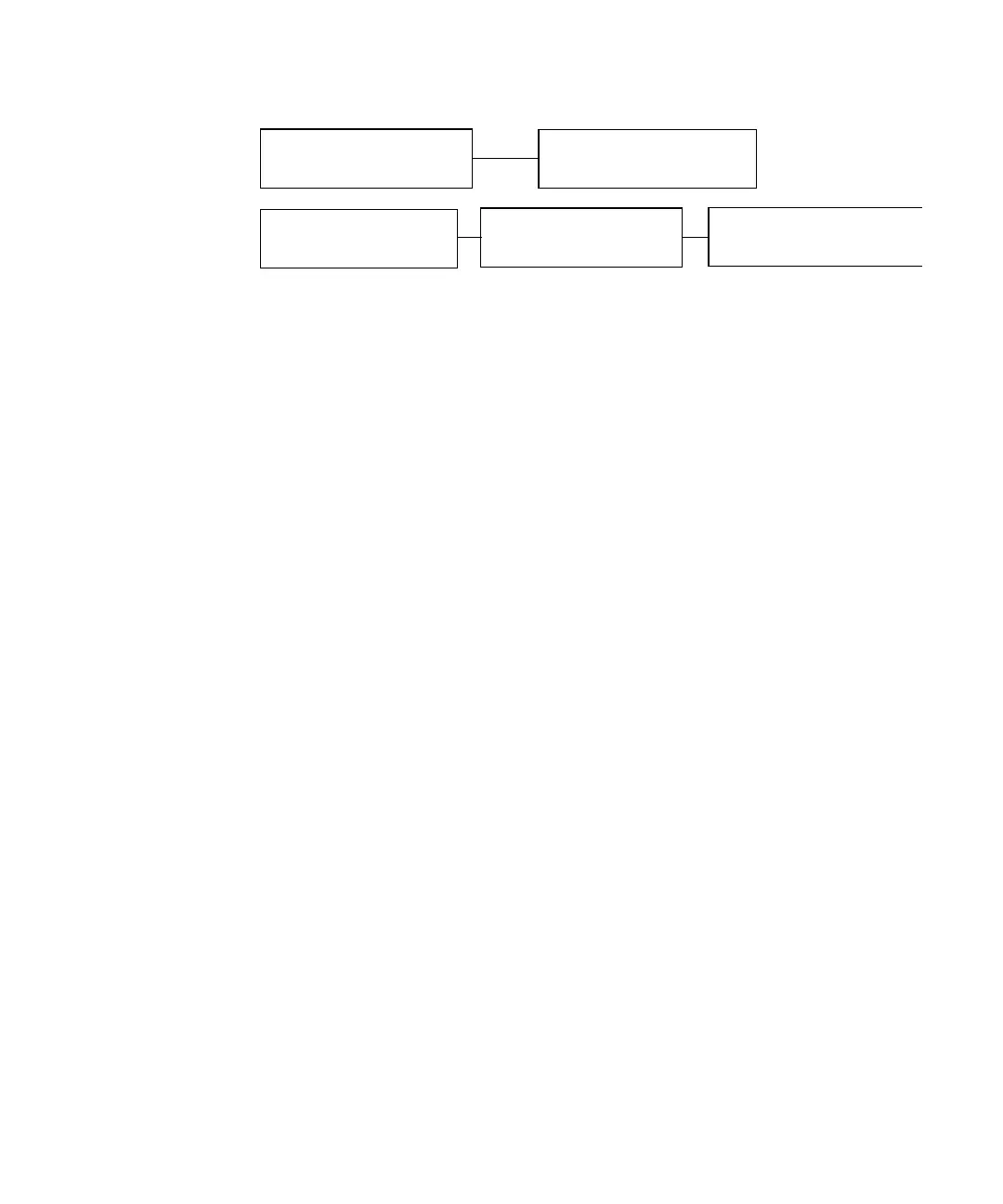
FIGURE A-2 IDE Cabling Configuration
FIGURE 1-4 in Chapter 1 shows the cables separate from the system.
Section 7.3, “Hard Drives” on page 7-6 contains illustrations that illustrates the
cables connected to the hard drives.
A.5.2 CD-ROM and DVD-ROM Jumper Settings
Before you install a CD-ROM or DVD-ROM drive or a hard drive in a Sun Blade 150
system, verify that the drive’s back panel mode-select jumper is set as follows:
Set the CD-ROM drive jumper (located on the CD-ROM drive back panel) to either
“CS,”“Enable Cable Select,” or “Cable Select.”
A.5.3 CD Handling and Use
The following topics are discussed in this section:
■ “Inserting a CD Into the CD-ROM or DVD-ROM Drive” on page A-5
■ “Ejecting a CD From the CD-ROM or DVD-ROM Drive” on page A-6
■ “Cleaning the CD-ROM or DVD-ROM Drive” on page A-6
■ “Handling and Storing CDs” on page A-6
A.5.3.1 Inserting a CD Into the CD-ROM or DVD-ROM Drive
1. After the system is powered on, push the eject button on the CD-ROM or DVD-
ROM drive to open the drive tray.
2. Place the CD (label side up) into the drive tray.
Ensure that the CD is properly set into the recessed area of the drive tray.
Riser board (J503)
Optional second hard drive
(Secondary HDD)
Riser board (J504)
Primary hard drive
(Primary HDD)
CD-ROM or DVD-ROM drive
(CD/DVD)
IDE 1
IDE 2



 To Next Page