SVAN 971 User Manual – Appendixes
Response:
#D,e; - command was executed
#D,e,?; - command cannot be executed
8) #D,m,<address>,<dirName>; function enables the user to create a subdirectory in the directory
defined by <address>:
Response:
#D,m; - command was executed
#D,m,?; - command cannot be executed
9) #D,f,<address>; function enables the user to delete directory and its contents (files and
subdirectories):
Response:
#D,f; - command was executed
#D,f,?; - command cannot be executed
A.7 FUNCTION #5 - STATISTICAL ANALYSIS RESULTS READ-OUT
#5 function enables one to read out the statistical analysis results.
#5 function format is defined as follows:
#5,p;
where:
p - the number of the profile (1, 2 or 3)
The device responds, sending the current classes of the statistics in the following format:
#5,p;<Status Byte> <LSB of the transmission counter> <MSB of the transmission counter>
<NofClasses><BottomClass><ClassWidth><Counter of the class> (...) <Counter of the class>
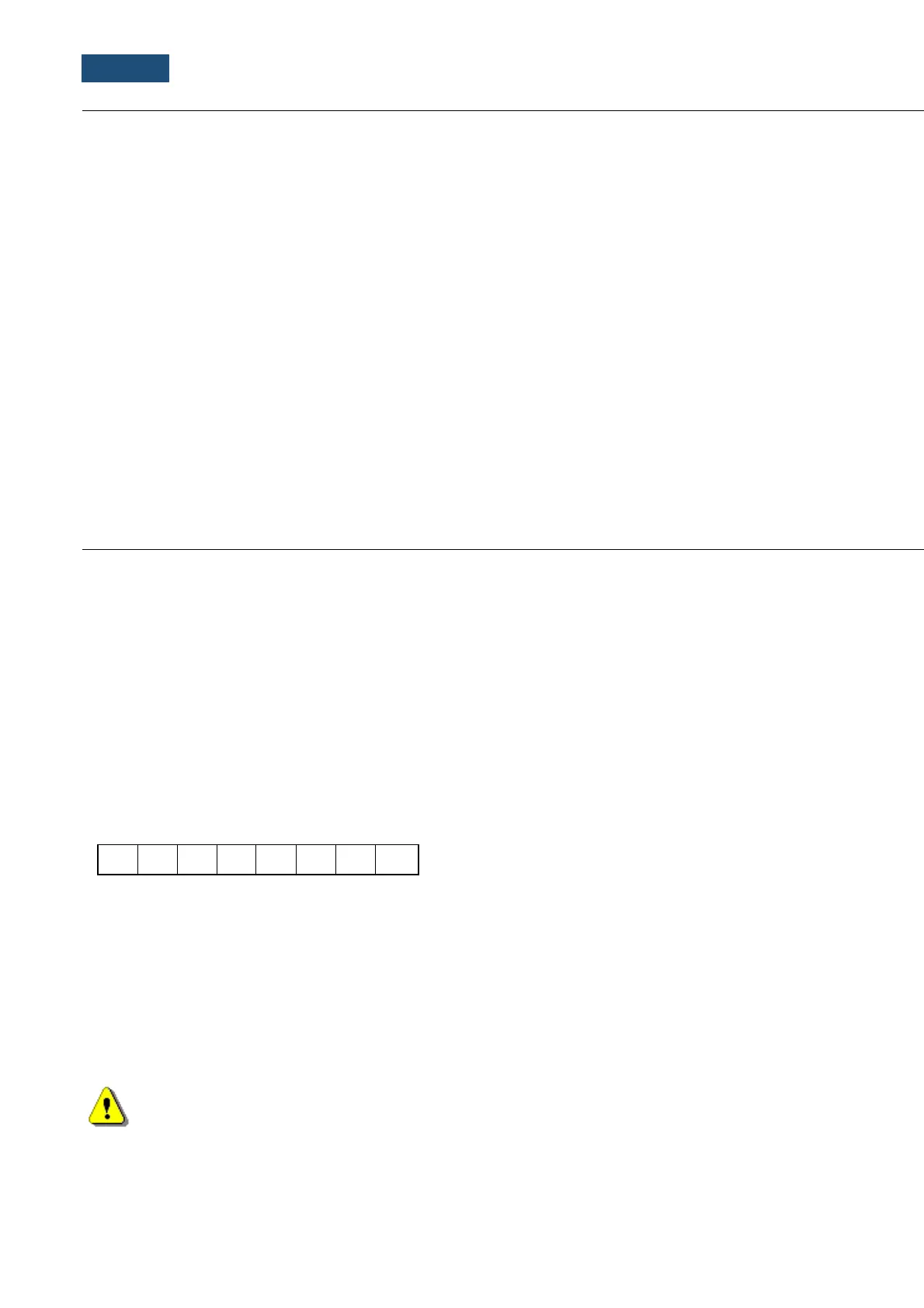
Status Byte gives the information about the current state of the instrument.
where:
D7 = 0 means "overload does not happen",
= 1 means "overload appeared",
D6 = 1 reserved,
D5 = 0 instantaneous current result (RUN State),
= 1 final result (STOP State),
D0 to D4 reserved bits.
Note: There is not any succeeding transmission in the case when the Status Byte is equal to
zero.
The transmission counter is a two-byte word denoting the number of the remaining bytes to be
transmitted. Its value is calculated from the formulae:
Transmission counter = 6+n * (4 * the number of the classes in the statistics)



 To Next Page