EasyManua.ls Logo

Svantek SVAN 971 - Display Parameters

Svantek SVAN 971
220 pages
Print Icon
To Next Page IconTo Next Page
To Previous Page IconTo Previous Page
Loading...
SVAN 971 User Manual
92
15.5 DISPLAY PARAMETERS
Name
Description
Screen
Reference
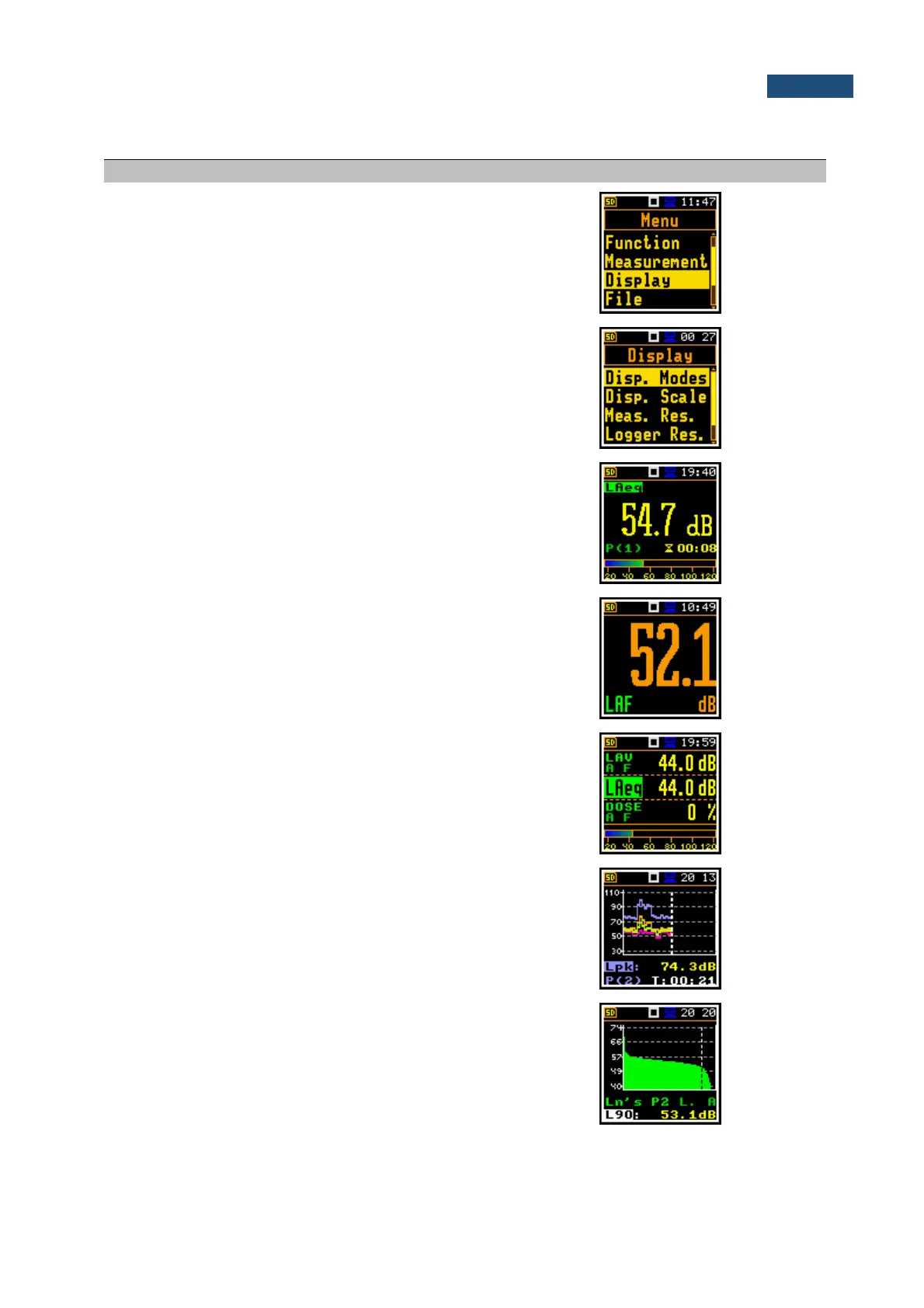
Display
Section of the Main Menu enabling the setting up of
the measurement view modes.
Manual
6
Display Mode
Mode of measurement results presentation/view.
Modes can be activated in the Display Modes
screen.
Manual
6.1
One Result
view
Mode of one result view. This mode is always
available and cannot be disabled.
Manual
6.1
Running SPL
view
Mode of the running SLP result view. This mode is
used before the measurement start for the noise
level estimation.
Manual
3.3
3 Profiles view
Mode of presentation of three results on the screen.
Manual
6.1.2
Logger view
Mode of presentation of time-history (logger)
results.
Manual
6.1.3
Statistics view
Mode of presentation of statistics of sound results.
Manual
6.1.4

Table of Contents

Related product manuals