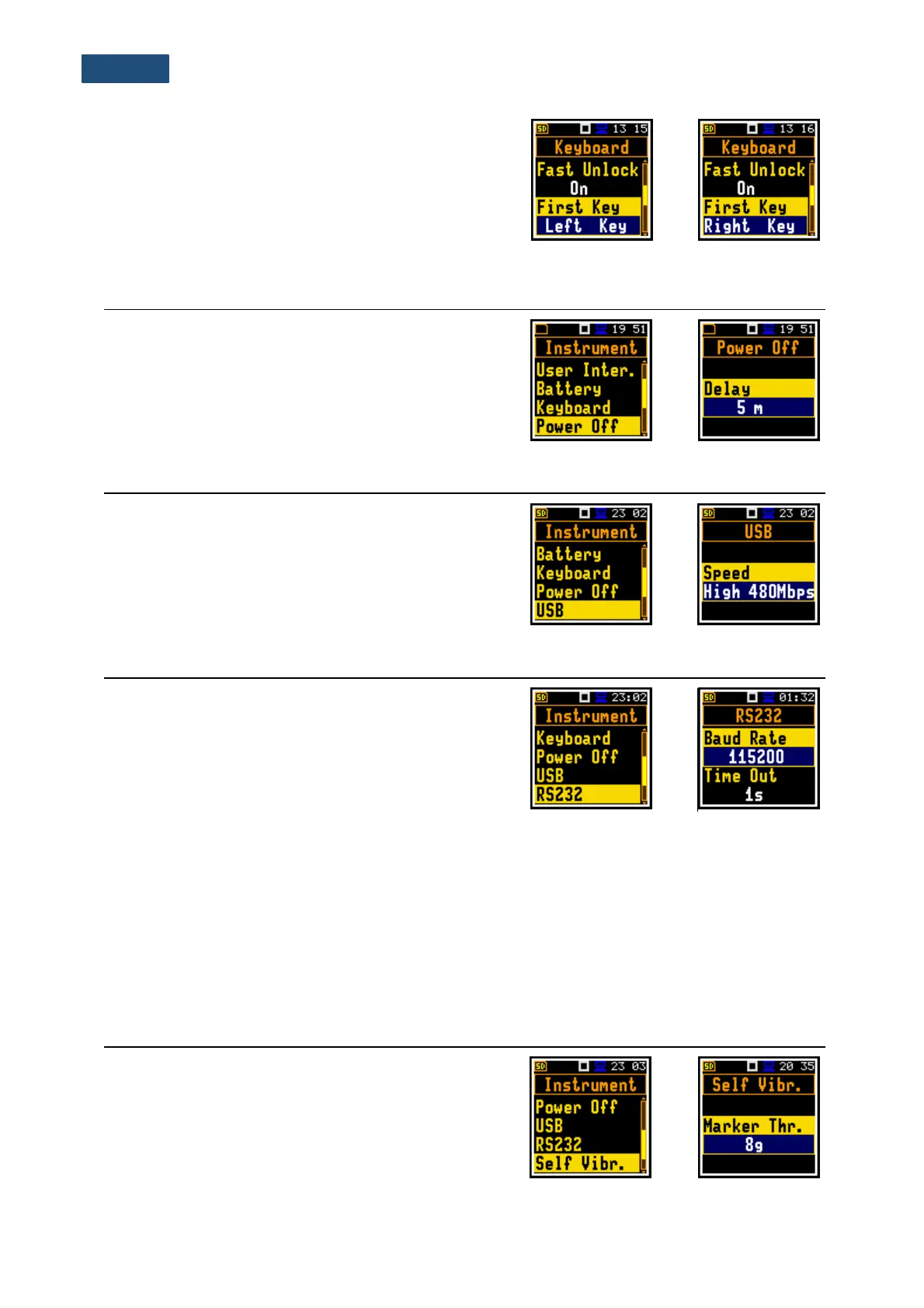
Key unlocking
The unlocking code can be programmed with next four
positions: First Key, Second Key, Third Key and
Fourth Key. In every position, the user may choose one
of four arrow keys: Left Key, Right Key, Up Key or
Down Key, the sequence of which creates unlocking
code.
8.4 AUTOMATIC POWER OFF SETTING – POWER OFF
The Power Off position enables selecting the period
after which the instrument will automatically turn itself off
in the case no any key was pressed during this period.
If the Inf (infinitive) value is selected the instrument will
not be turned off automatically, only manually.
8.5 CONFIGURING THE USB INTERFACE – USB
The USB position enables selecting transmission speed
of the USB interface. There are two options:
Full 12Mbps or High 480Mbps.
8.6 CONFIGURING THE SERIAL INTERFACE - RS232
The RS232 position enables selecting the RS 232
interface transmission speed (Baud Rate) and setting
the time limit during which the data transfer should be
performed (Time Out).
Transmission speed
RS 232 interface transmission (Baud Rate) speed can be selected from the following available values:
1200, 2400, 4800, 9600, 19200, 38400, 57600 or 115200 bits/s. Other RS 232 transmission parameters
are fixed to 8 bits for data, No parity & 1 Stop bit.
Transmission time limit
The default value of the transmission time limit (Time Out) is equal to one second, but this period is too
short for printers, which may not be fast enough. In such cases, the Time Out parameter may have to
be increased to a higher value.
8.7 SELF-VIBRATION MARKER – SELF VIBRATION
The Self Vibr. position enables defining the threshold for
self-vibration of the instrument for marker registration.
The special marker will be written to the file when self-
vibration of the instrument is higher than defined in the
Marker Thr. position.
This position is available only in the Advanced user
interface mode.



 To Next Page